Fedoracraft
Fedoracraft : Experience Archcraft on Fedora
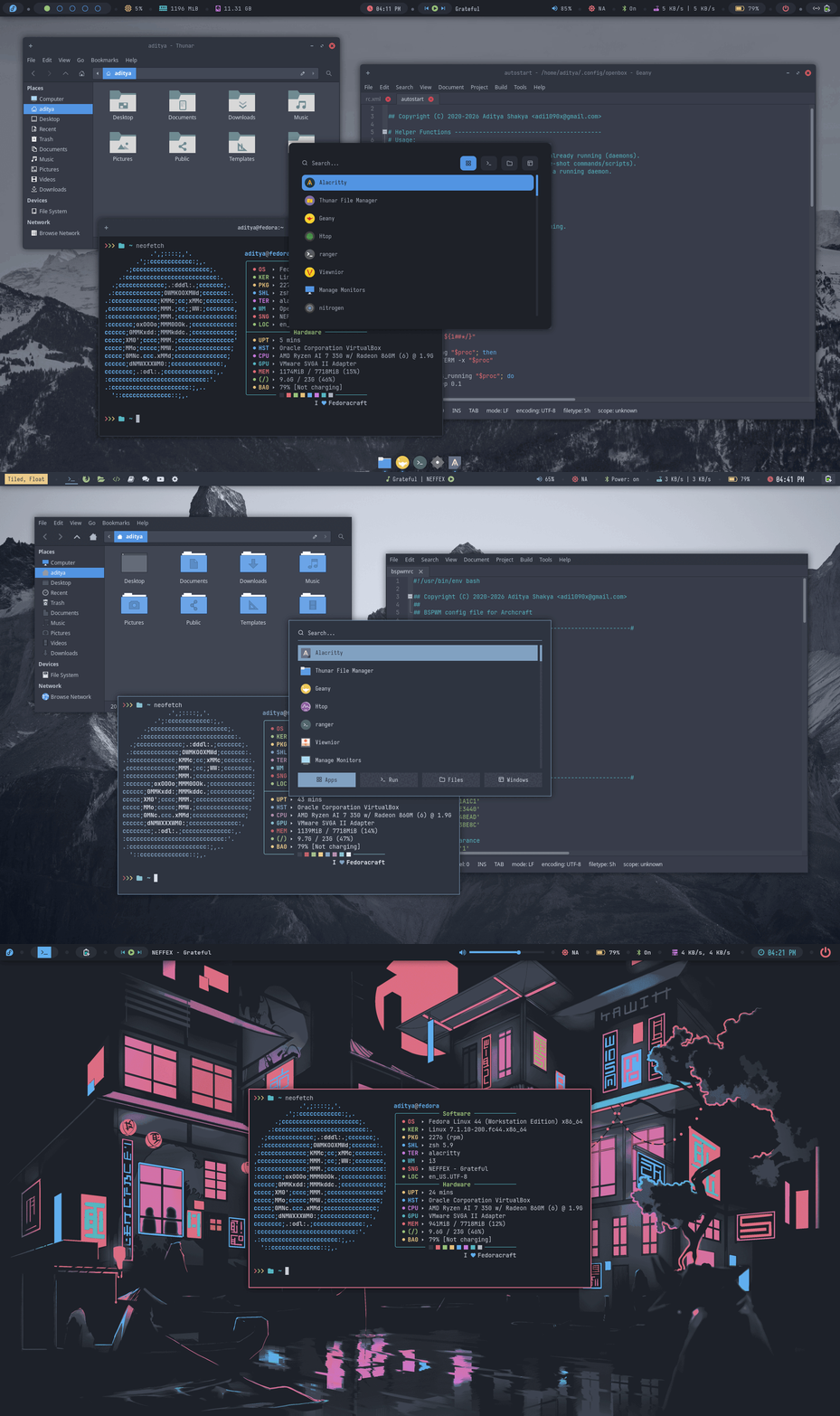
Overview
- Turns your Fedora into Archcraft
- Fully configured
openboxwindow manager - Fully configured
bspwmwindow manager - Fully configured
i3wmwindow manager - Multiple themes/styles for both (openbox and bspwm) WMs
- Everything else that Archcraft offers
Fedoracraft is not an ISO or Fedora based distribution.
Fedoracraft is an installable package that will turn your Fedora installation into Archcraft. Once installed on the top of Fedora, It'll offer everything Archcraft offers on your Fedora.
Important : Fedoracraft is created on the top of Fedora Workstation 44 ISO (Fedora-Workstation-Live-44-1.7.x86_64.iso) and It's recommended that you install this on a fresh installation of Fedora Workstation 44.
Download
You can download the latest package from ko-fi ☕
Installation
Follow the step below to install Fedoracraft :
- First, Install Fedora Workstation 44 on your computer
- Download the
fedoracraft_date.tar.gzfile from ko-fi (ex:fedoracraft_2026-08-27.tar.gz) - Transfer or save the file on your Fedora installation
- Extract the file :
tar -xzvf fedoracraft_date.tar.gz - Change to extracted directory :
cd fedoracraft - Run install script and let it do it's job :
./install.sh - Once finished, reboot your computer and you'll have Fedoracraft installed.
- If you want to remove gnome desktop and applications, you can run:
~/fedoracraft/remove-gnome.shafter rebooting the system.
Watch the complete installation video
Installation Log files (fedoracraft_install_DATE.log) are provided as well, you can review them to see how the script works.
Changelogs
Changelog (August 2026) : First Release
Date : August 27th, 2026
- Released Fedoracraft
Screenshots
Desktop
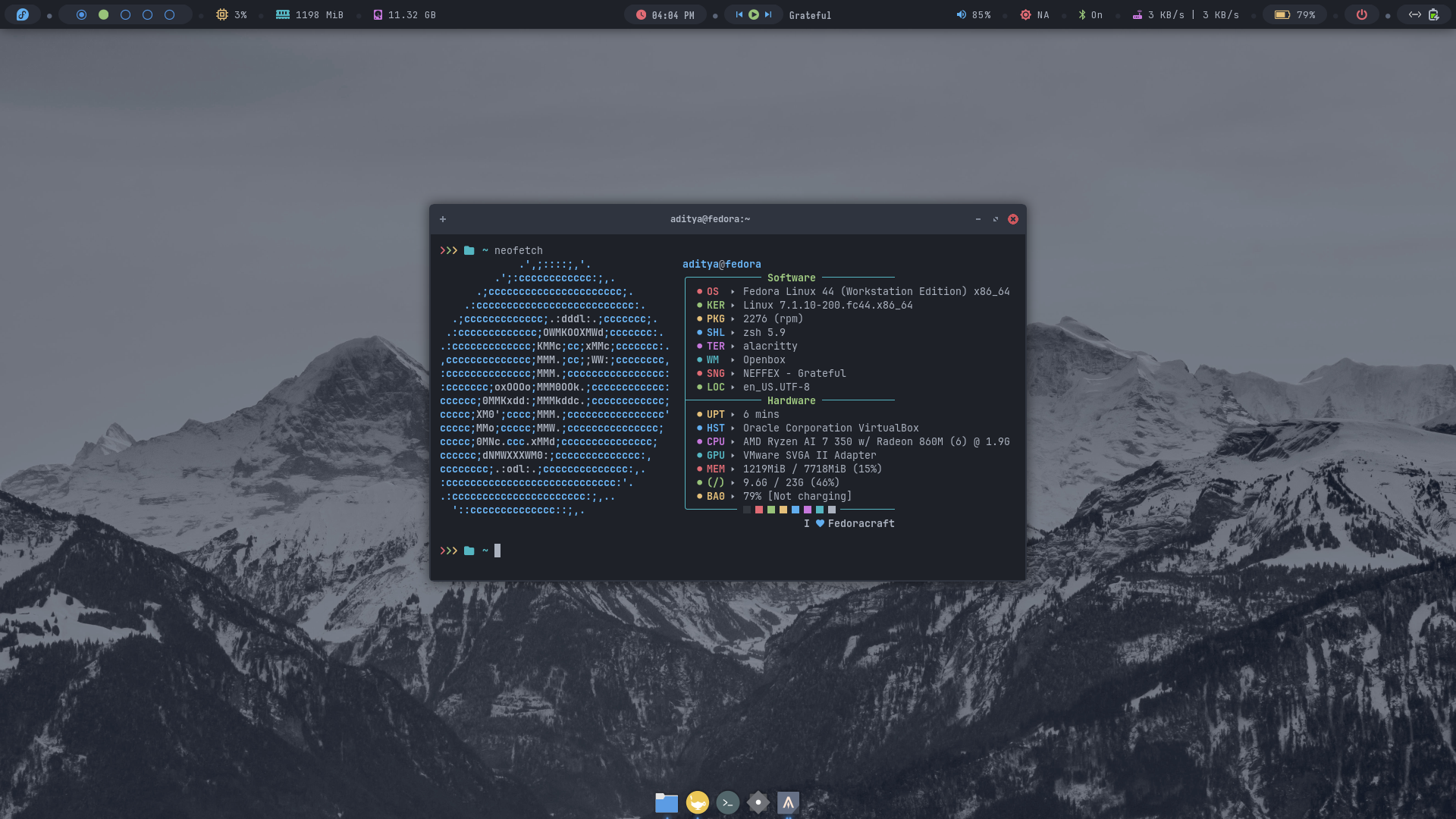
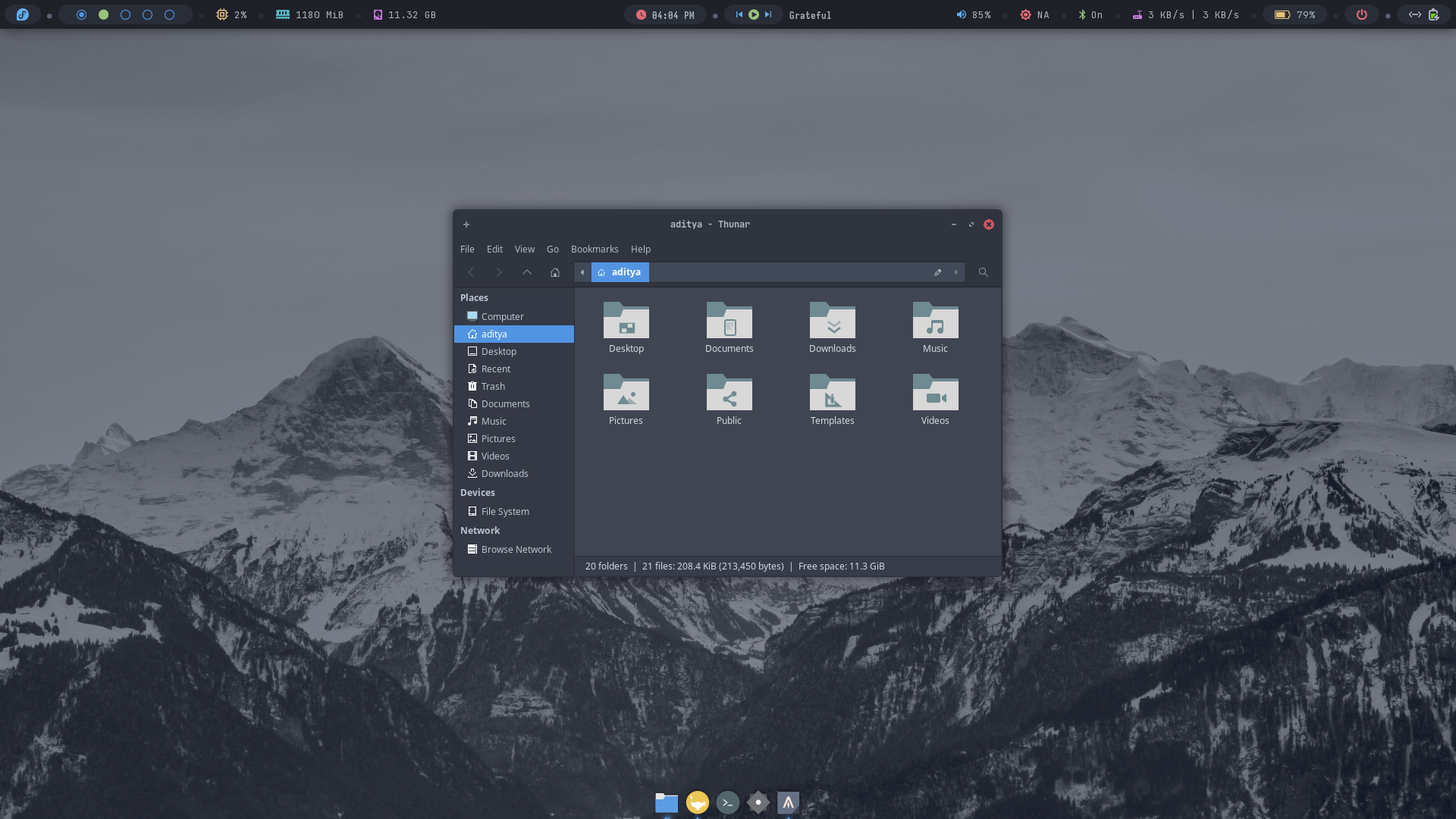
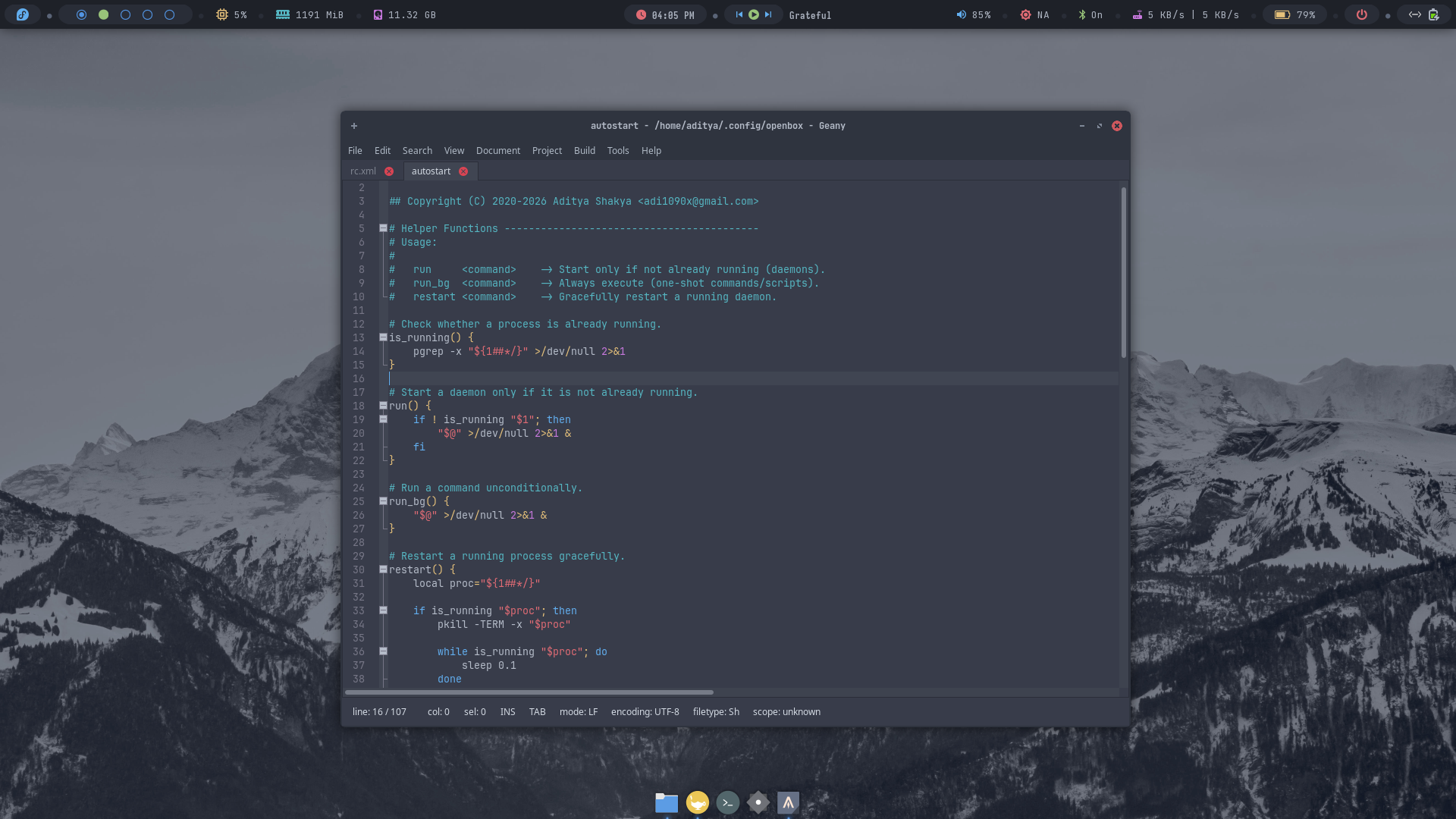
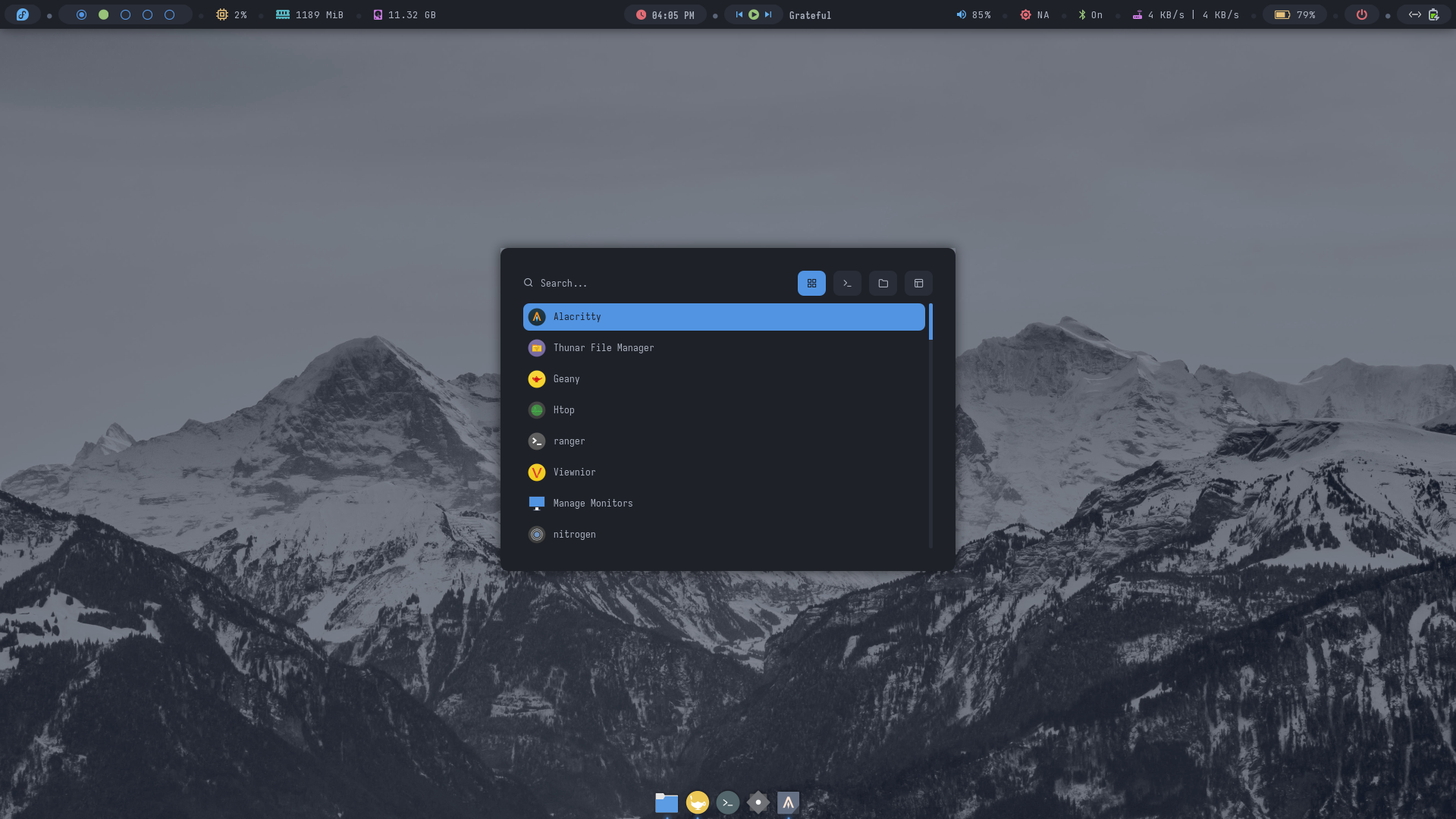
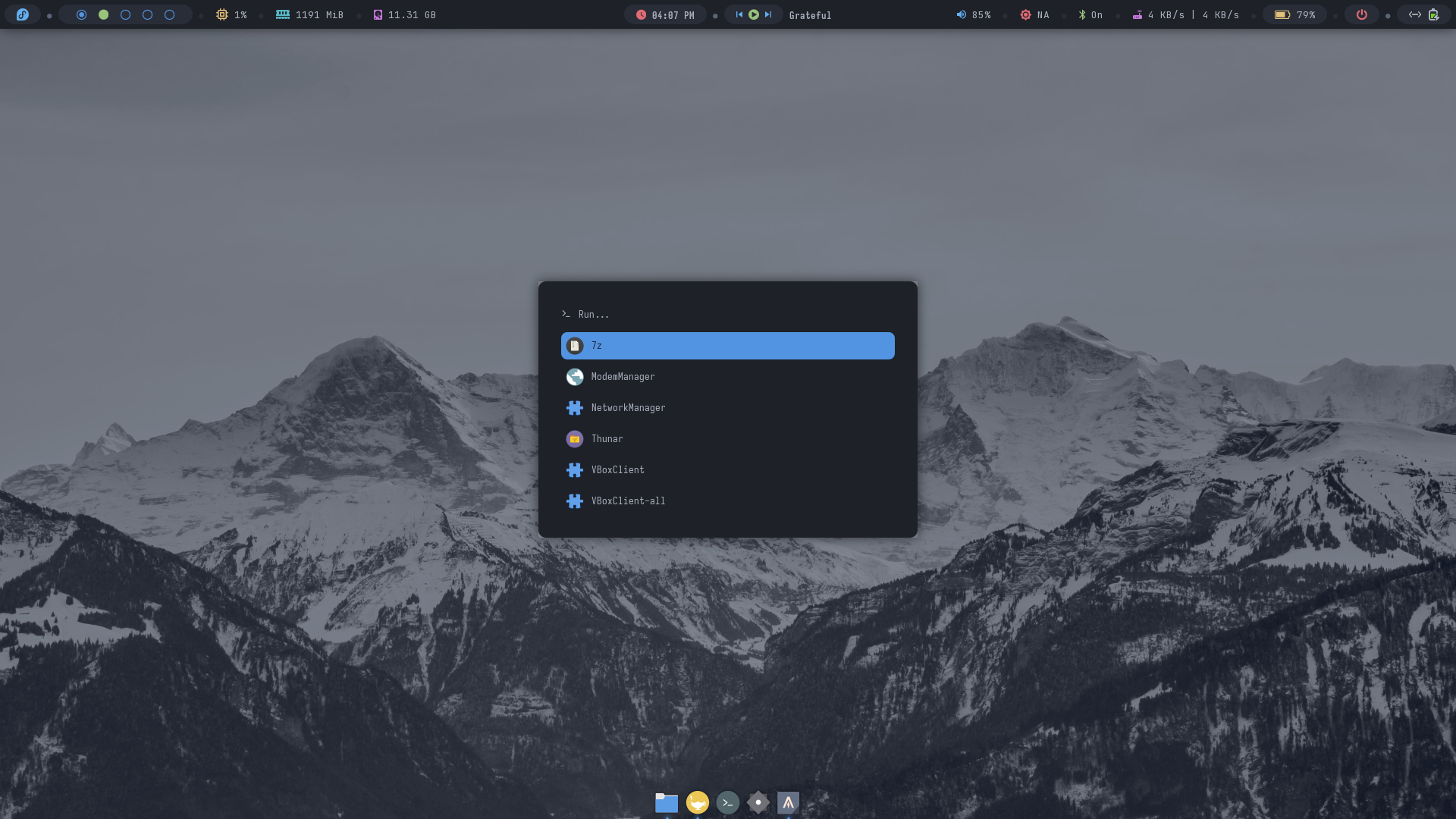
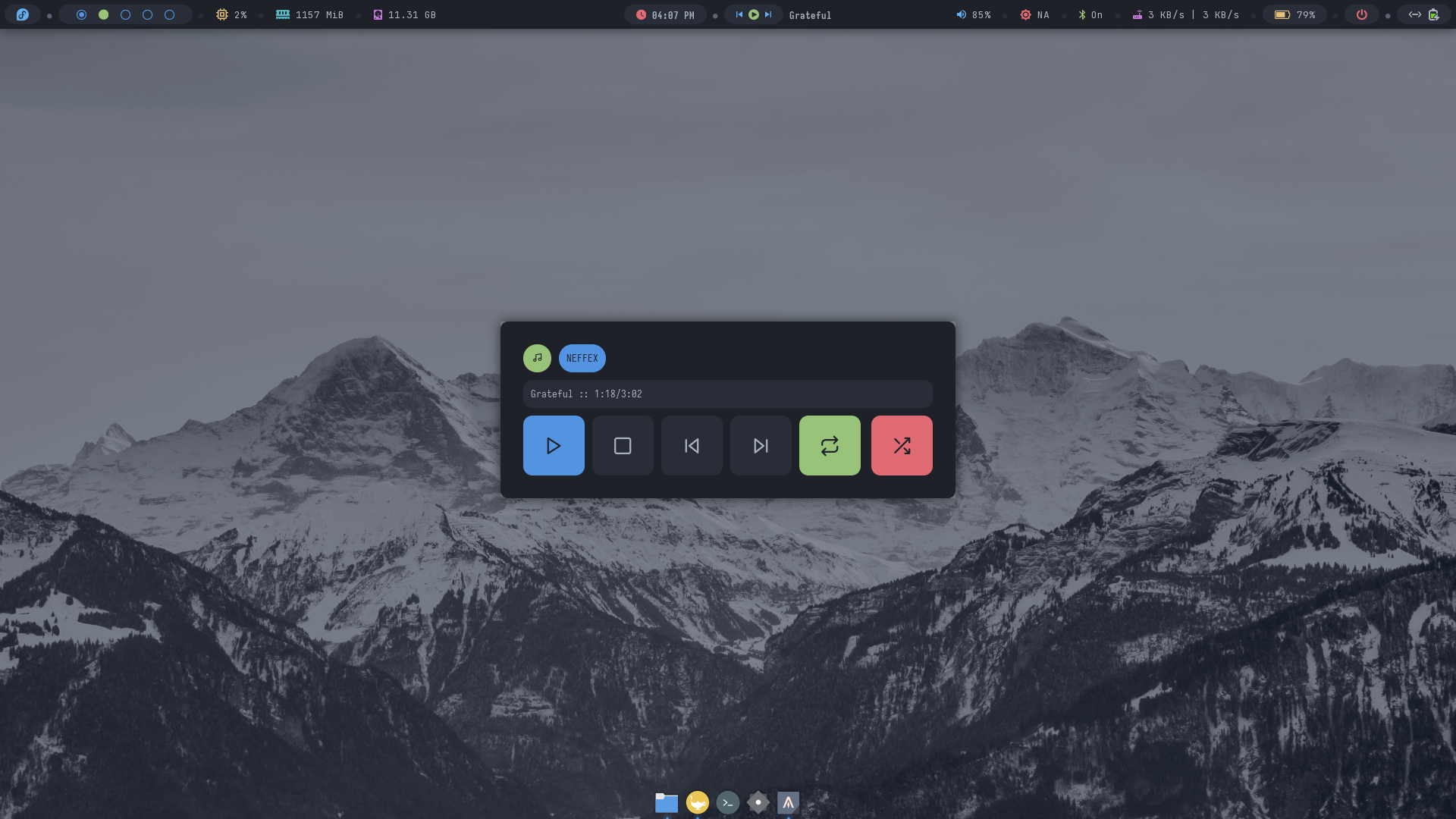
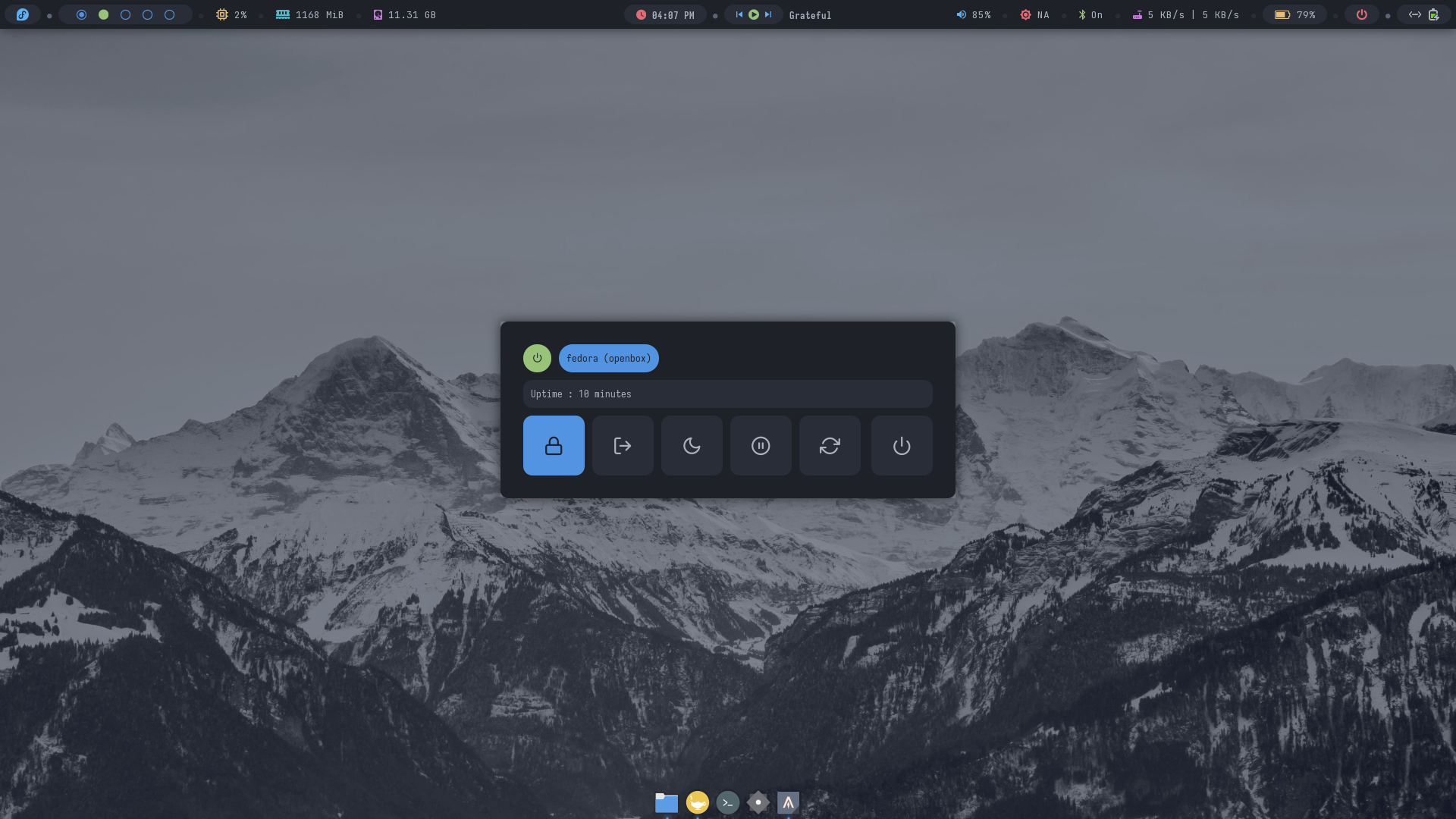
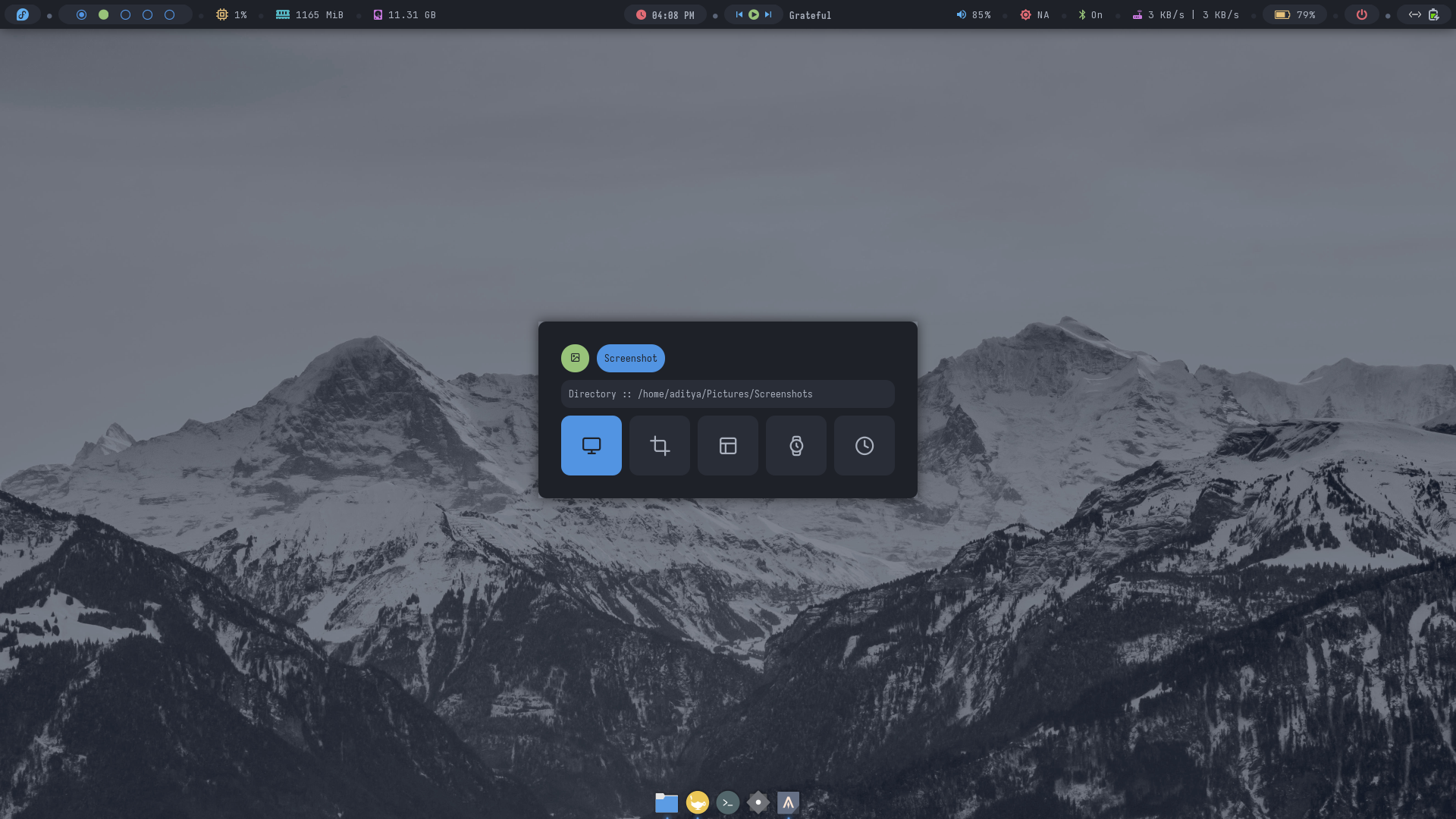
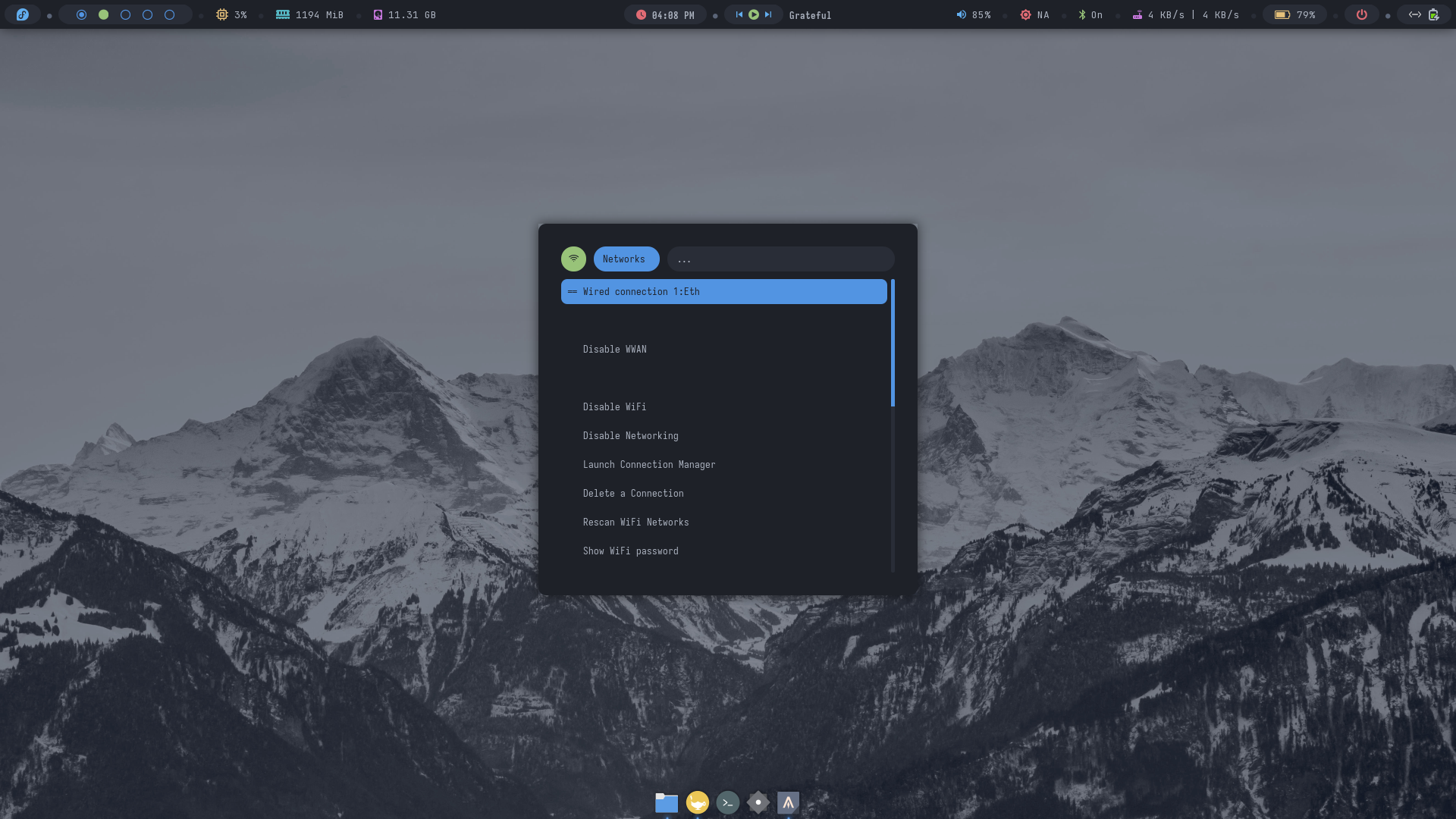
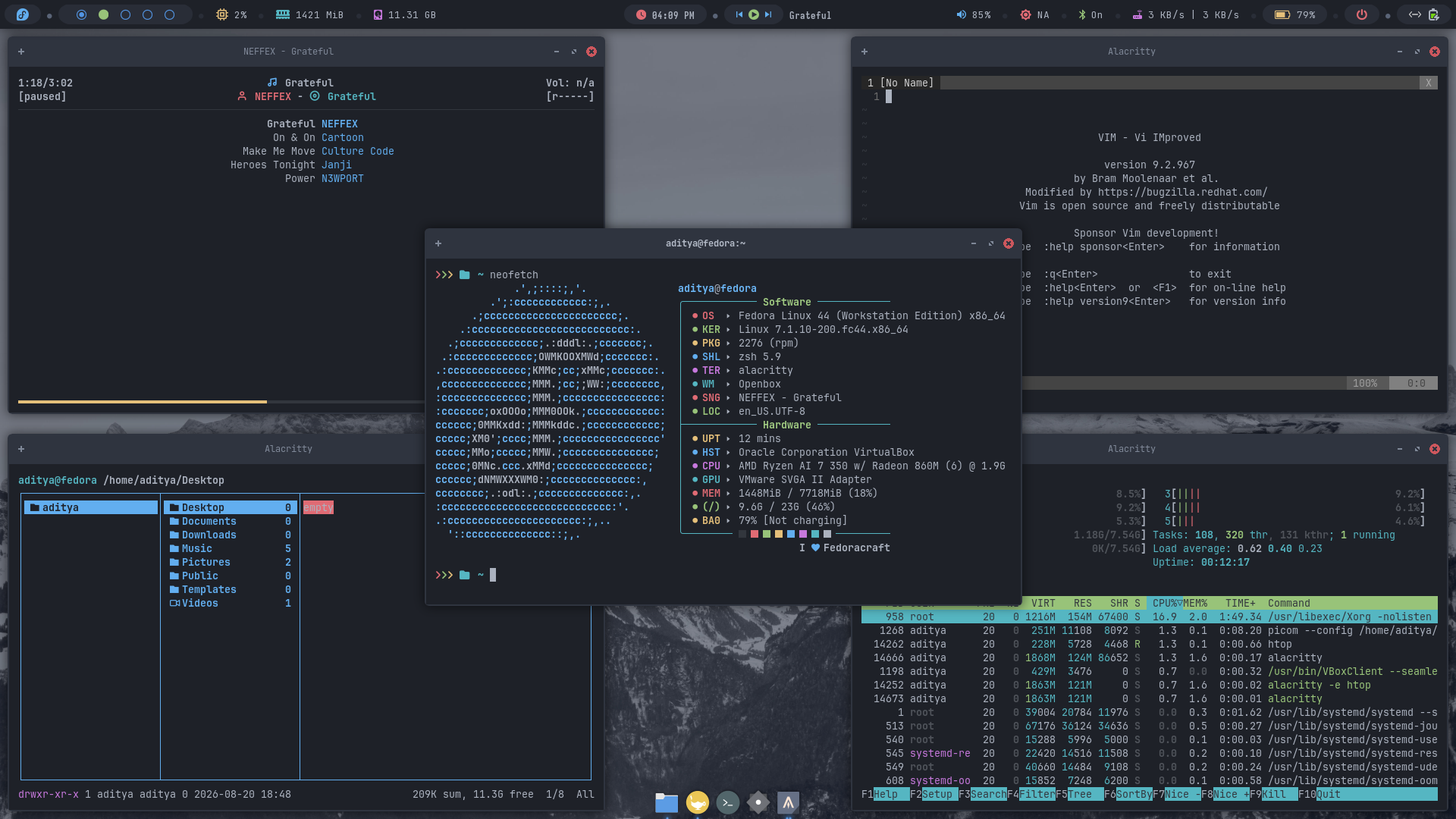
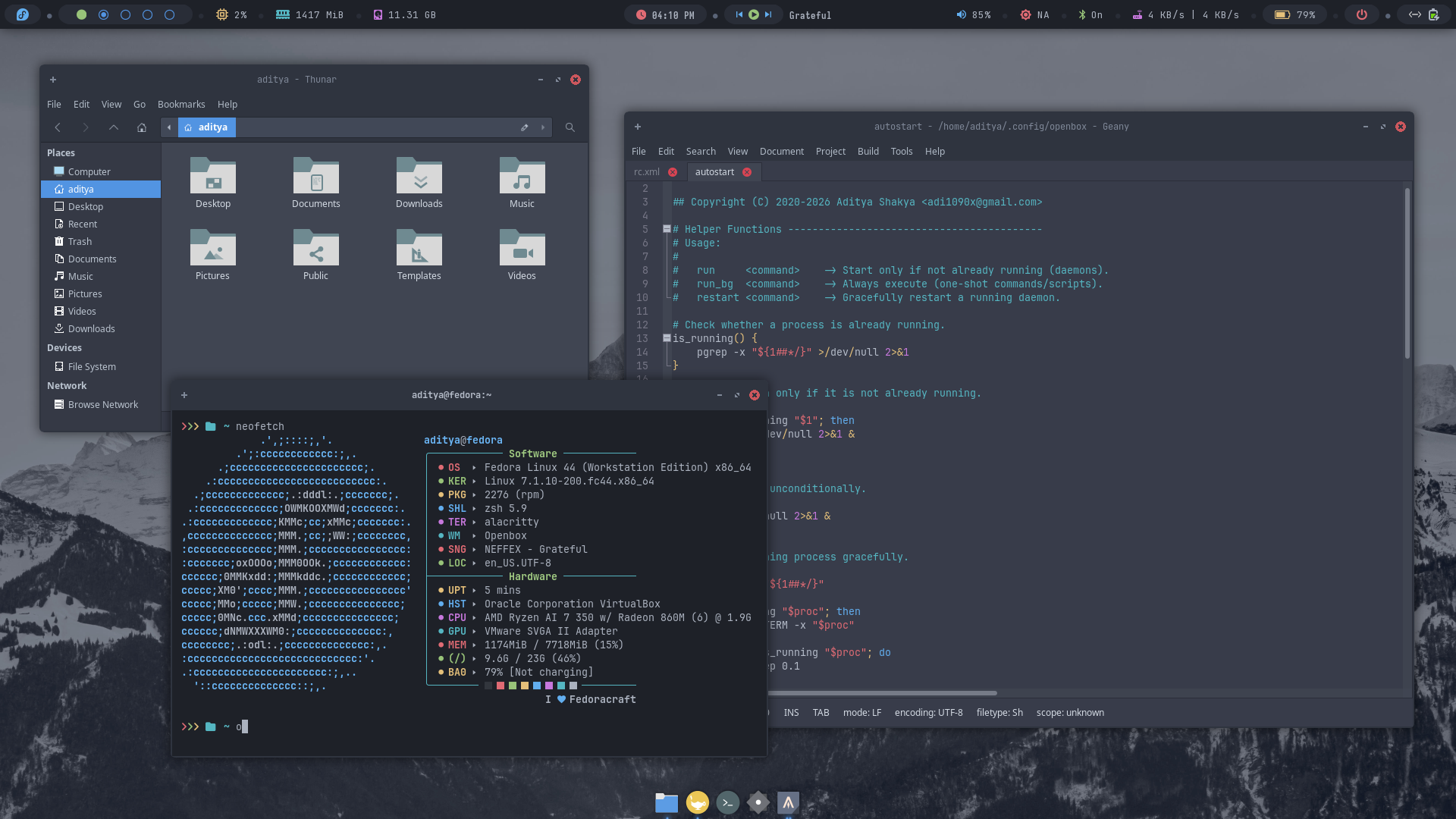
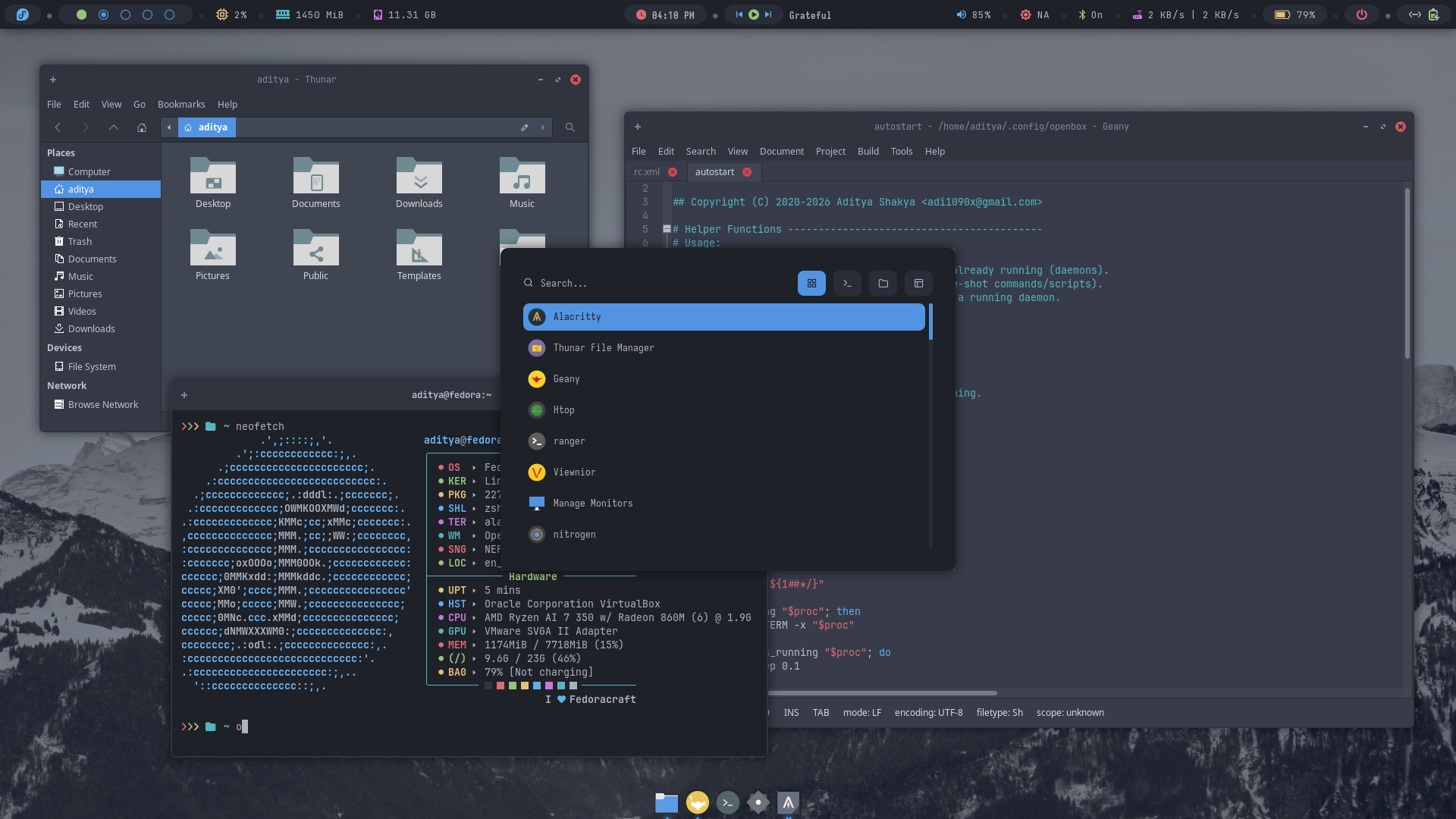
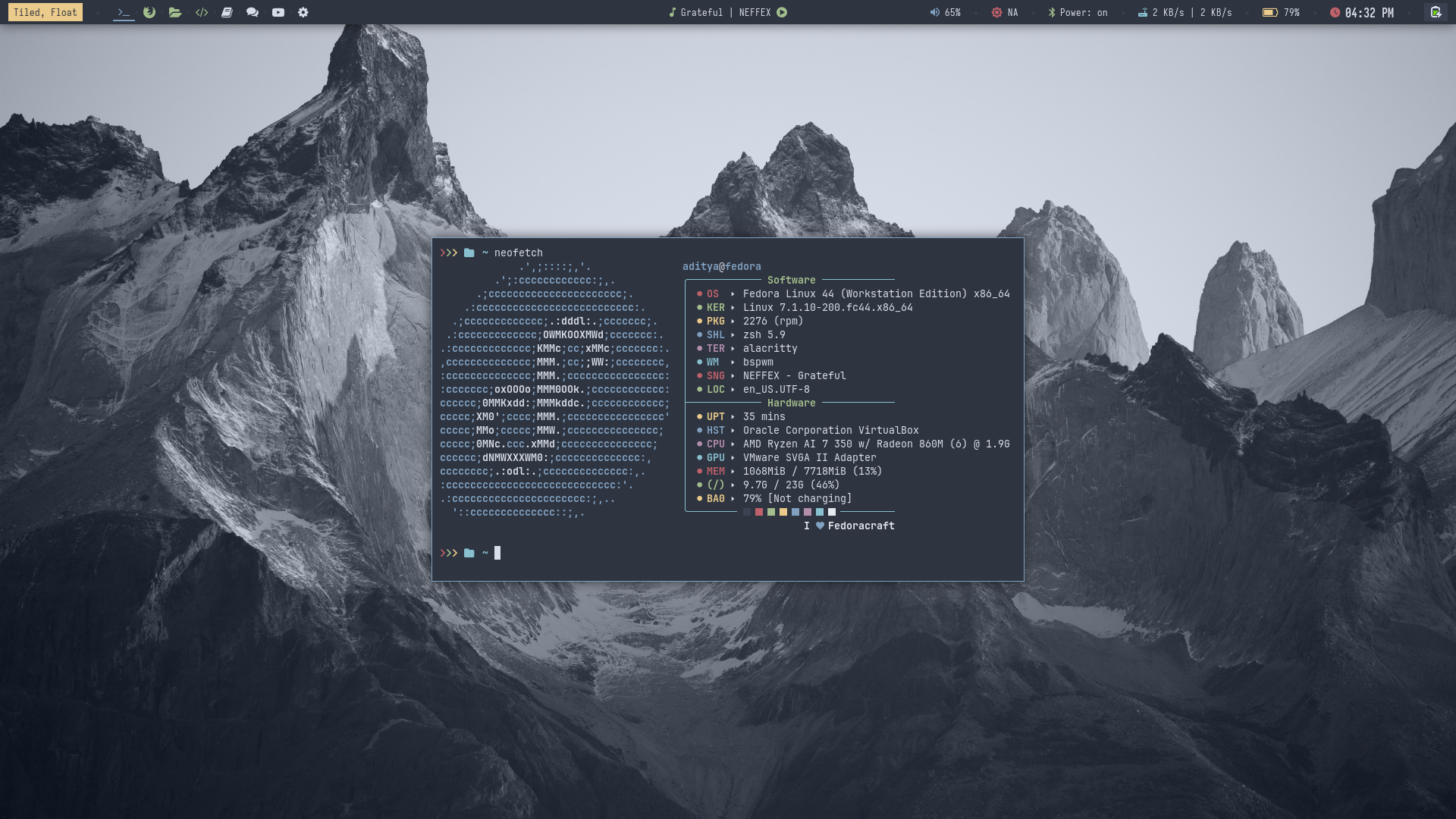
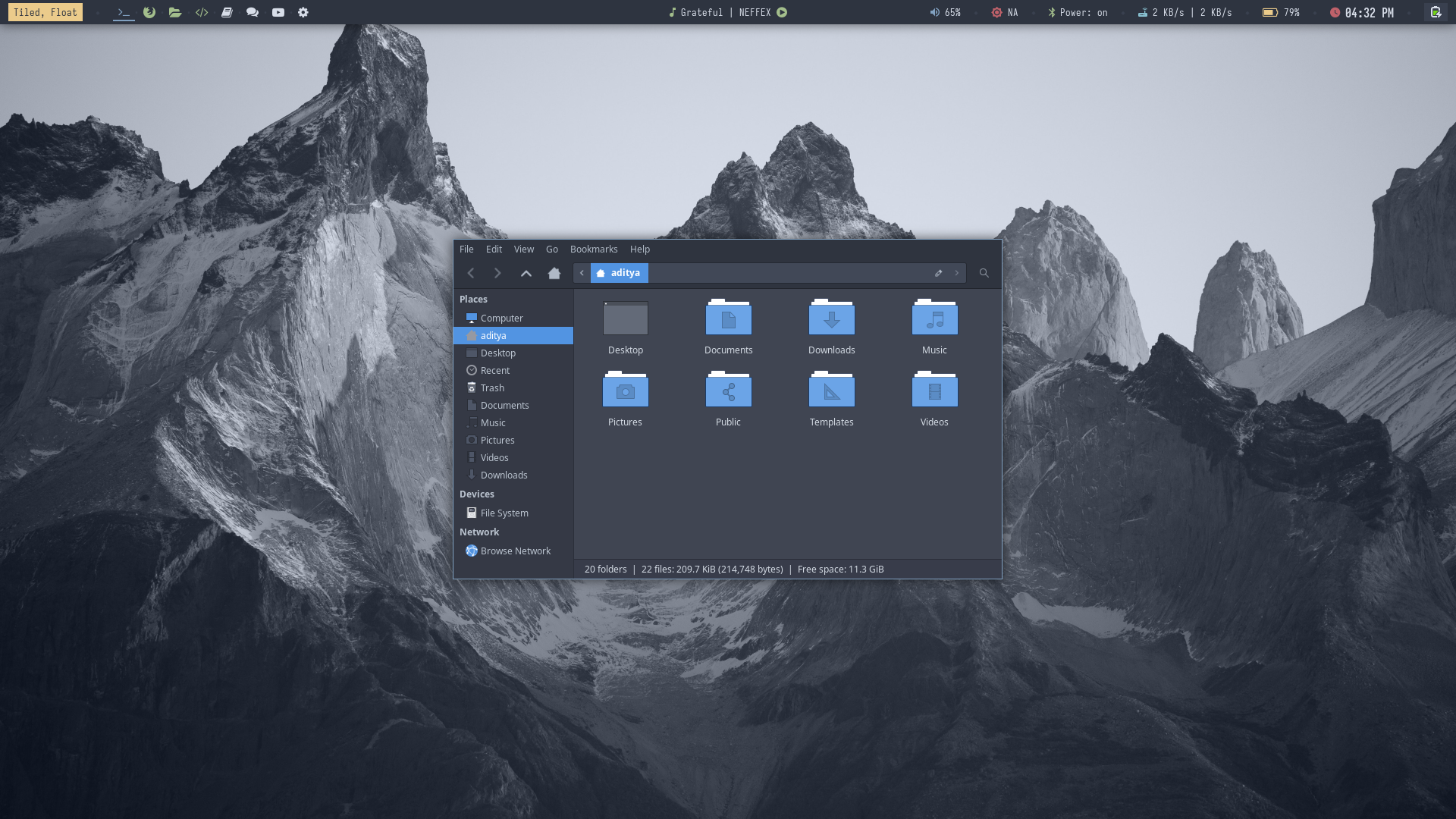
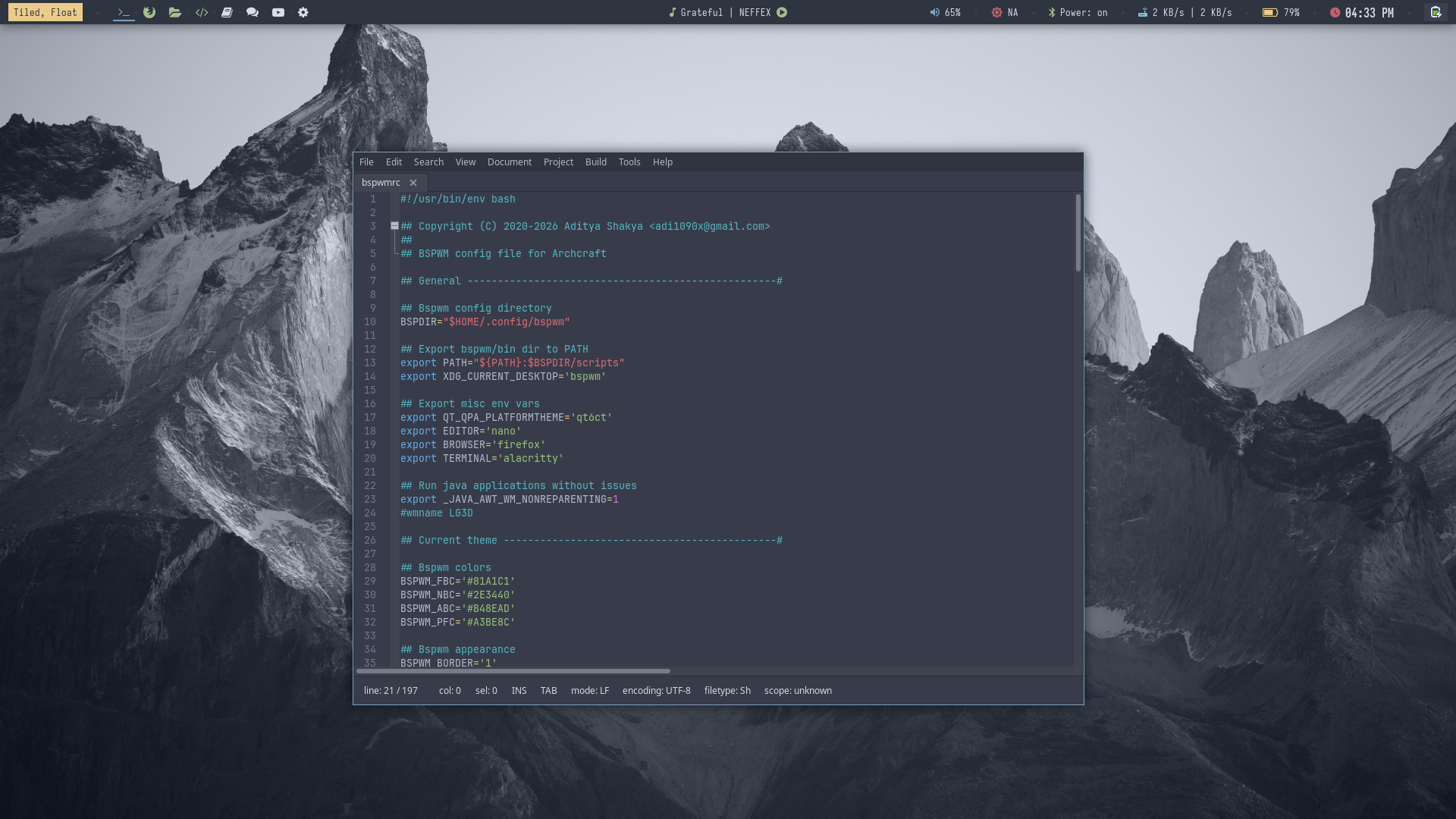
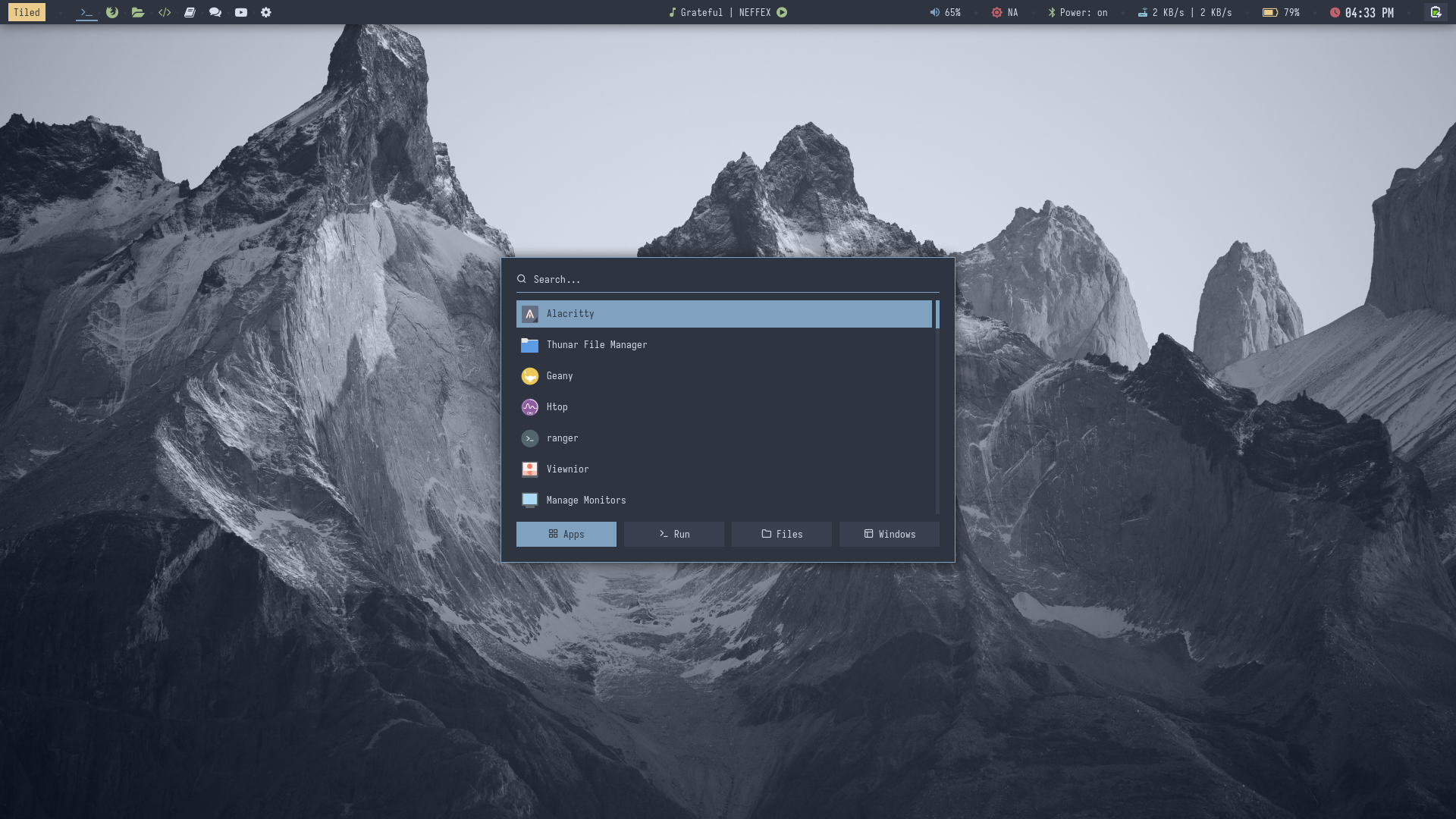
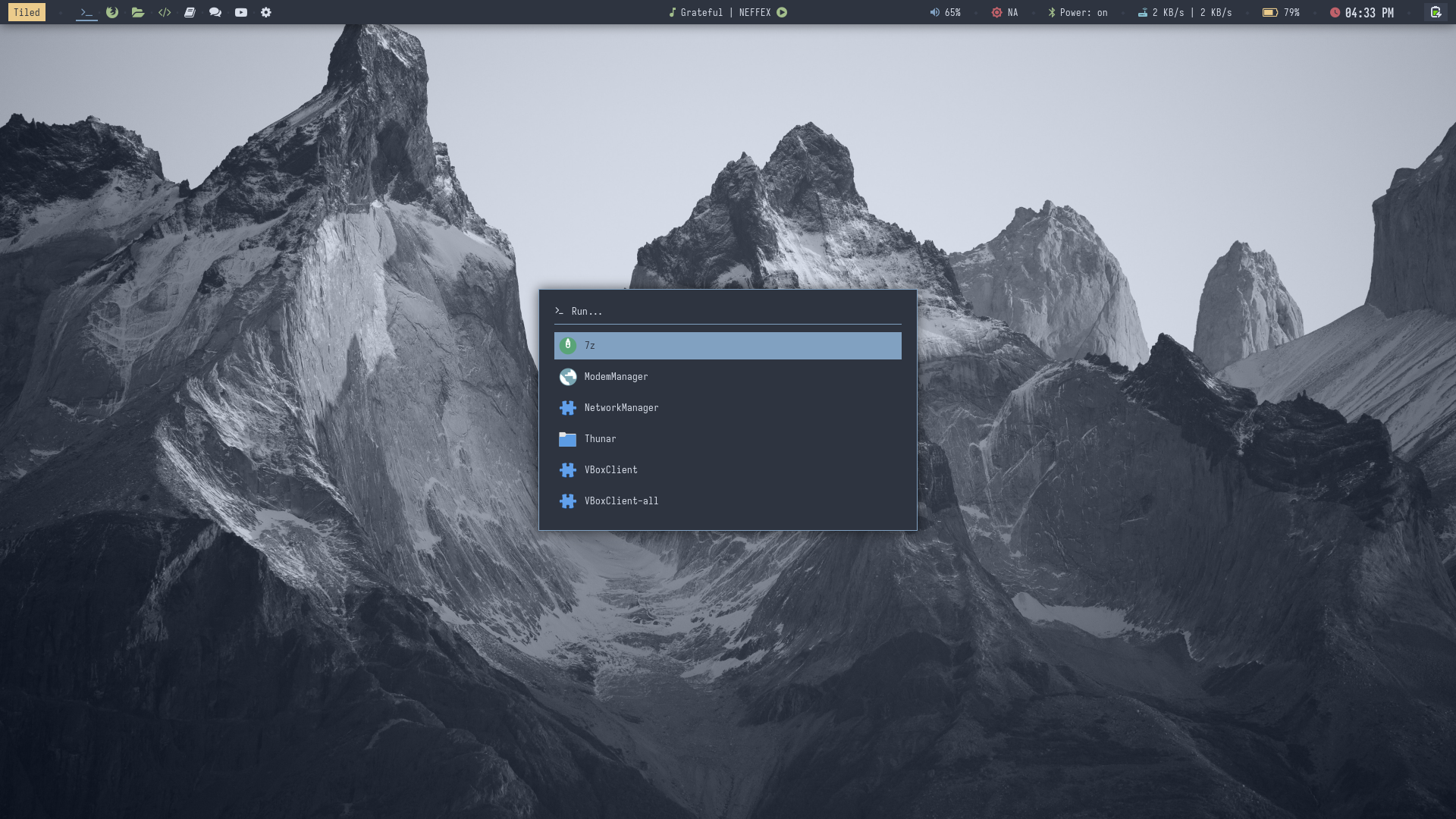
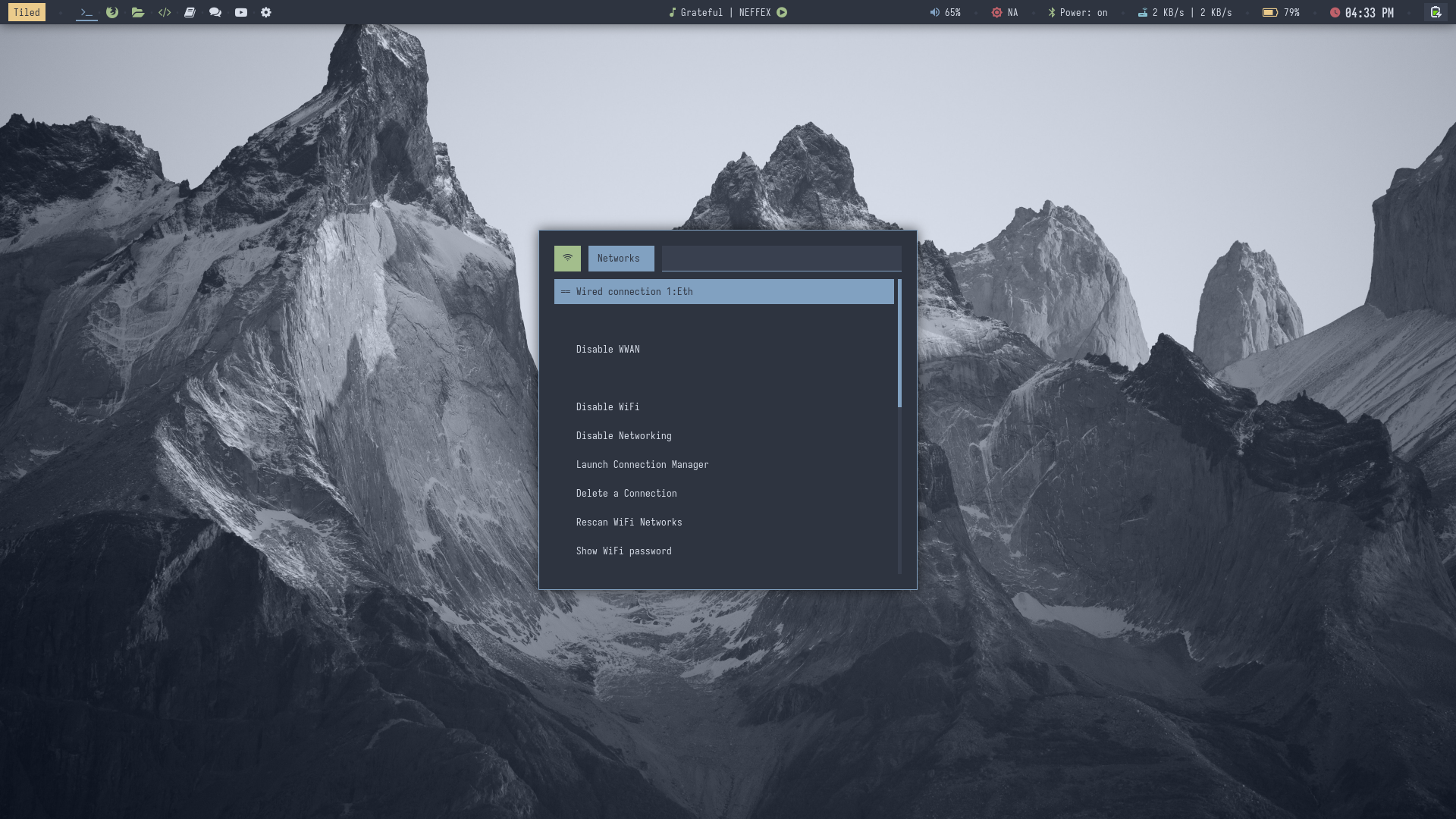
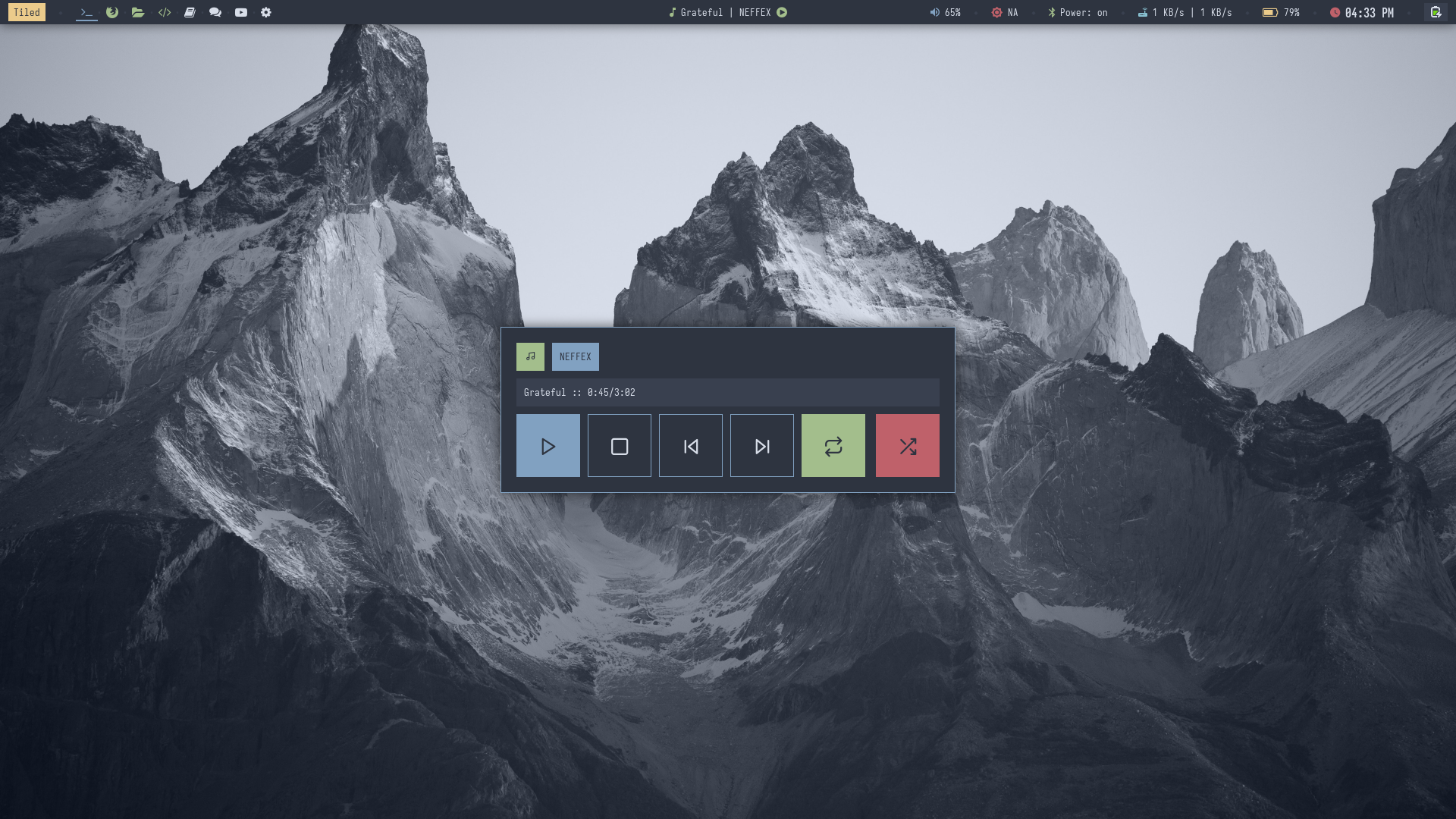
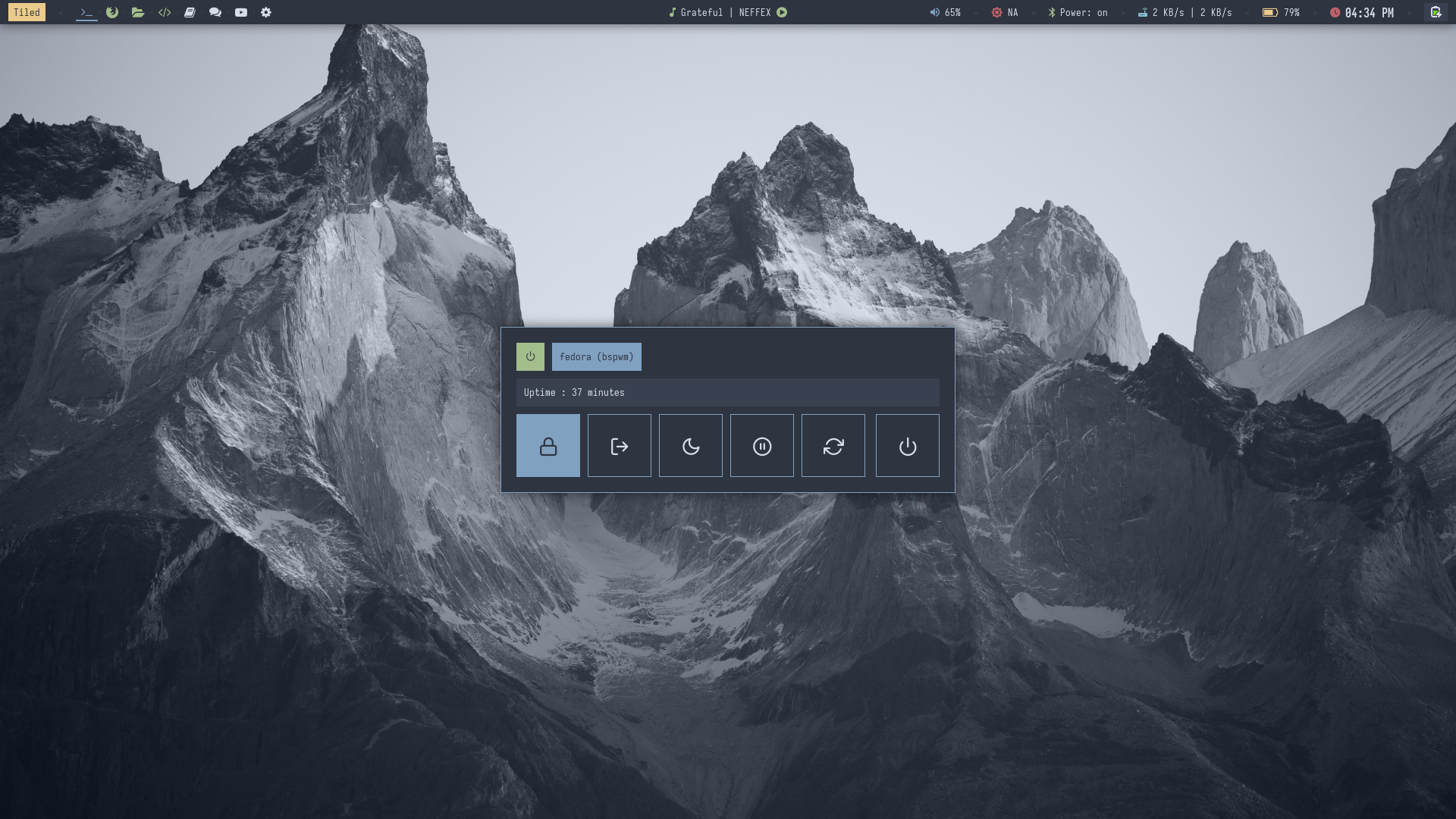
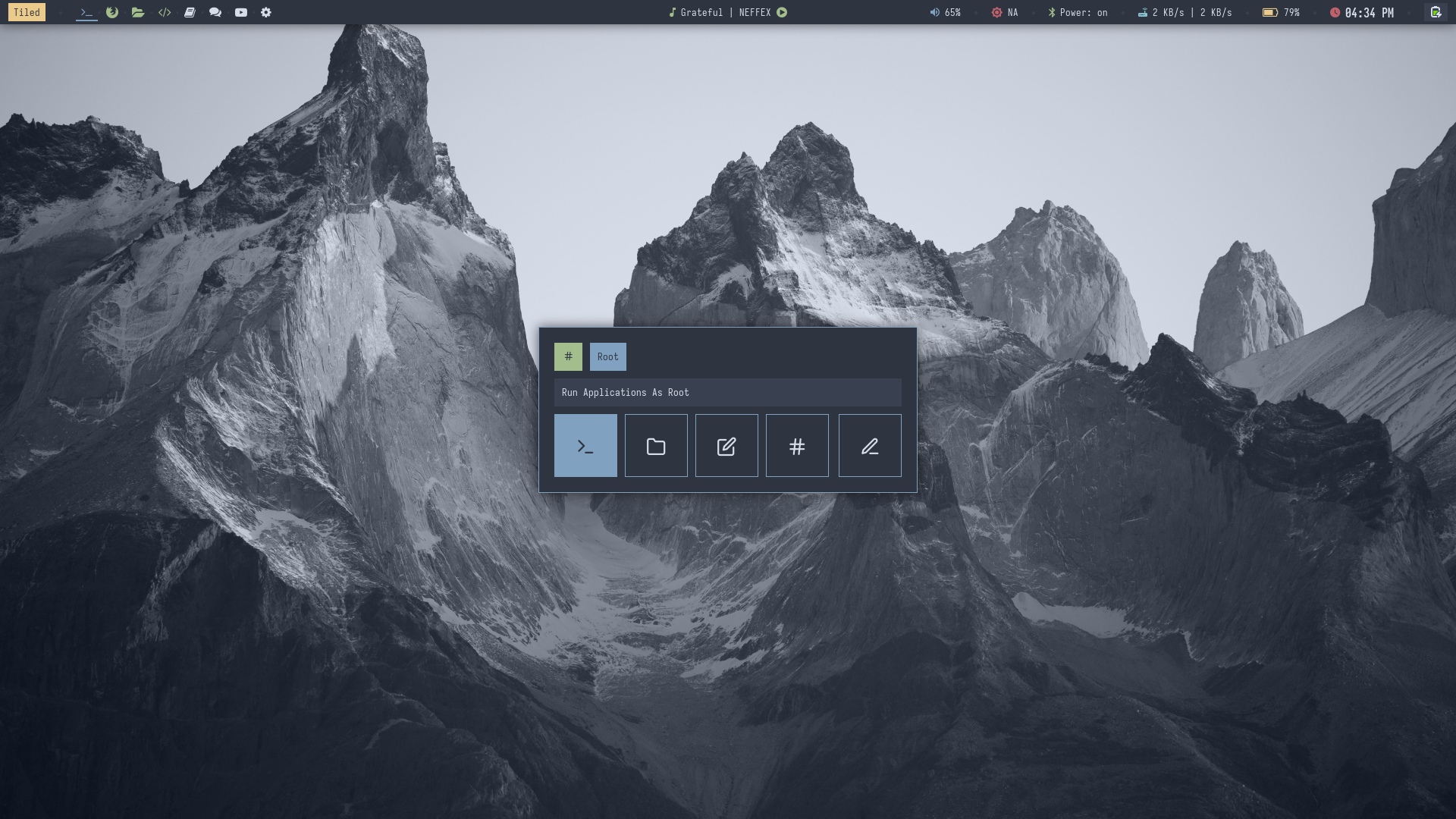
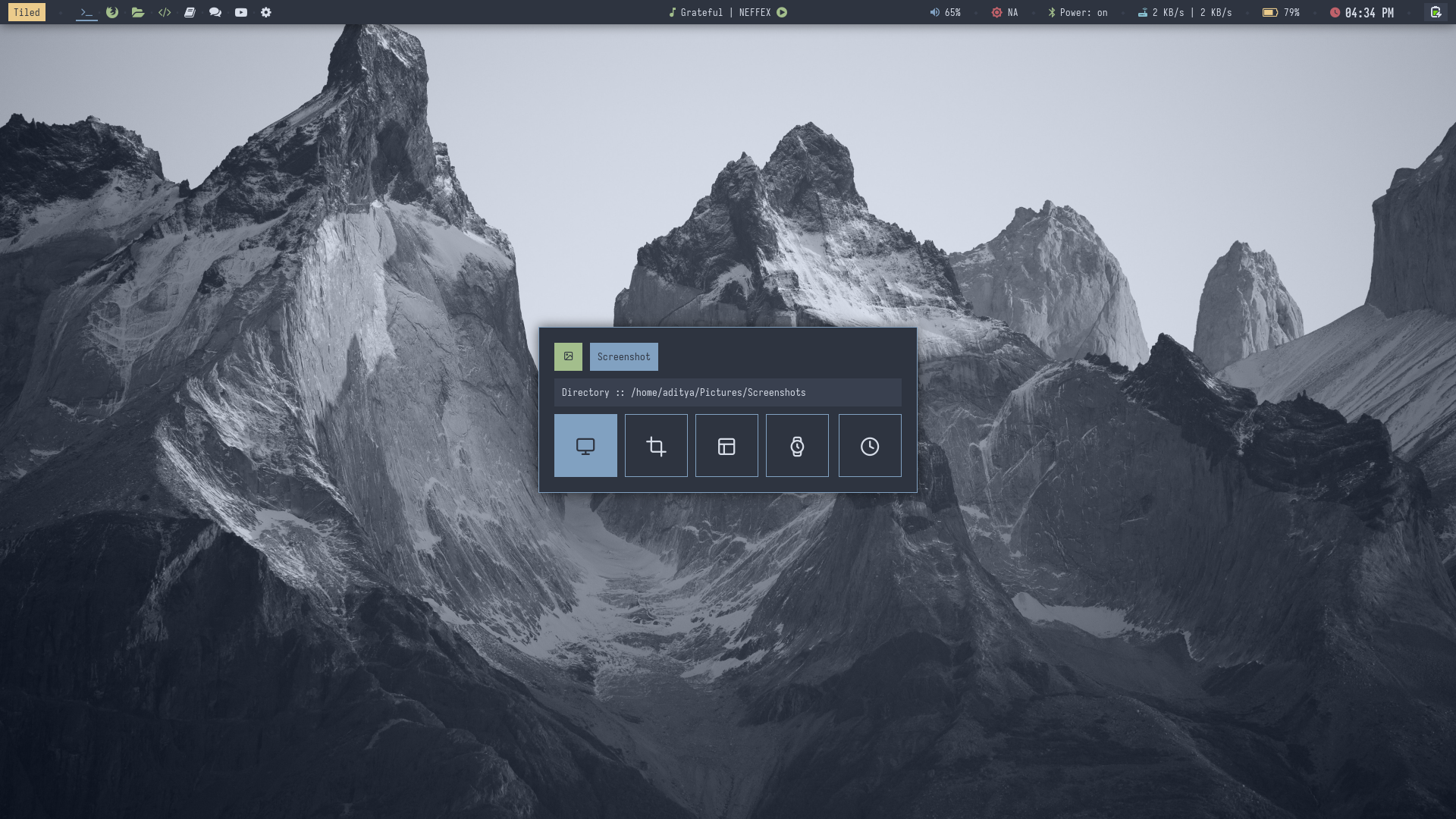
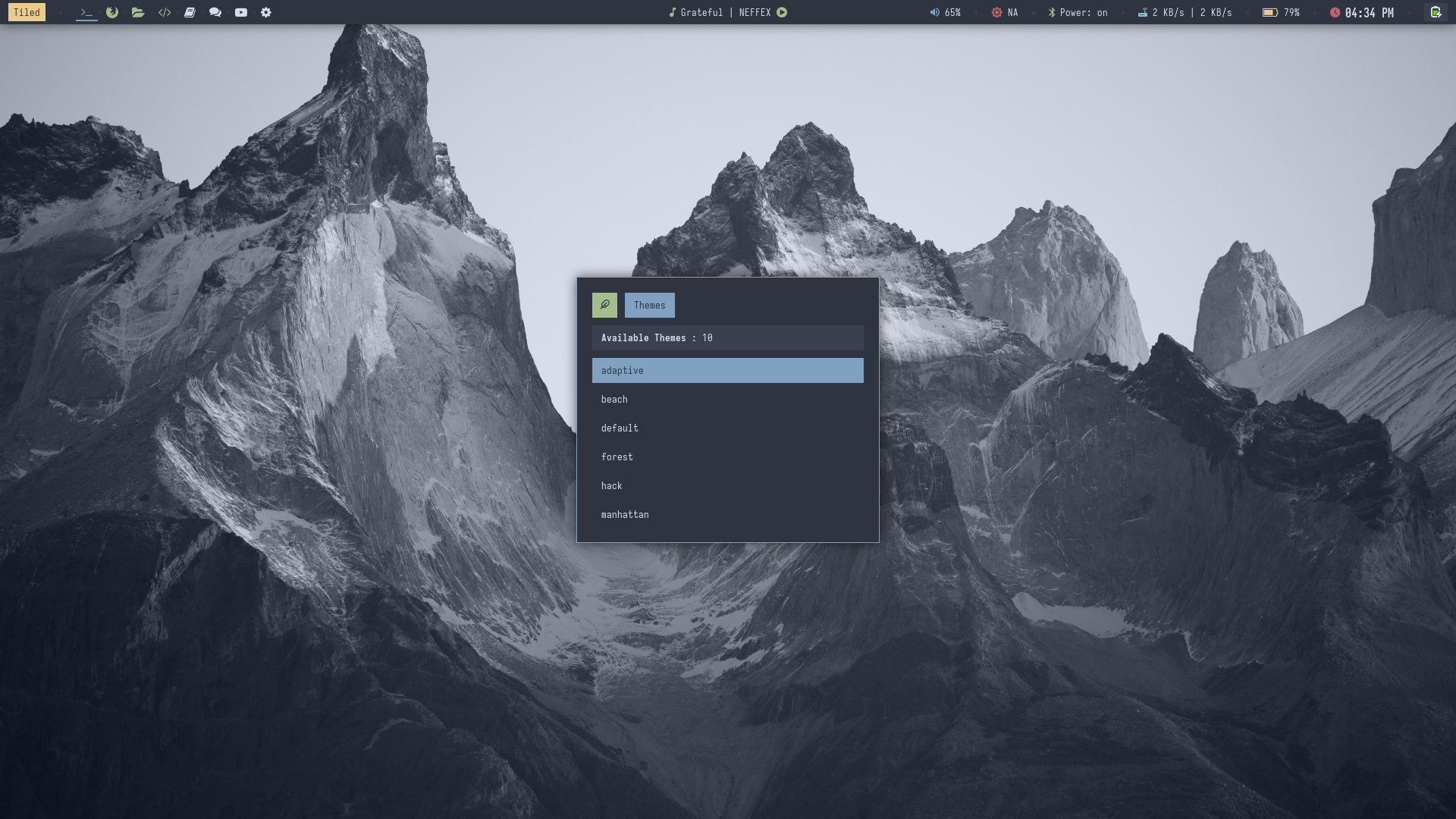
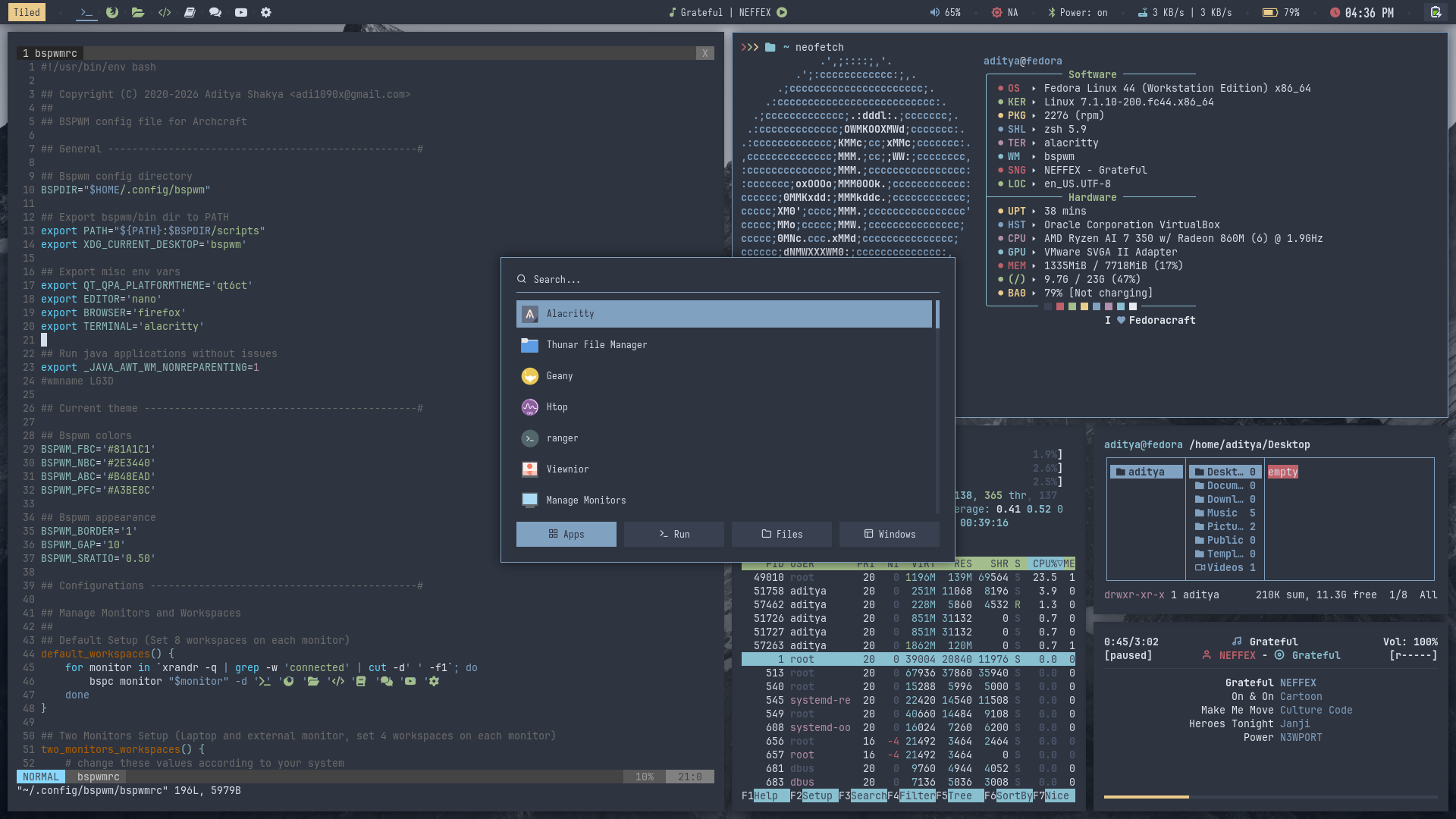
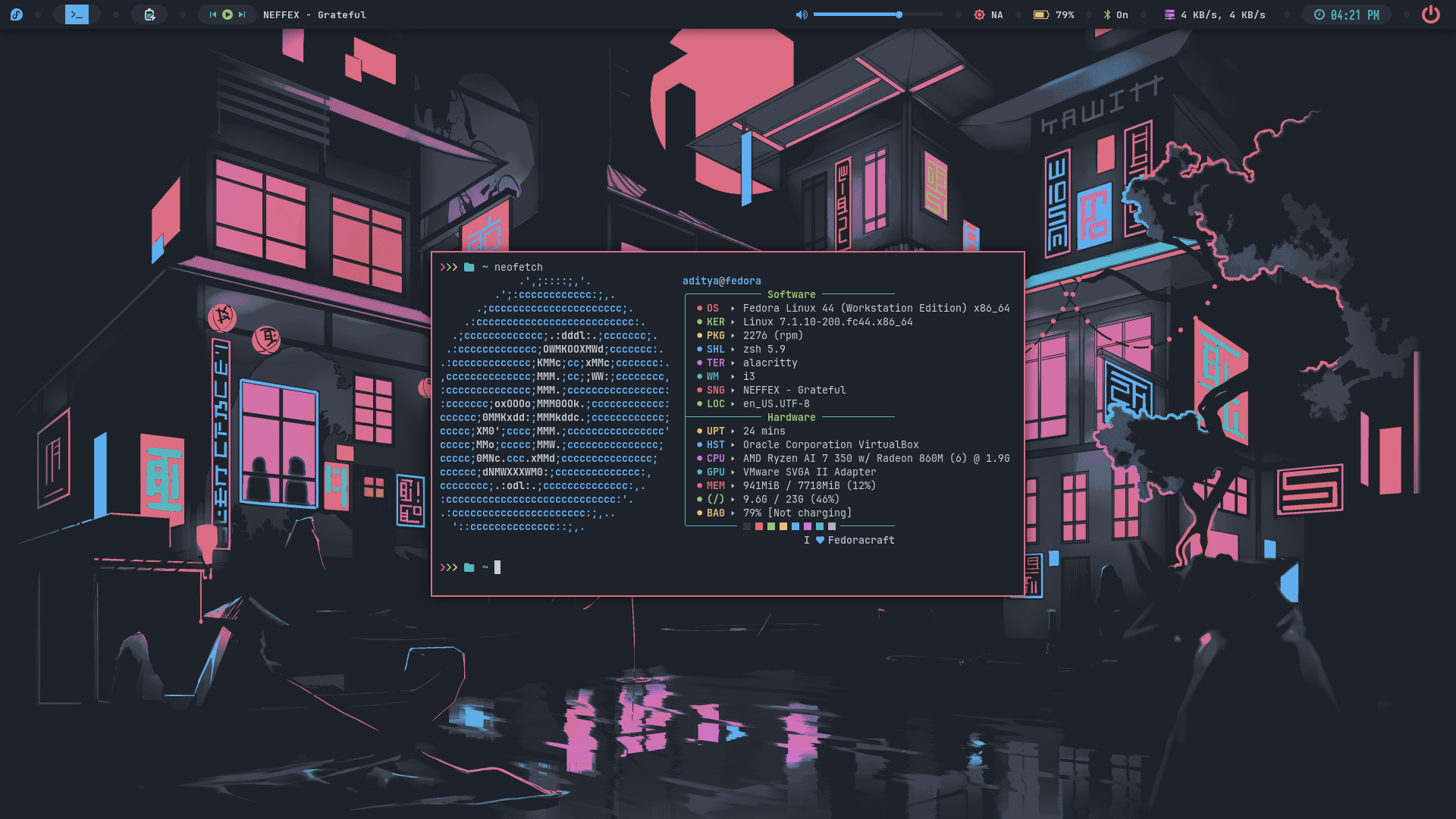
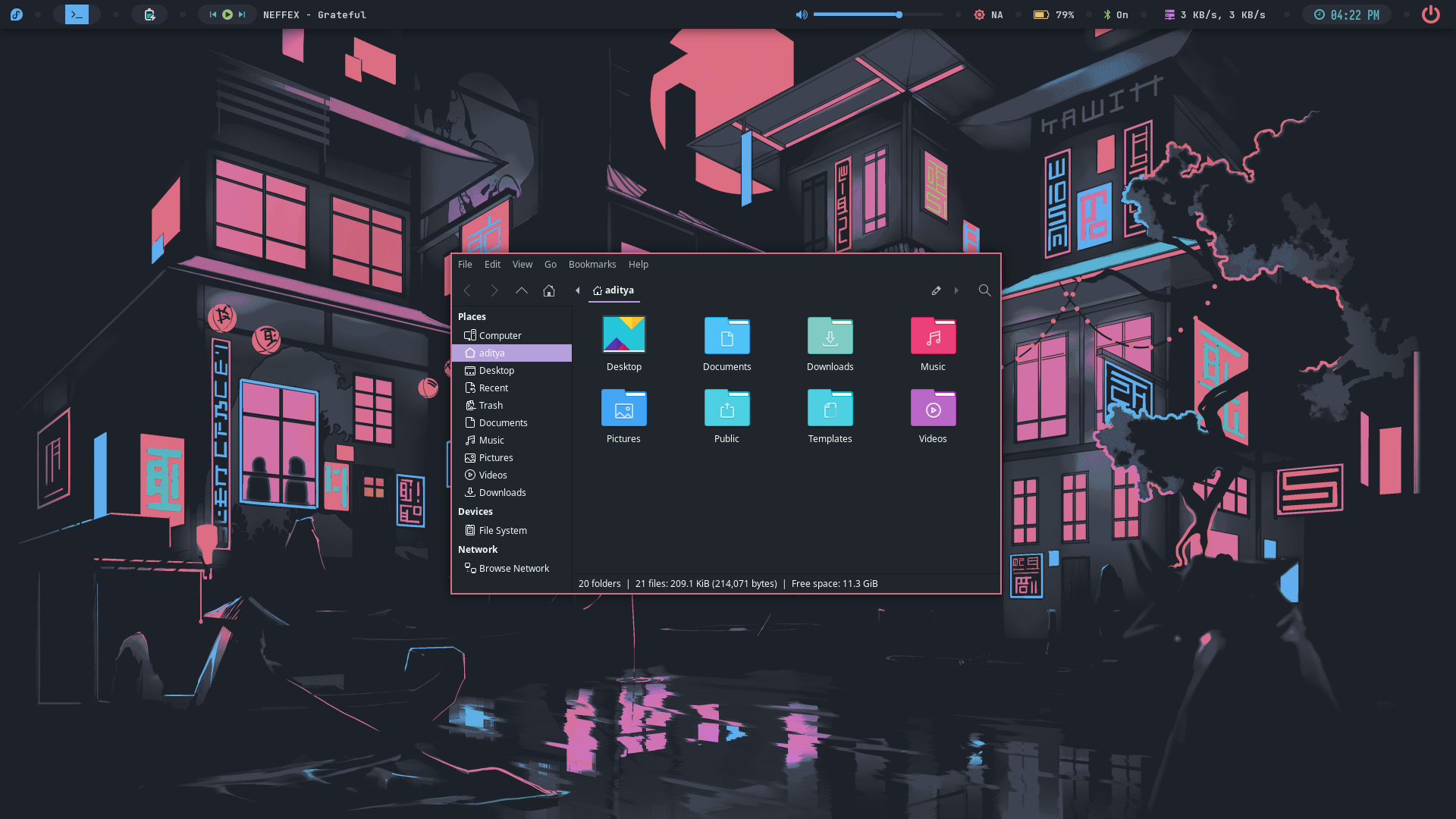
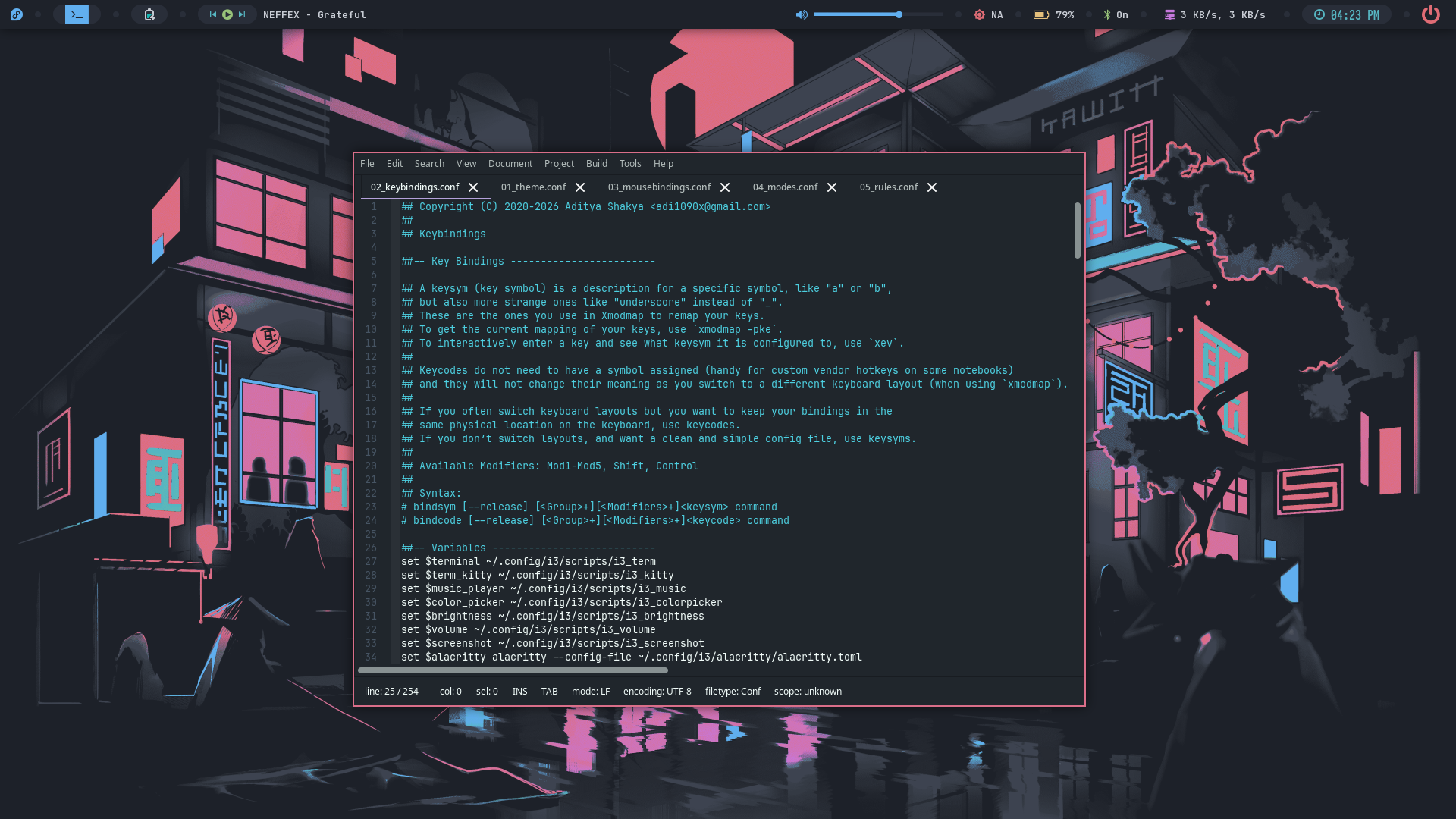
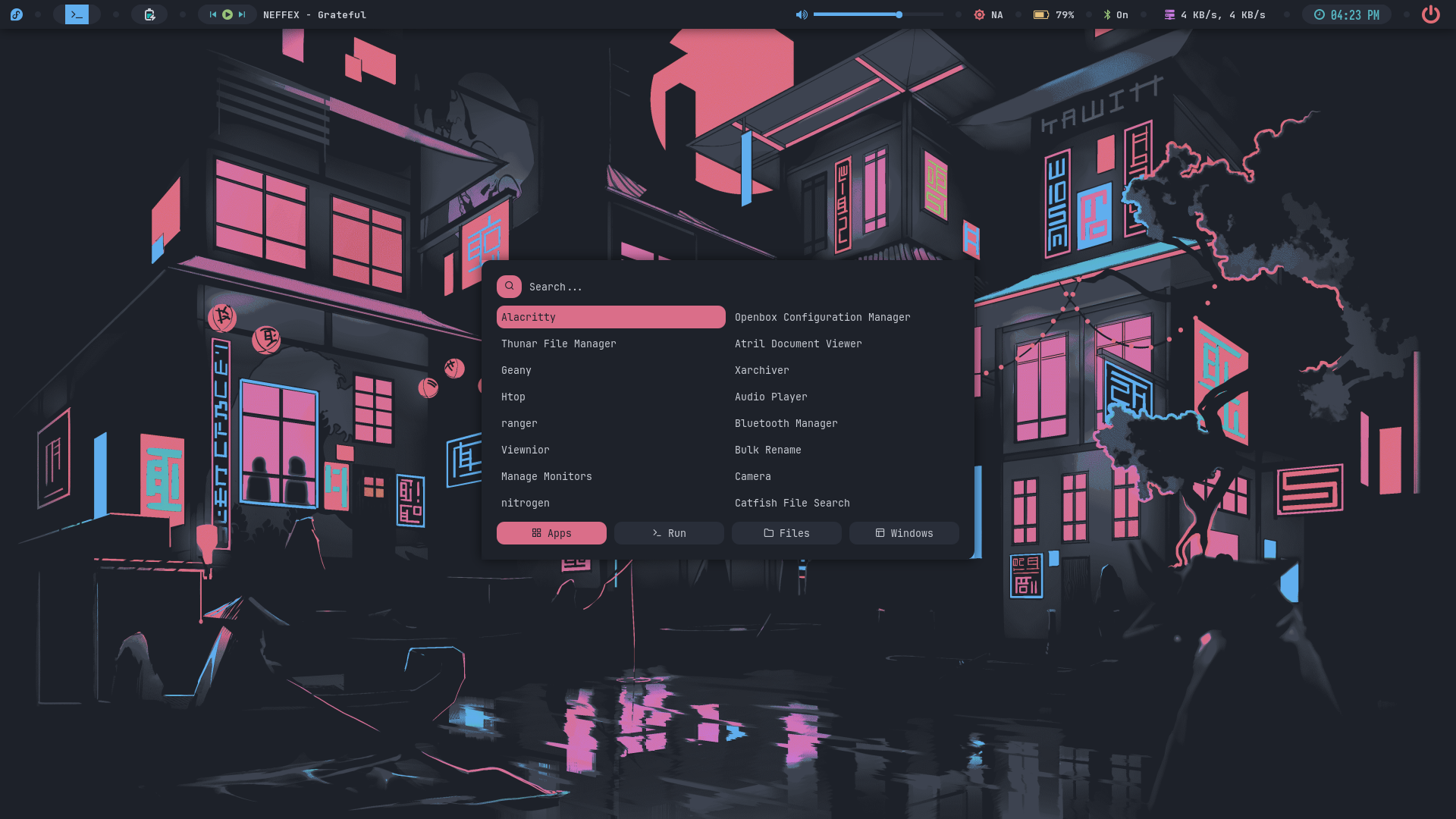
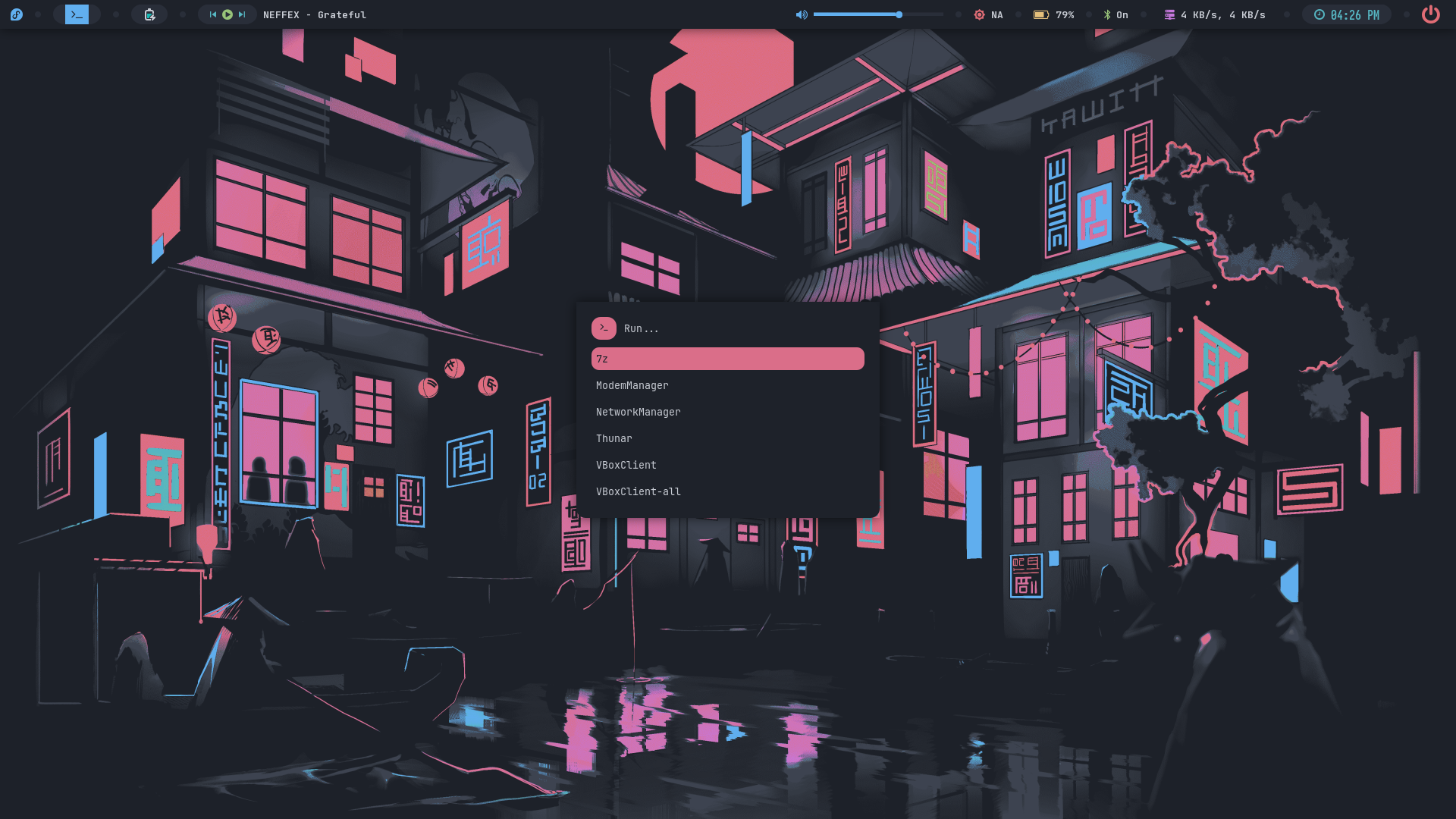
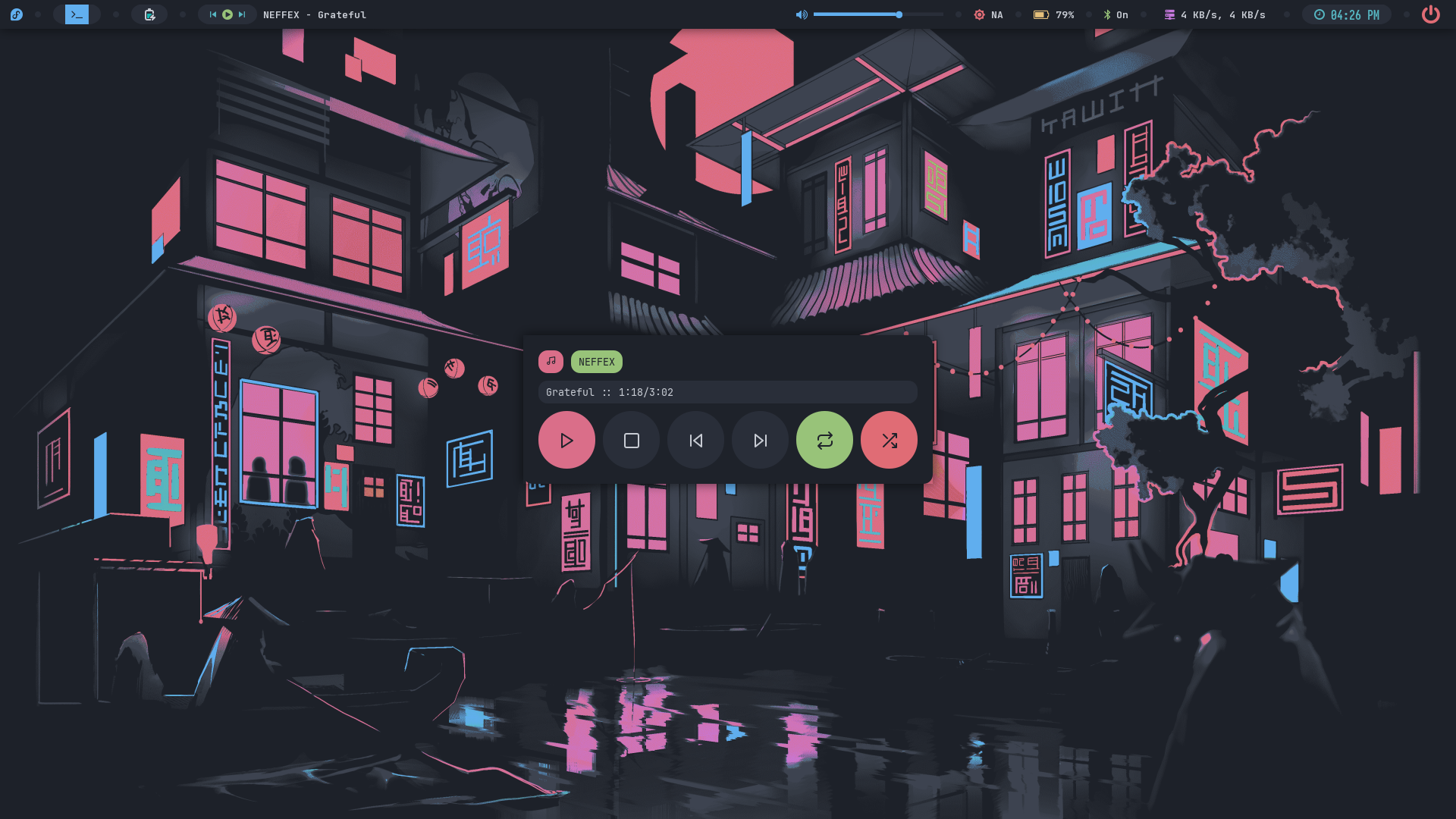
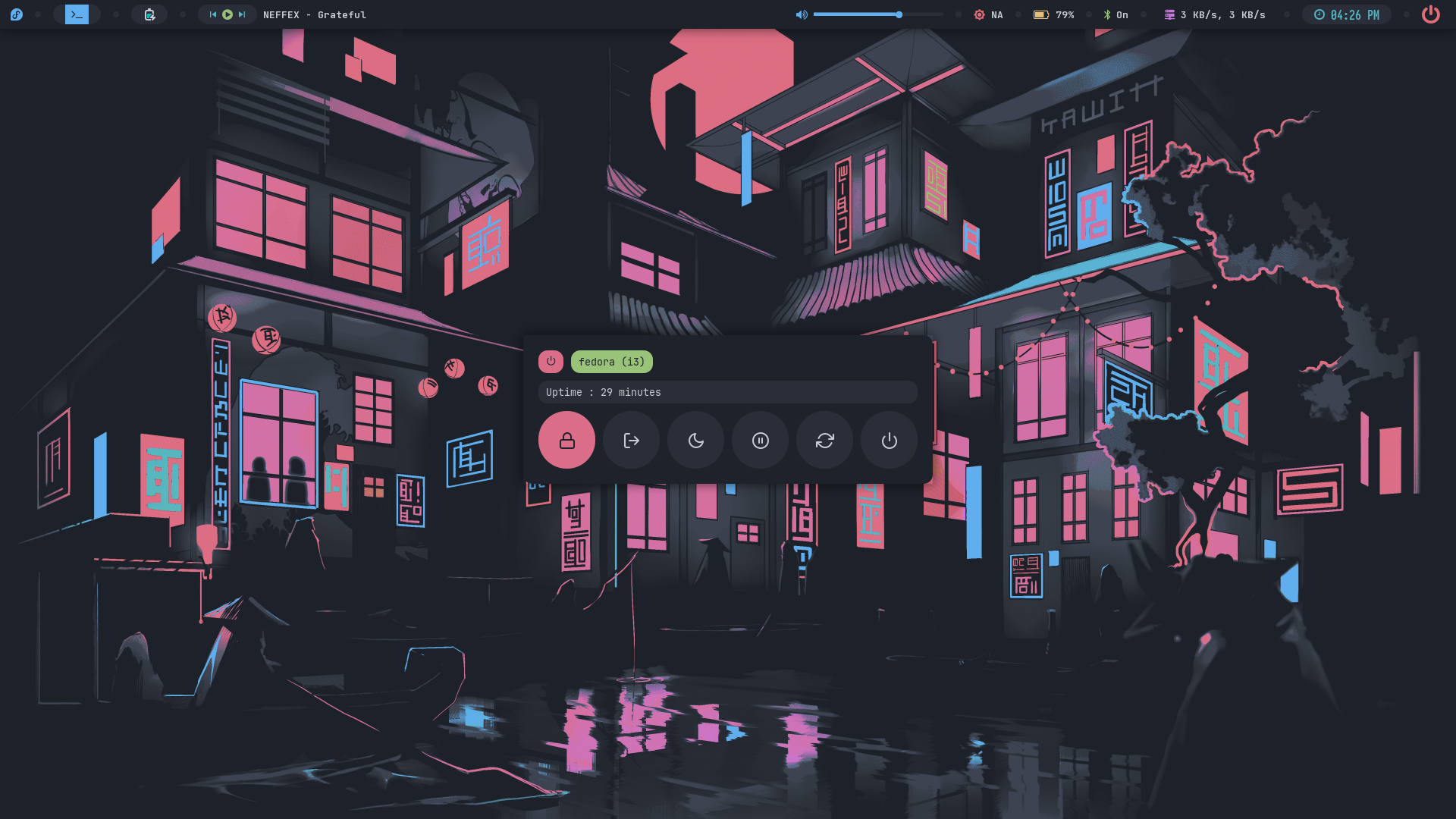
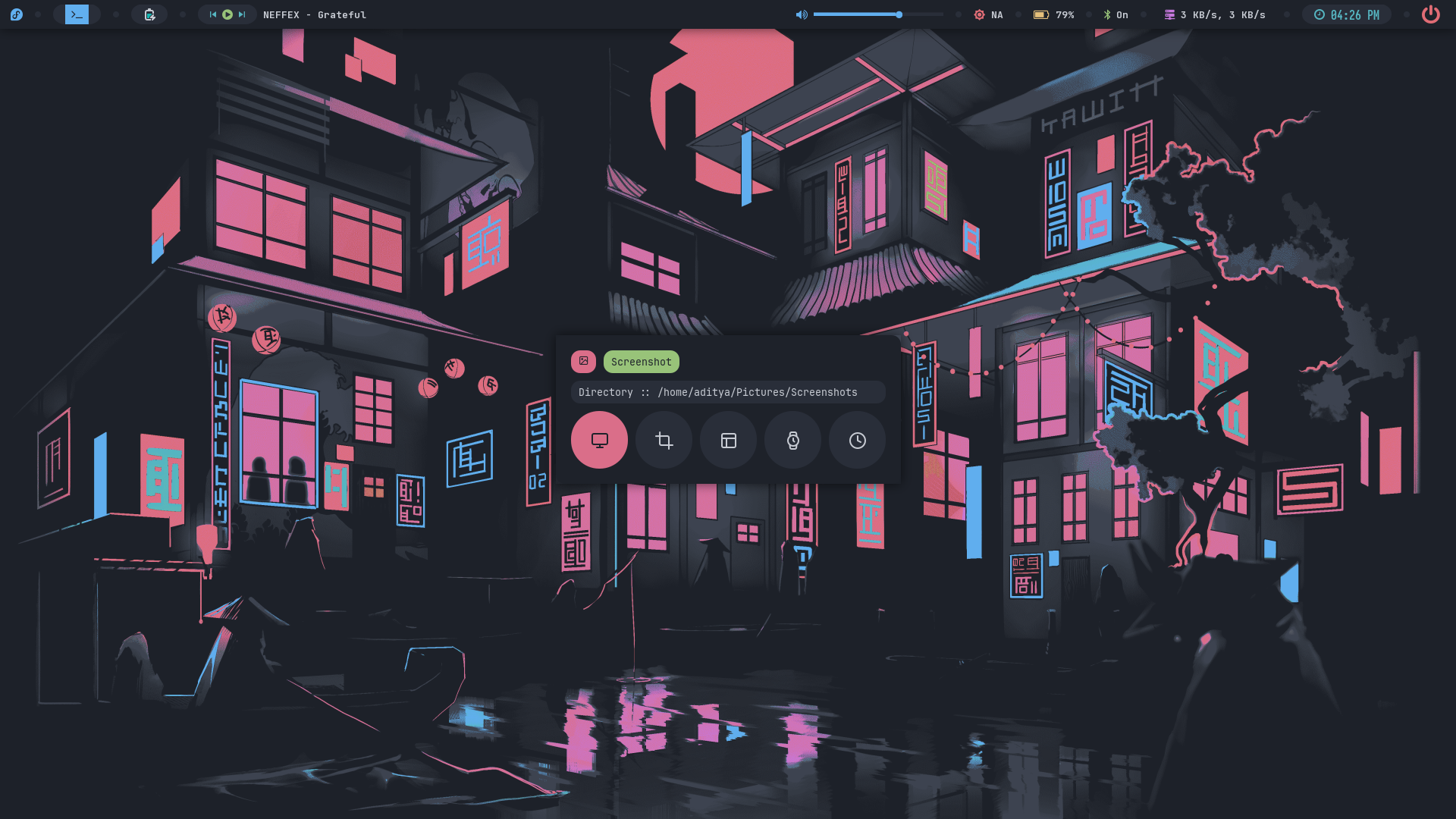
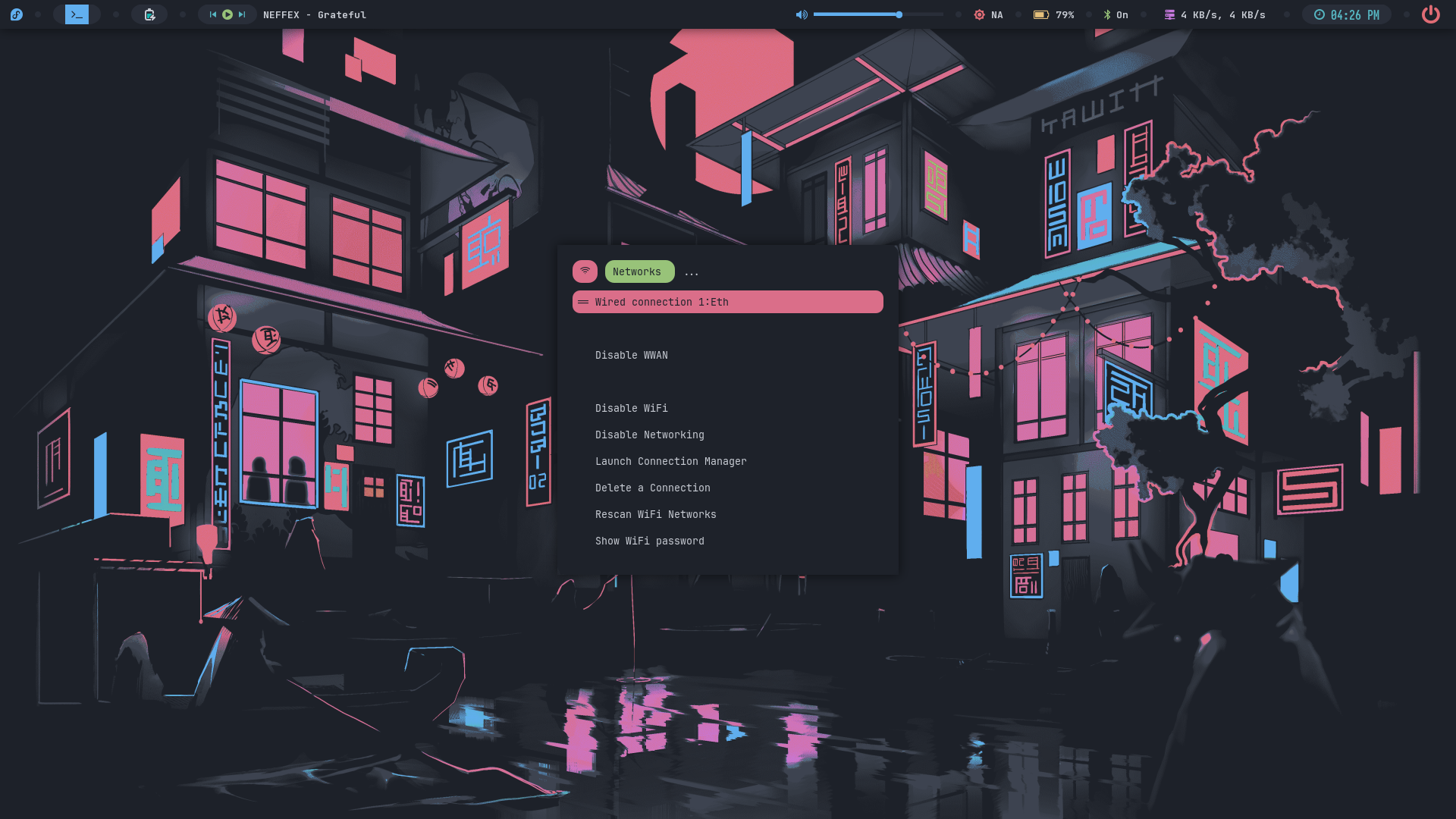
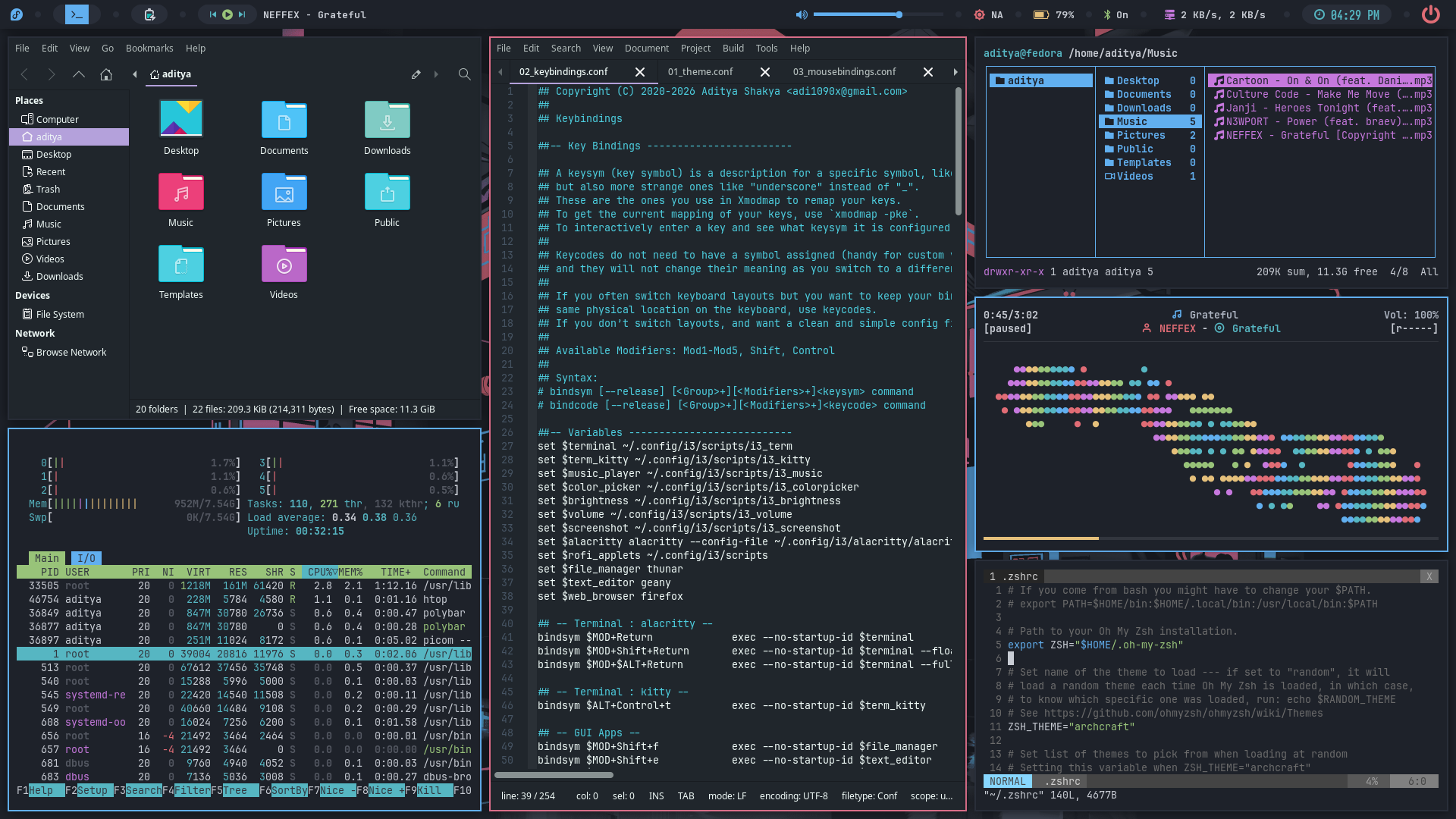
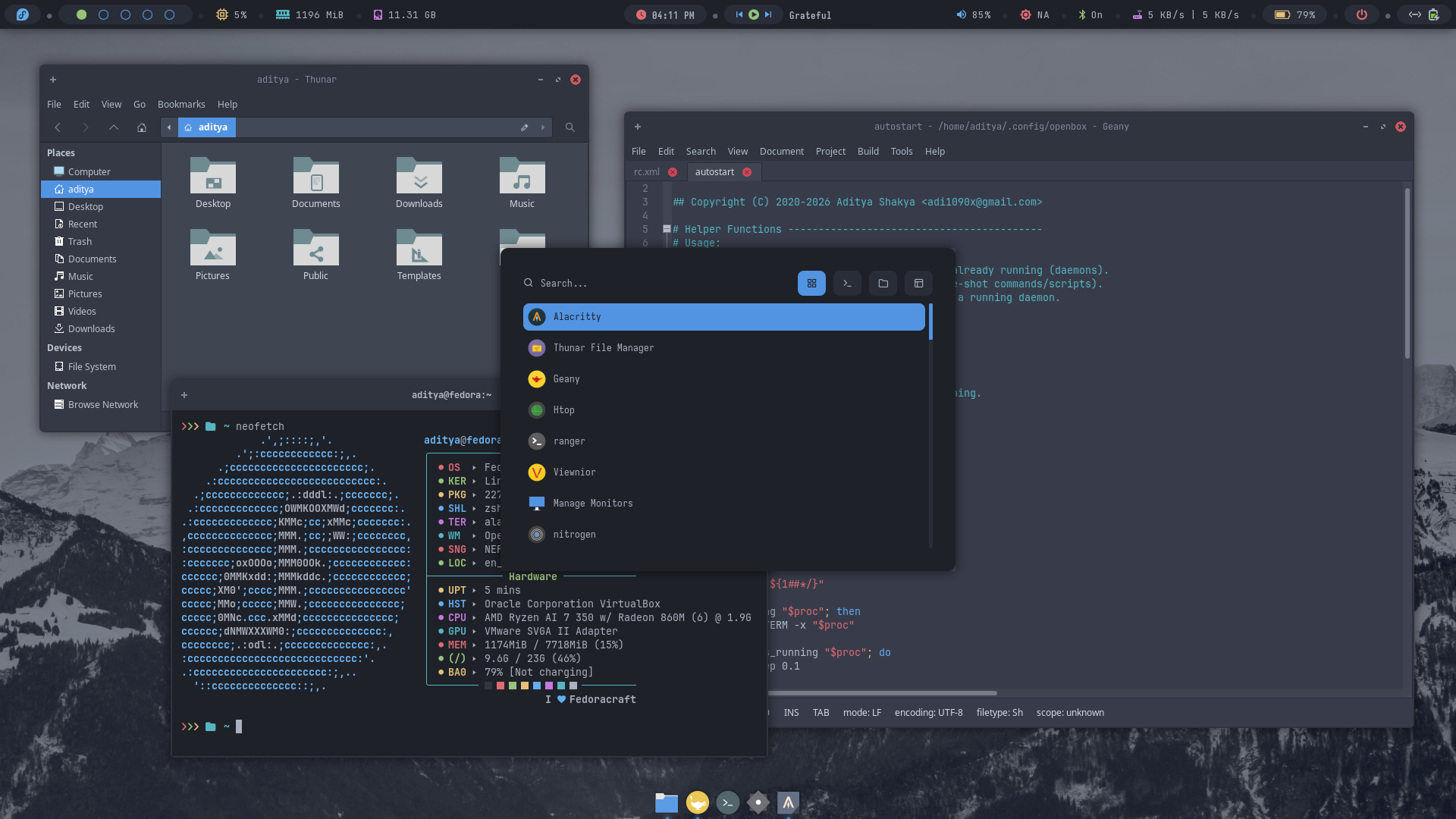
Here's few screenshots of Openbox, Bspwm and i3wm desktops. These'll give you an idea of the experience of these WMs in Fedoracraft.
- Openbox
- Bspwm
- i3wm
| Desktop 1 | Desktop 2 | Desktop 3 | Desktop 4 | Desktop 5 | Desktop 6 |
|---|---|---|---|---|---|
 |  |  |  |  |  |
| Desktop 7 | Desktop 8 | Desktop 9 | Desktop 10 | Desktop 11 | Desktop 12 |
|---|---|---|---|---|---|
 |  |  |  |  |  |
| Desktop 1 | Desktop 2 | Desktop 3 | Desktop 4 | Desktop 5 | Desktop 6 |
|---|---|---|---|---|---|
 |  |  |  |  |  |
| Desktop 7 | Desktop 8 | Desktop 9 | Desktop 10 | Desktop 11 | Desktop 12 |
|---|---|---|---|---|---|
 |  |  |  |  |  |
| Desktop 1 | Desktop 2 | Desktop 3 | Desktop 4 | Desktop 5 |
|---|---|---|---|---|
 |  |  |  |  |
| Desktop 6 | Desktop 7 | Desktop 8 | Desktop 9 | Desktop 10 |
|---|---|---|---|---|
 |  |  |  |  |
Themes
- Openbox
- Bspwm
- i3wm
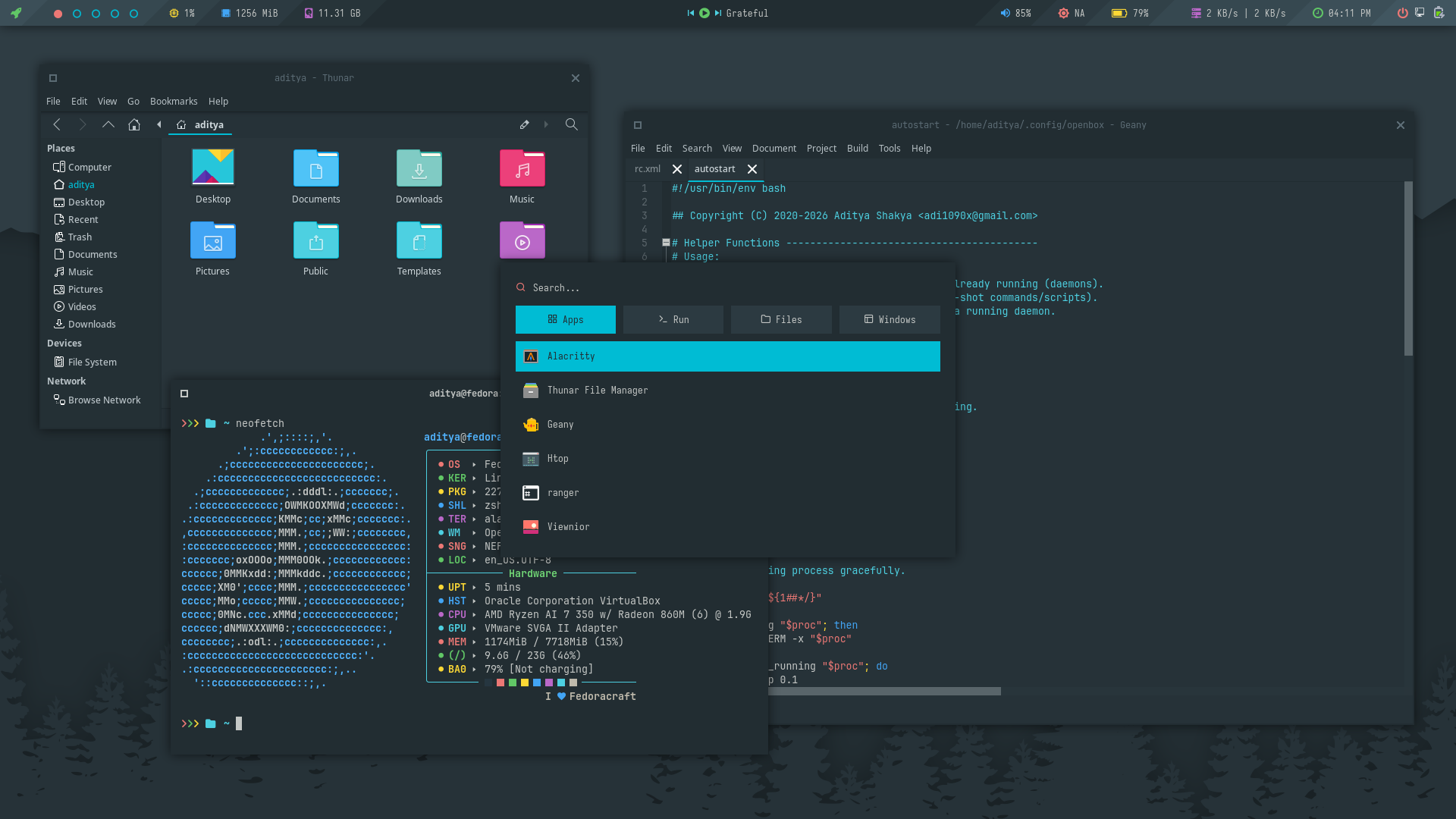
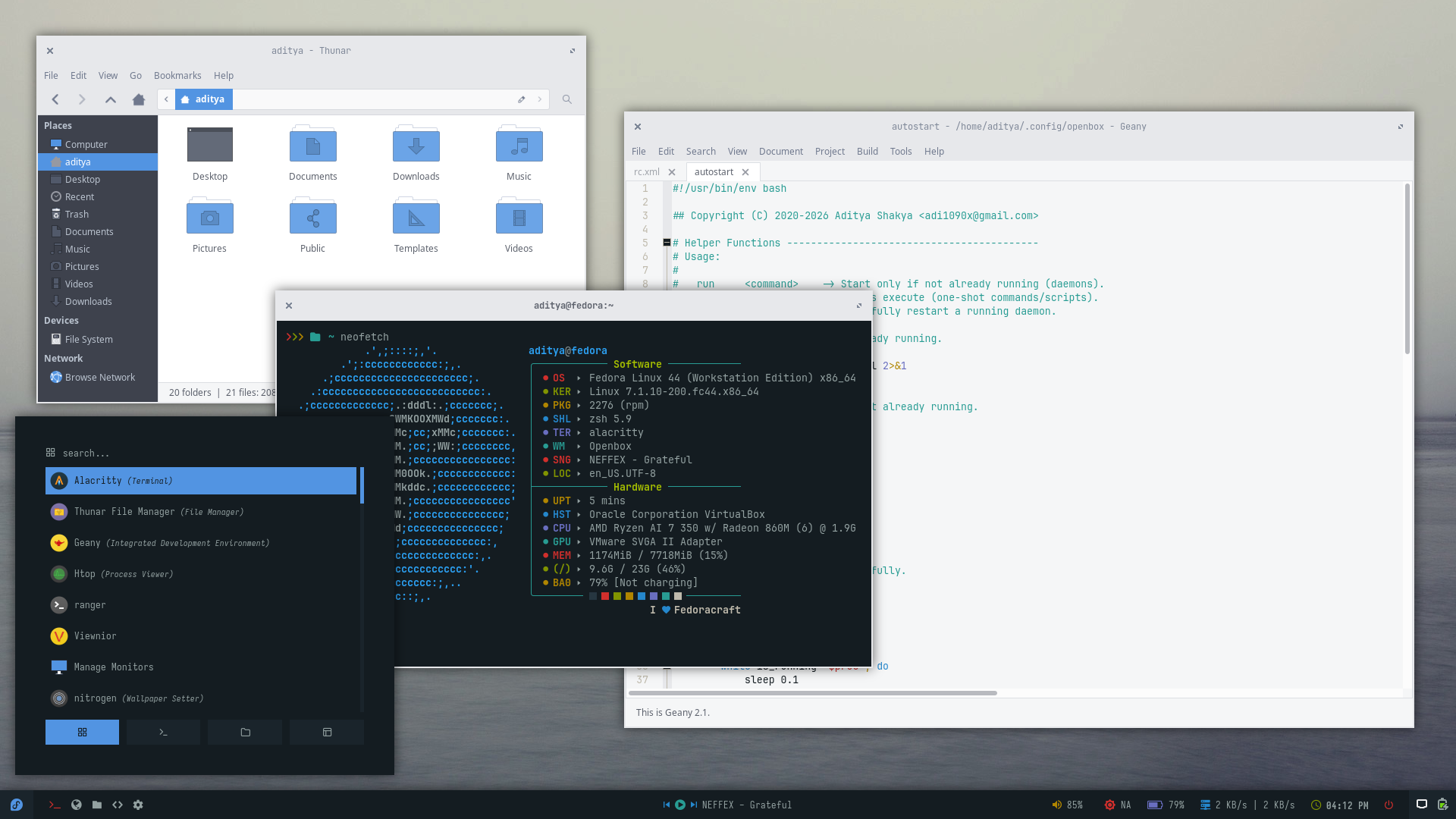
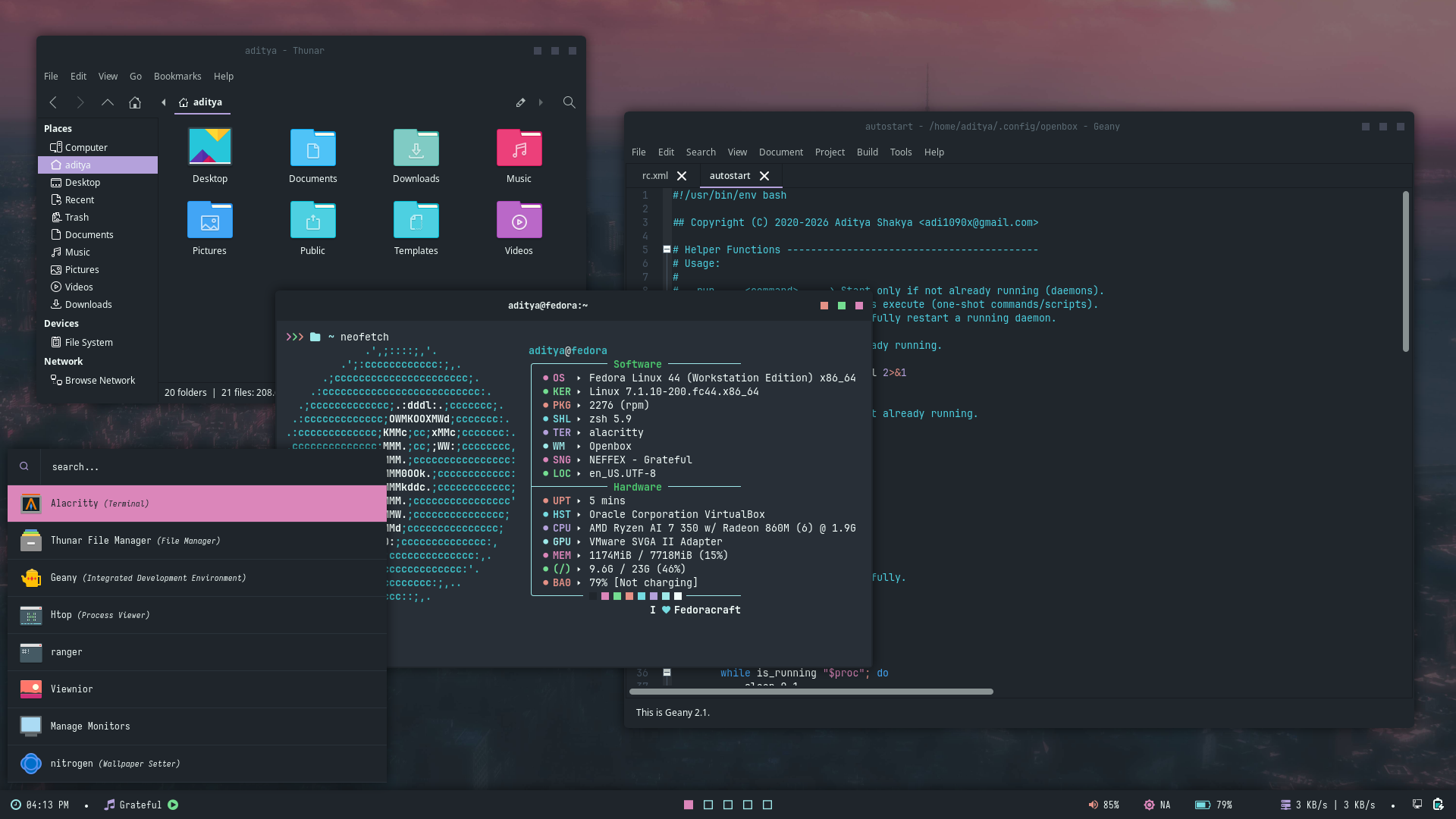
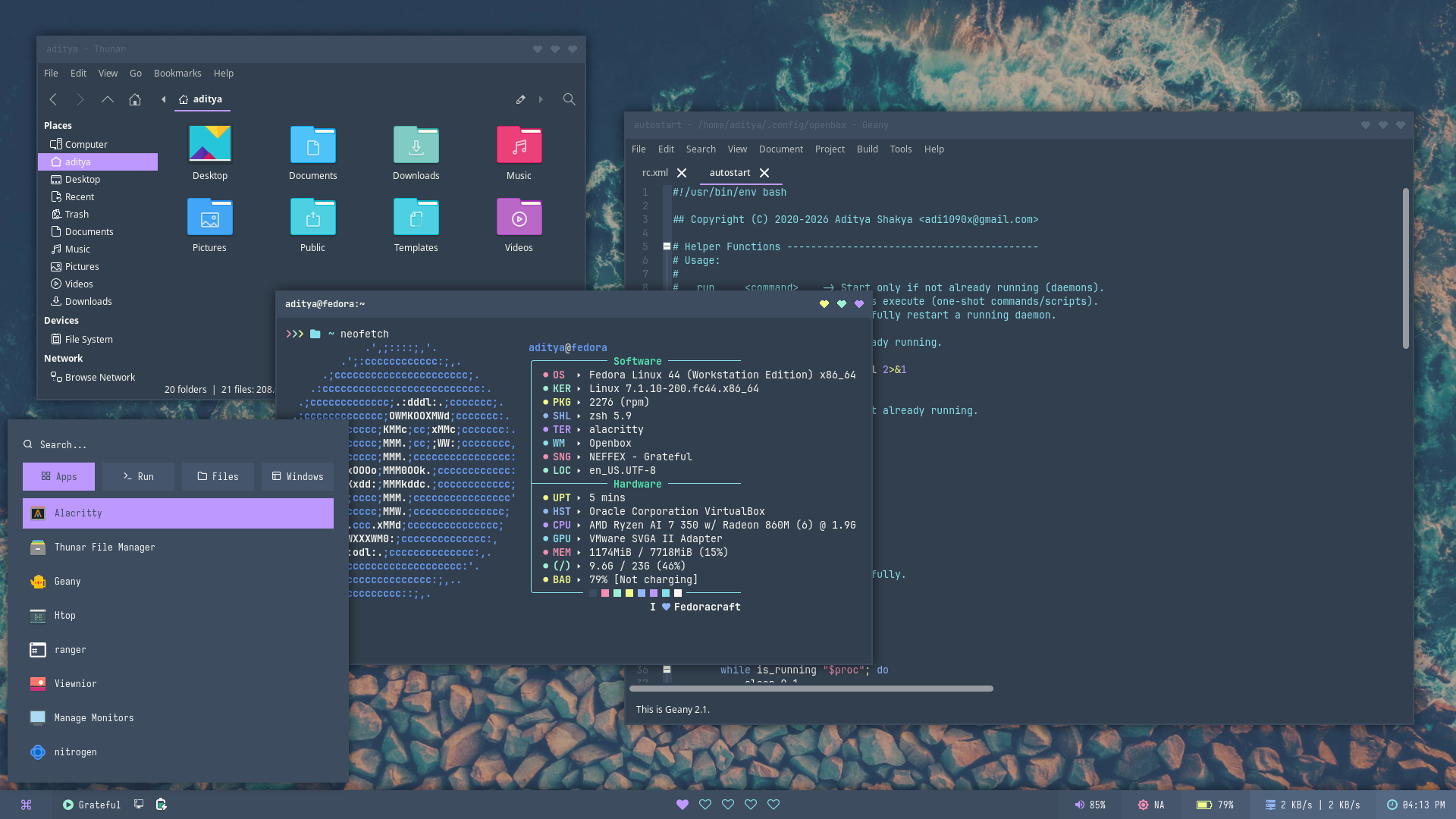
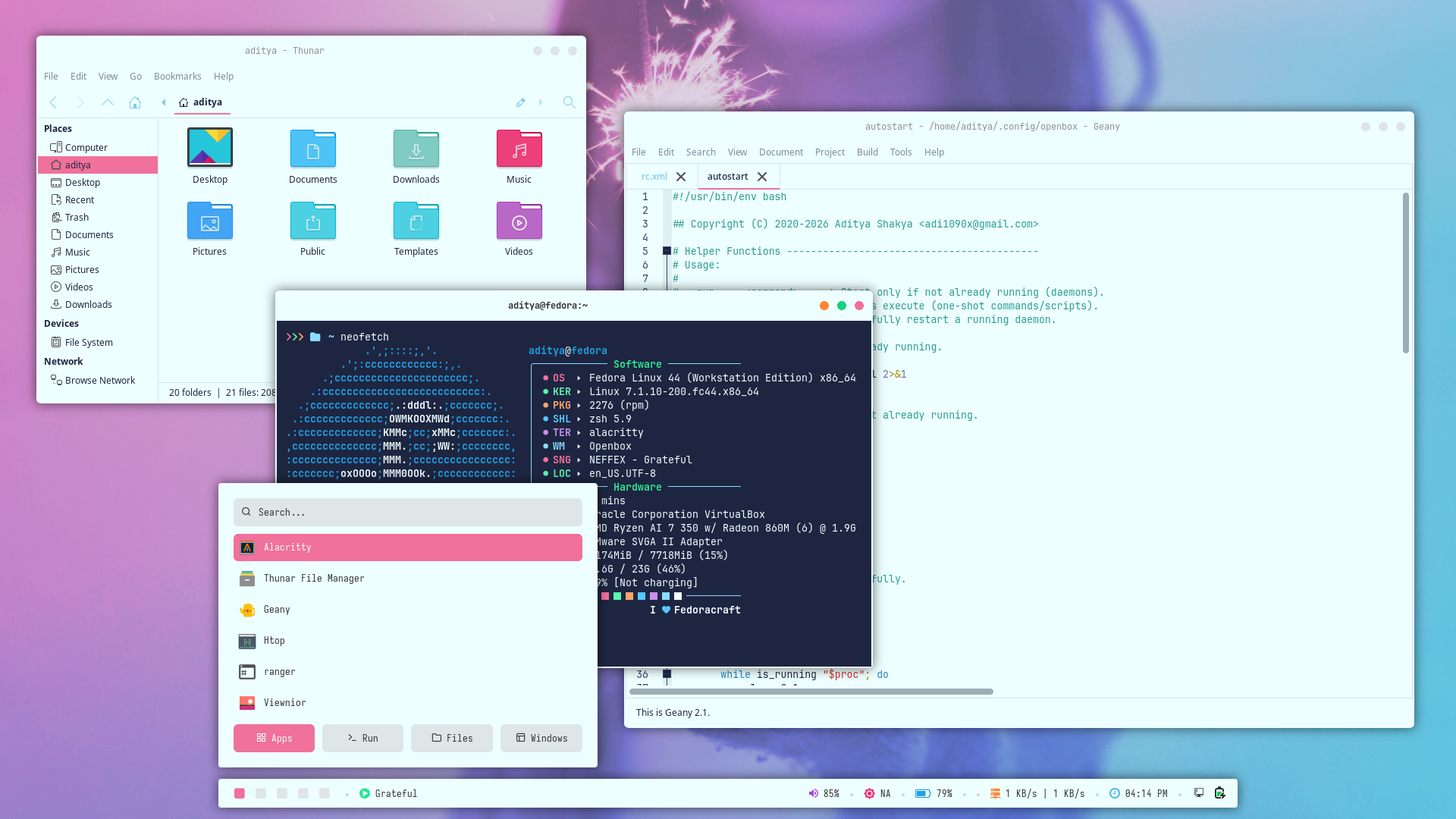
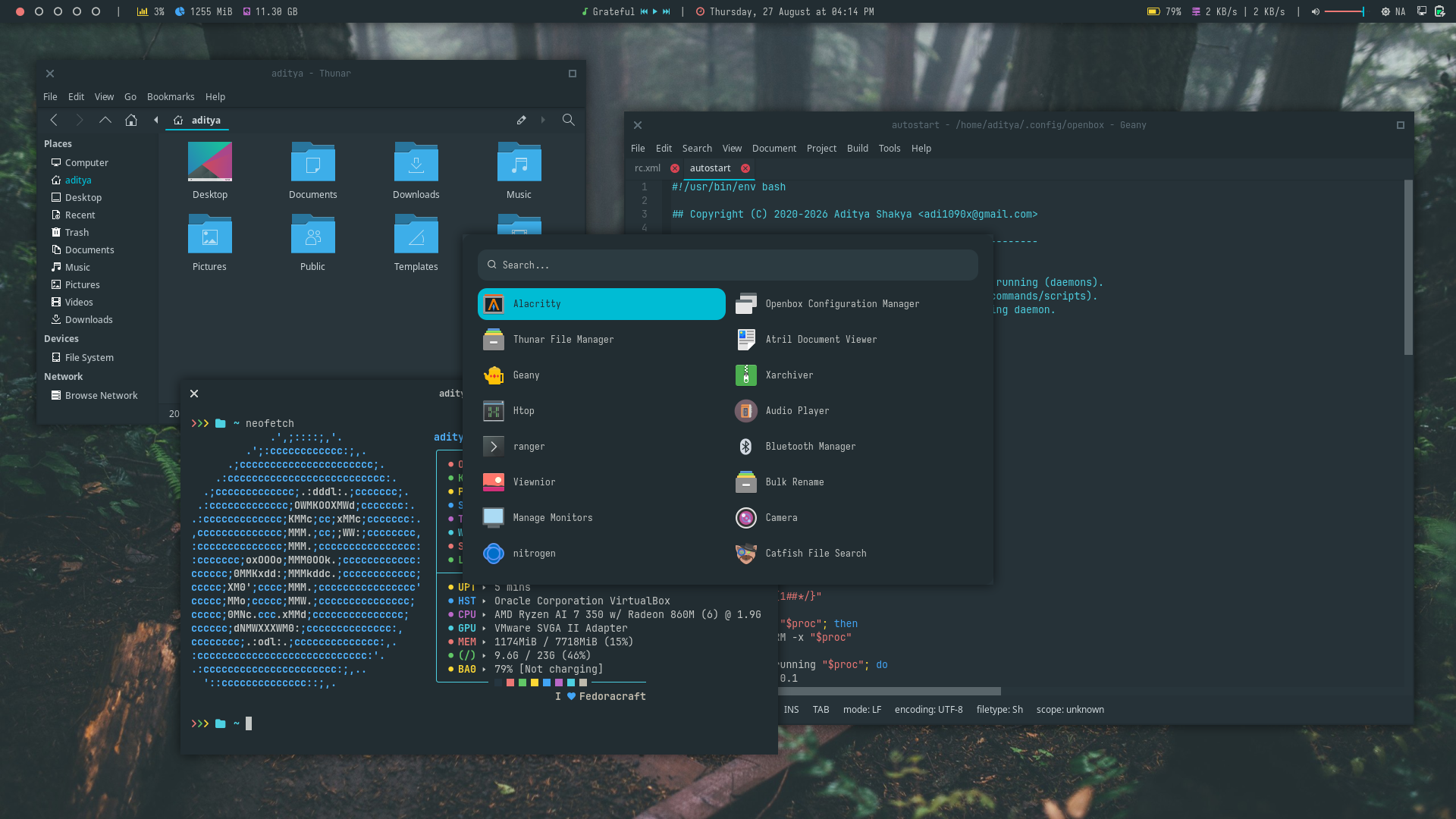
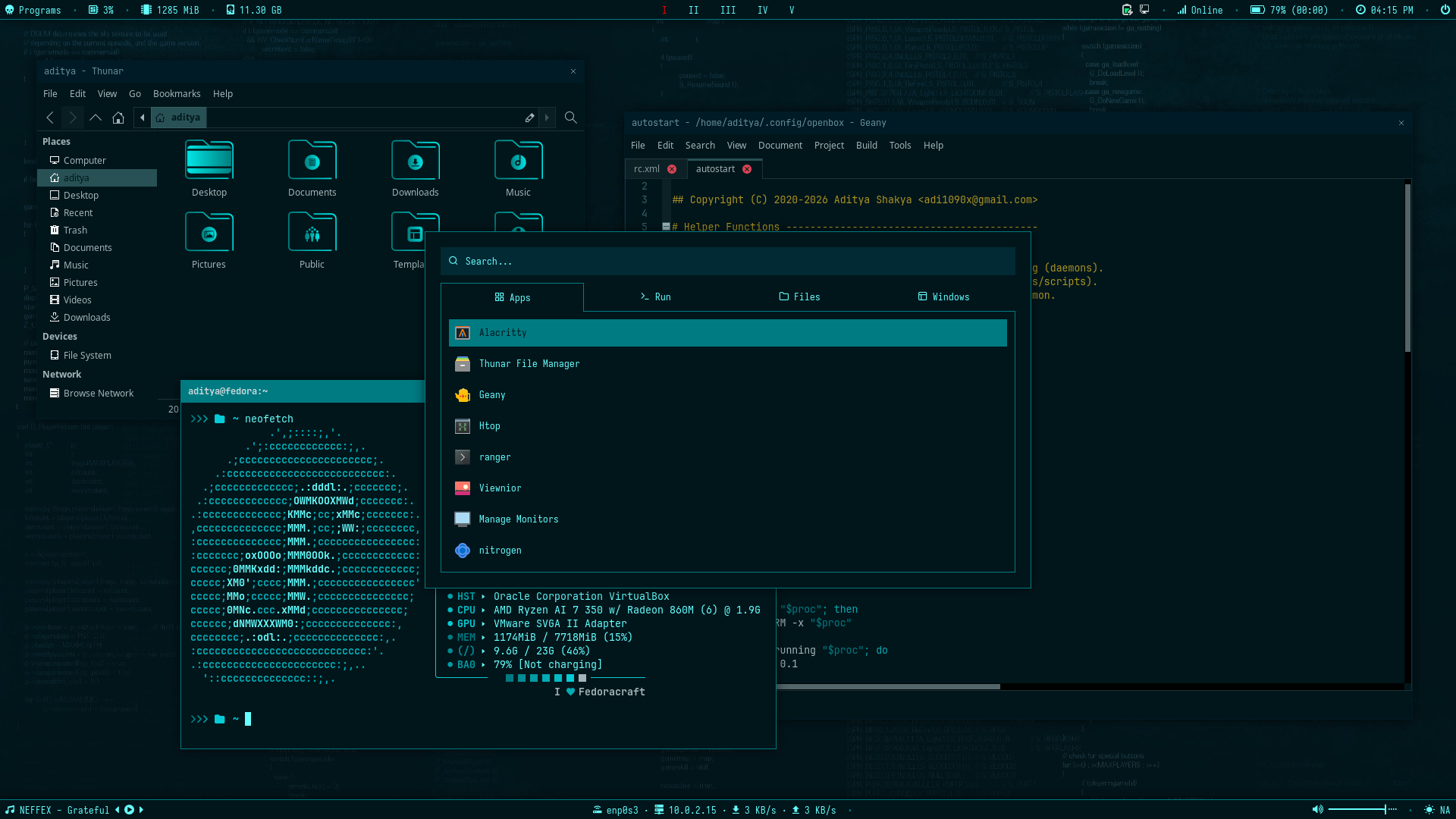
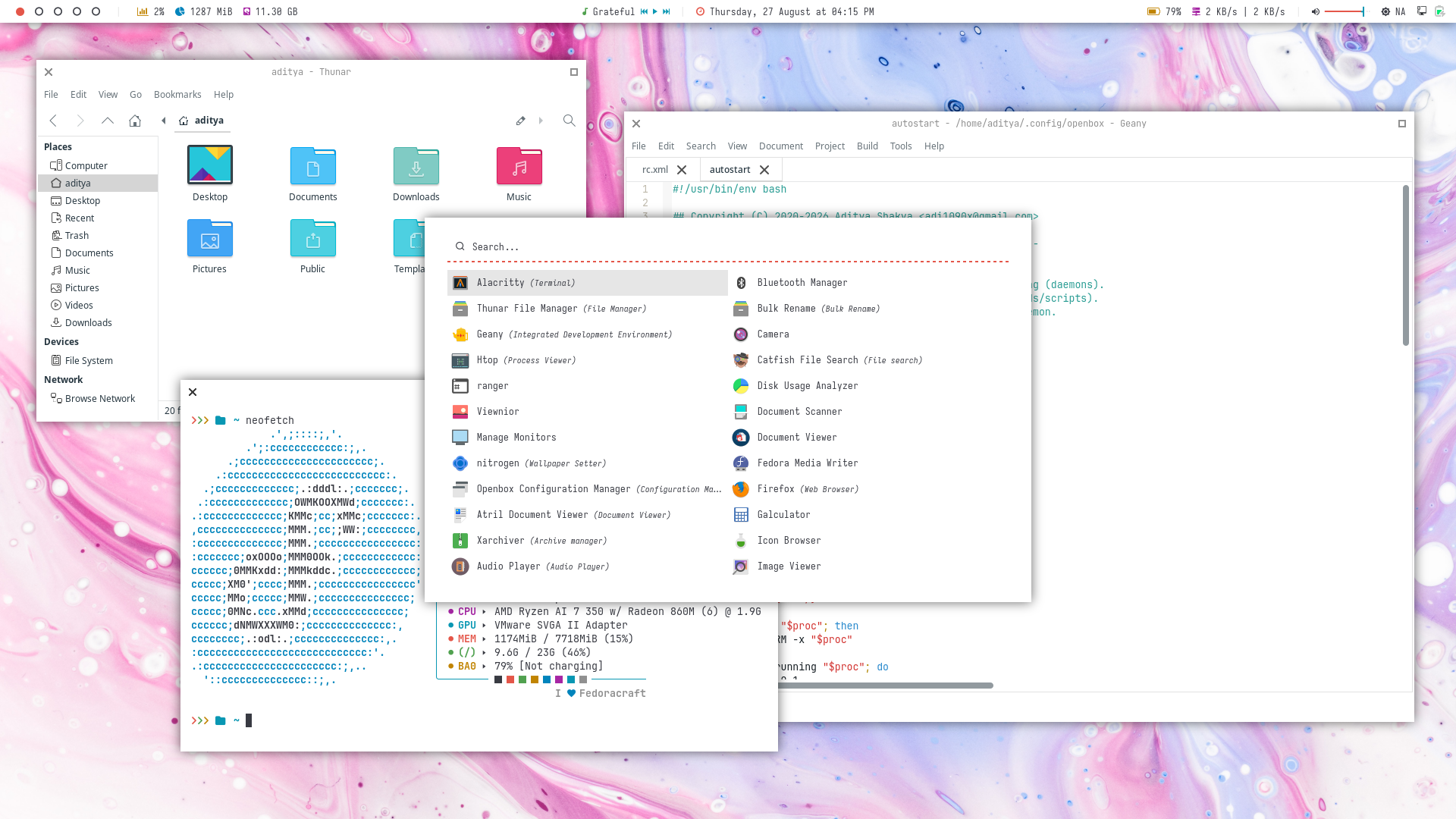
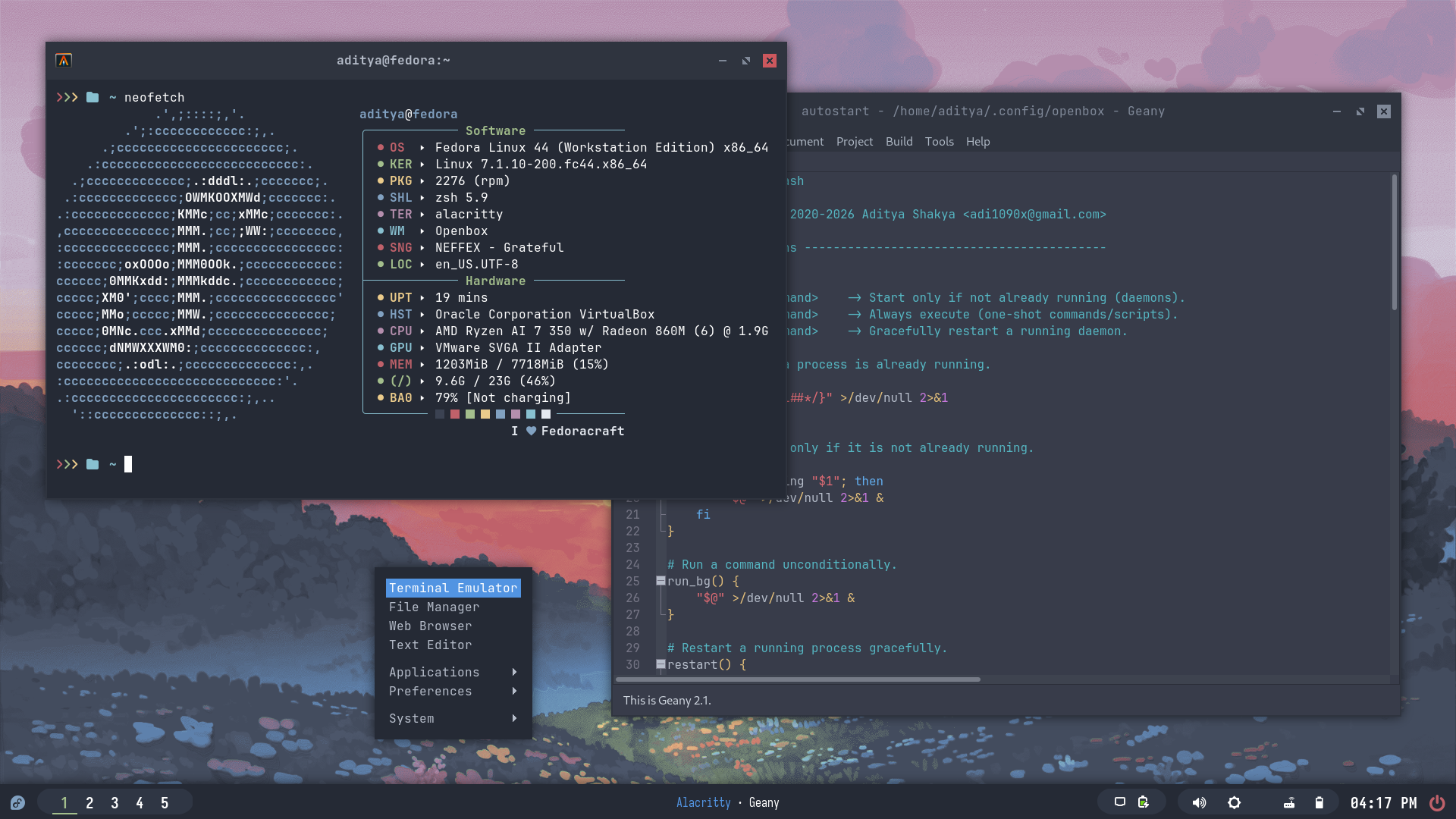
There are 10 themes available in openbox.
| Theme 1 | Theme 2 | Theme 3 | Theme 4 | Theme 5 |
|---|---|---|---|---|
 |  |  |  |  |
| Theme 6 | Theme 7 | Theme 8 | Theme 9 | Theme 10 |
|---|---|---|---|---|
 |  |  |  |  |
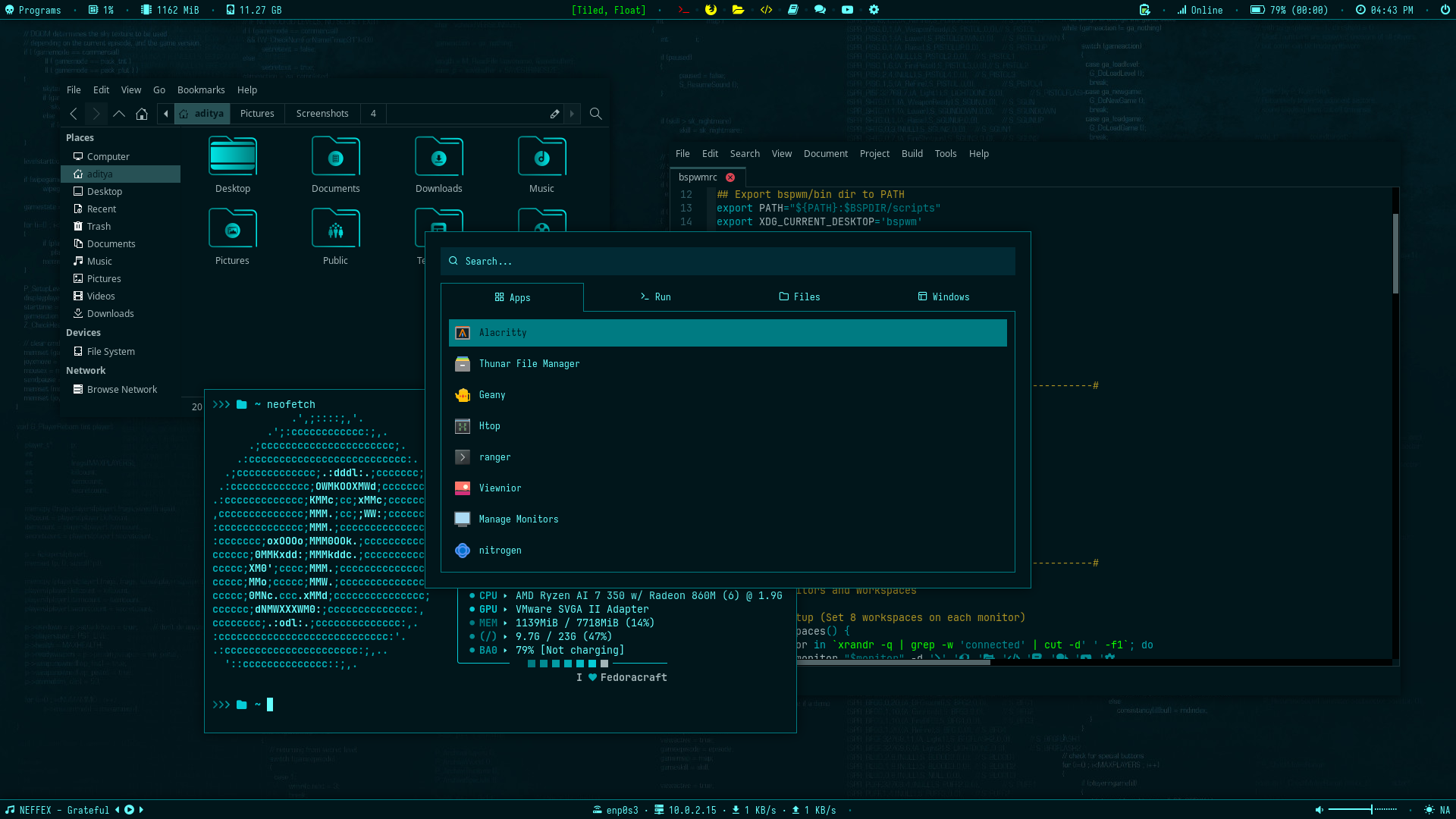
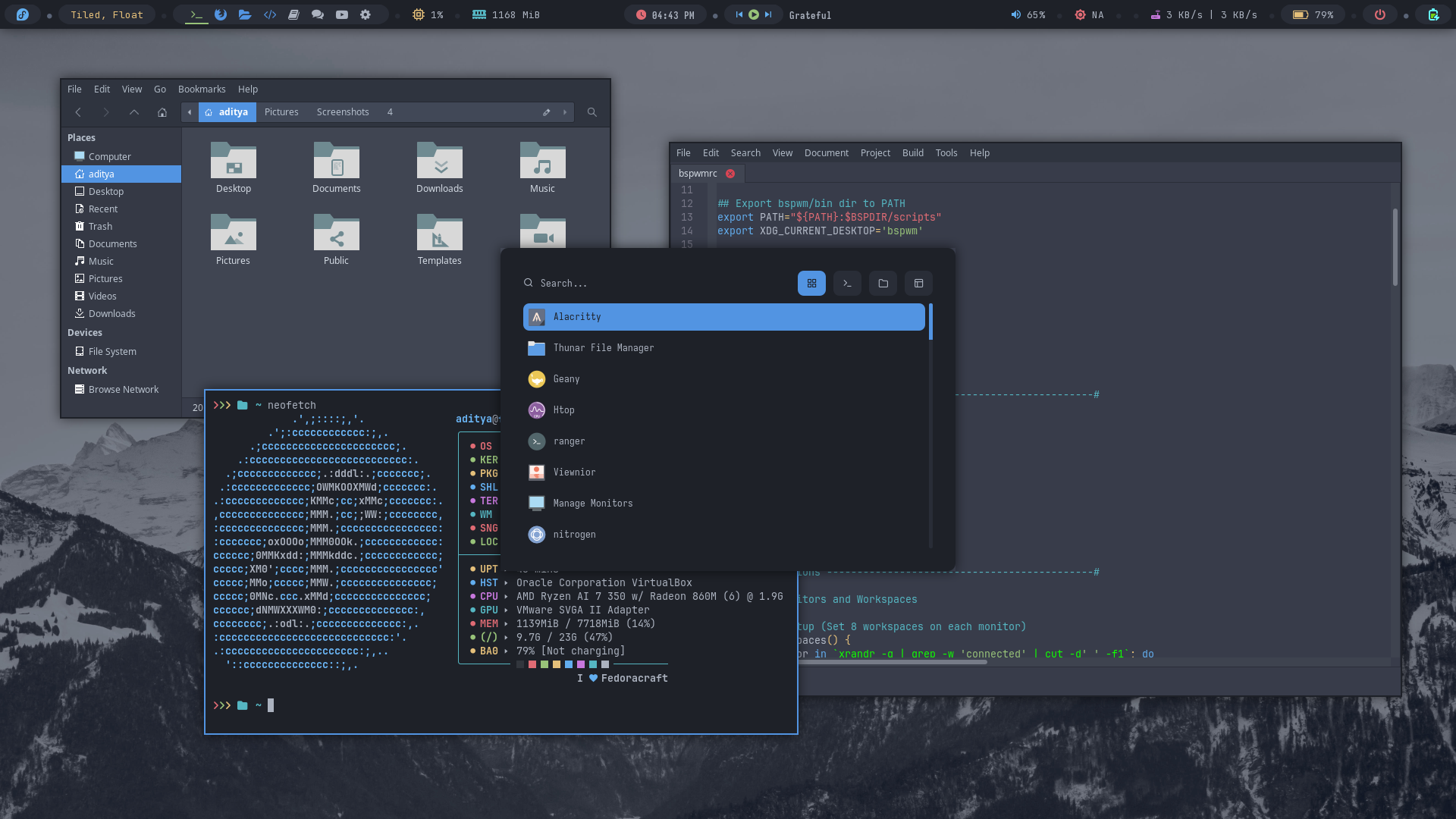
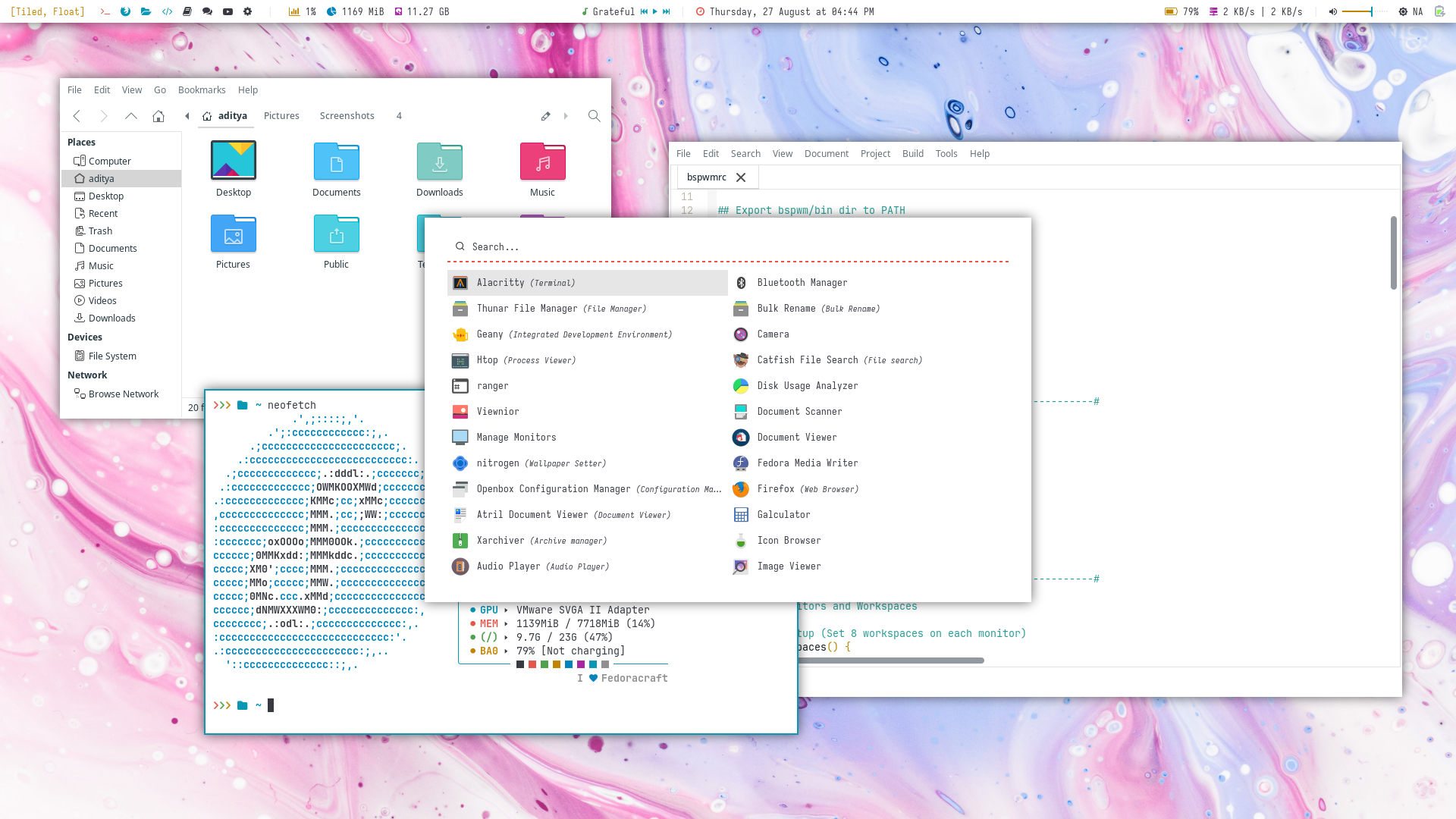
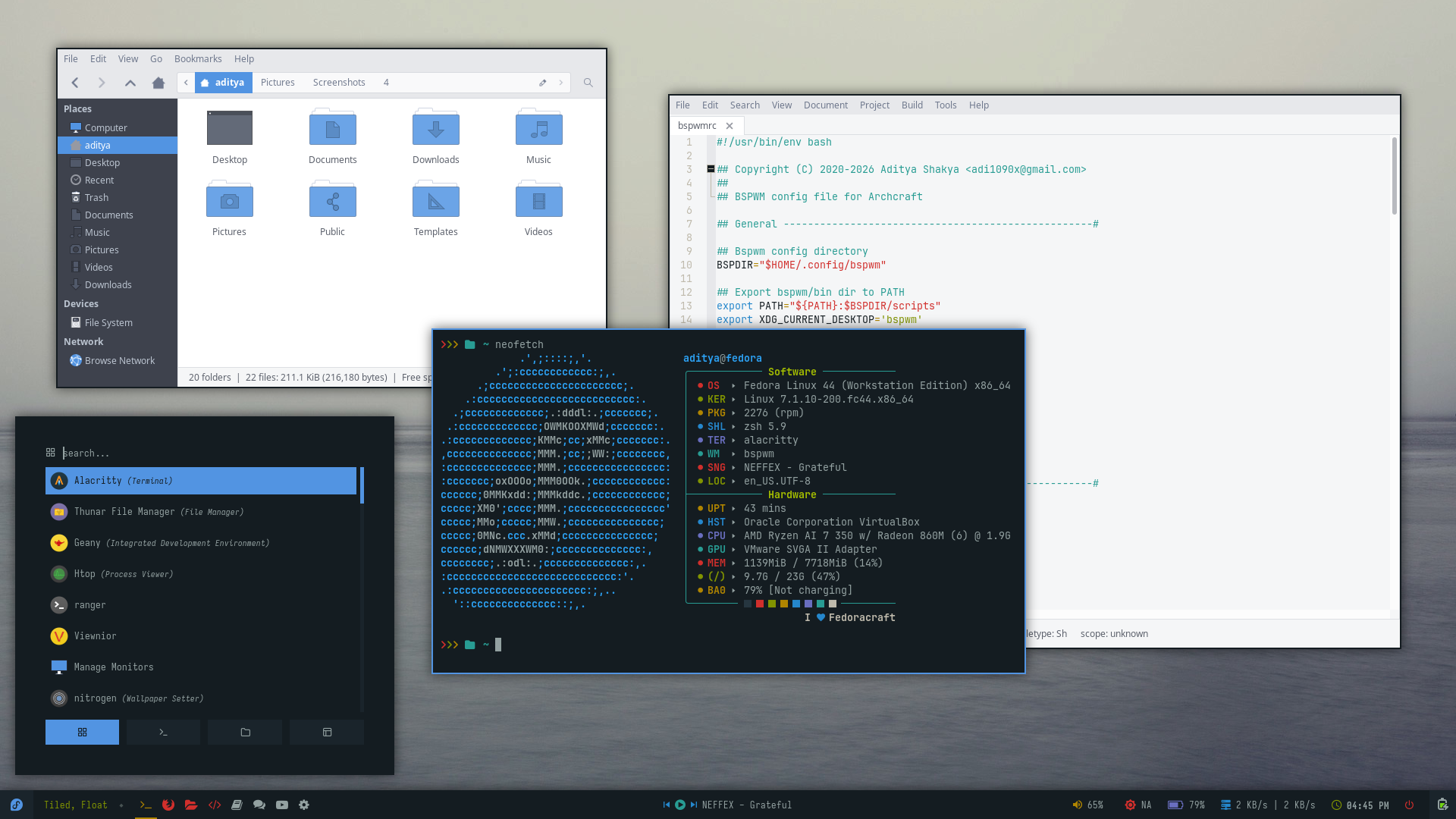
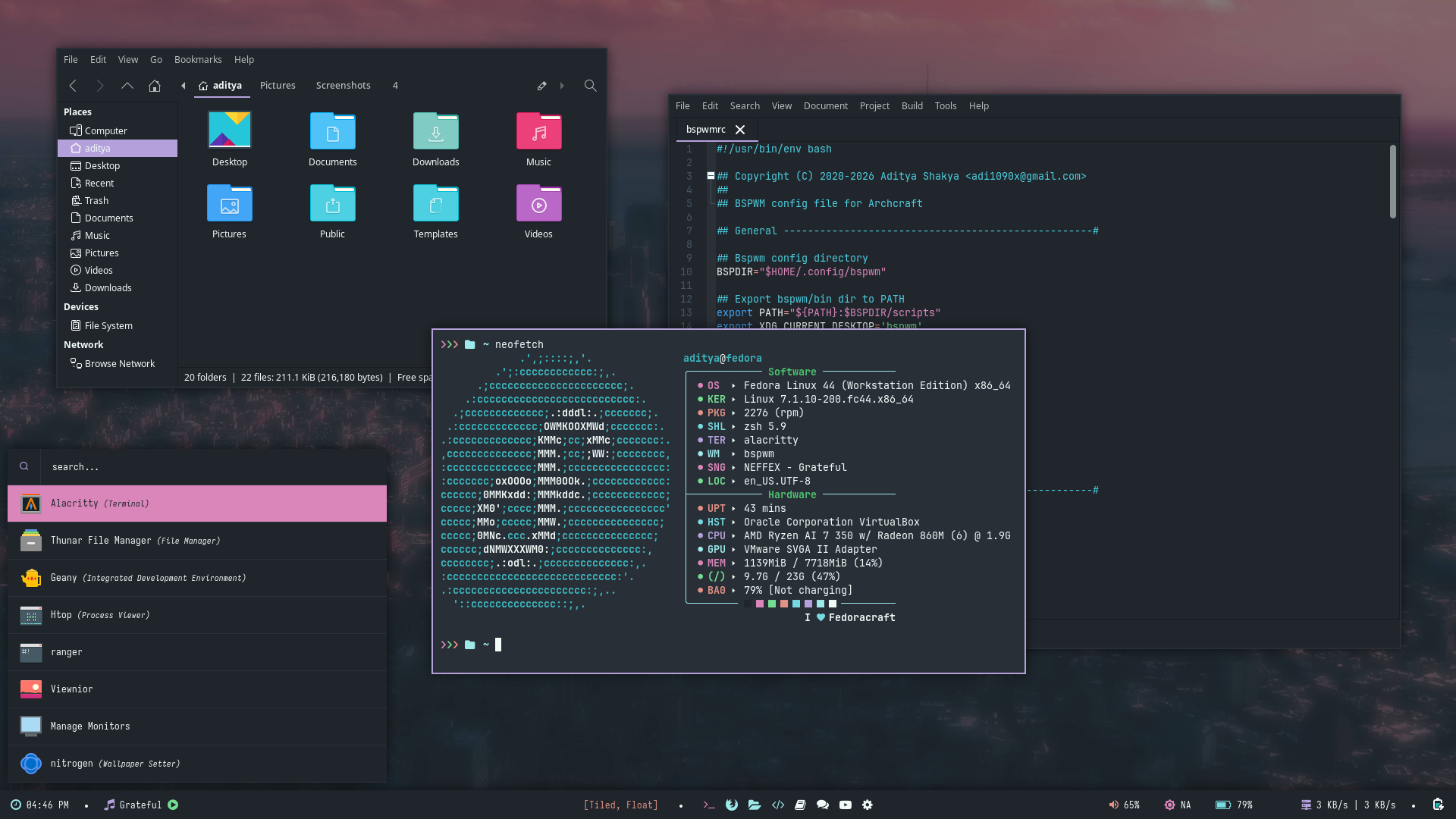
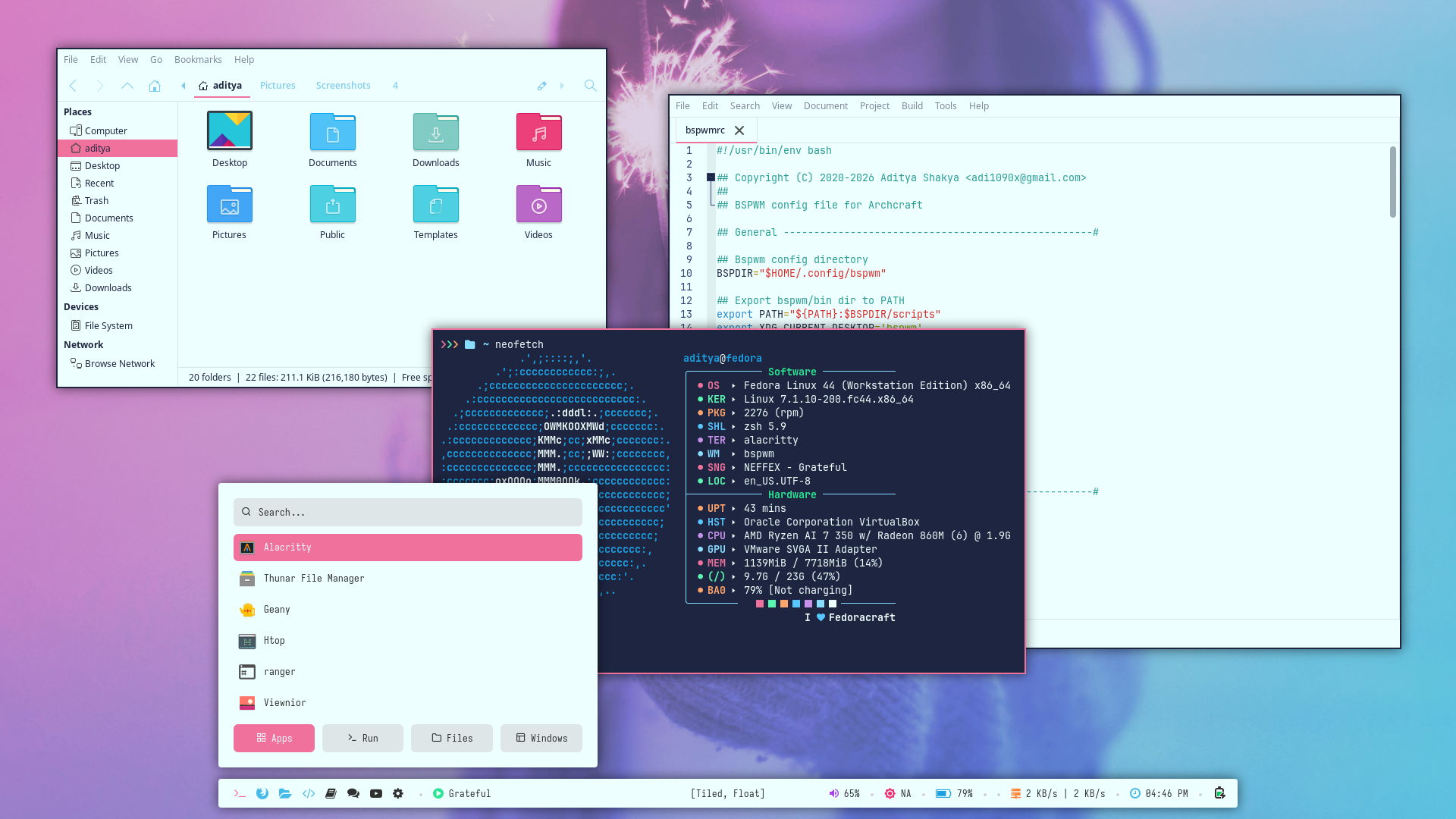
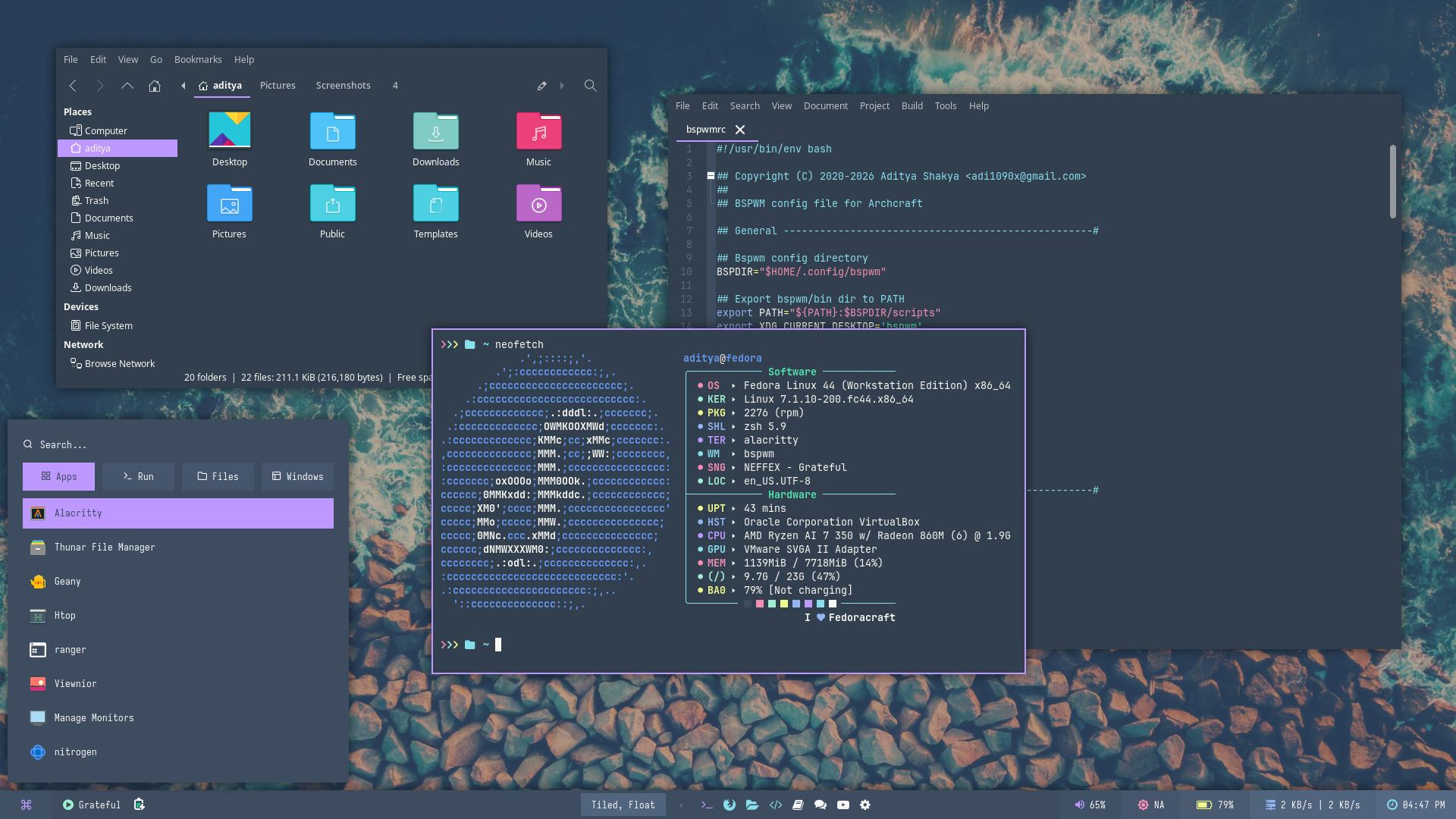
There are 10 themes available in bspwm.
| Theme 1 | Theme 2 | Theme 3 | Theme 4 | Theme 5 |
|---|---|---|---|---|
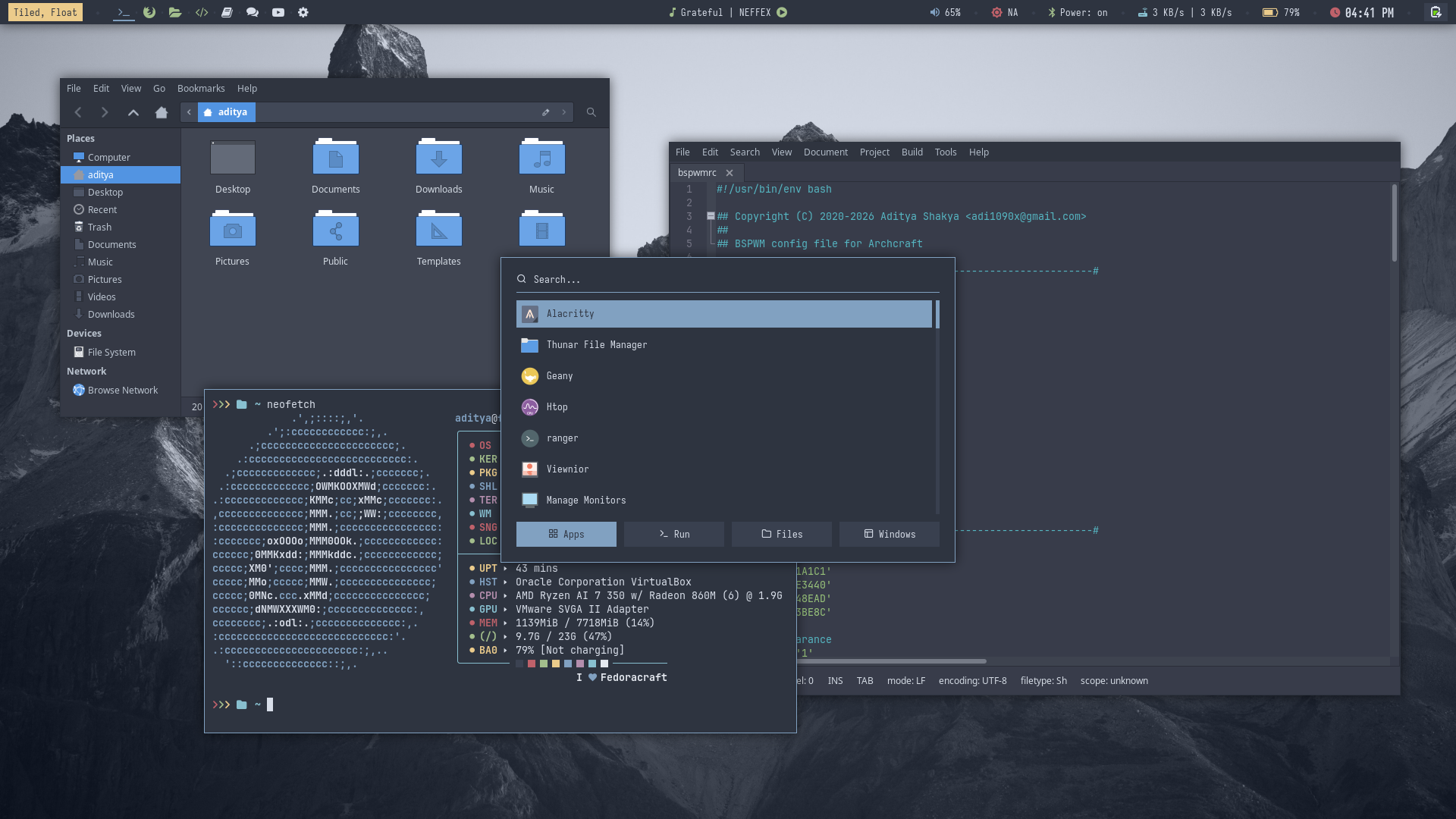 | 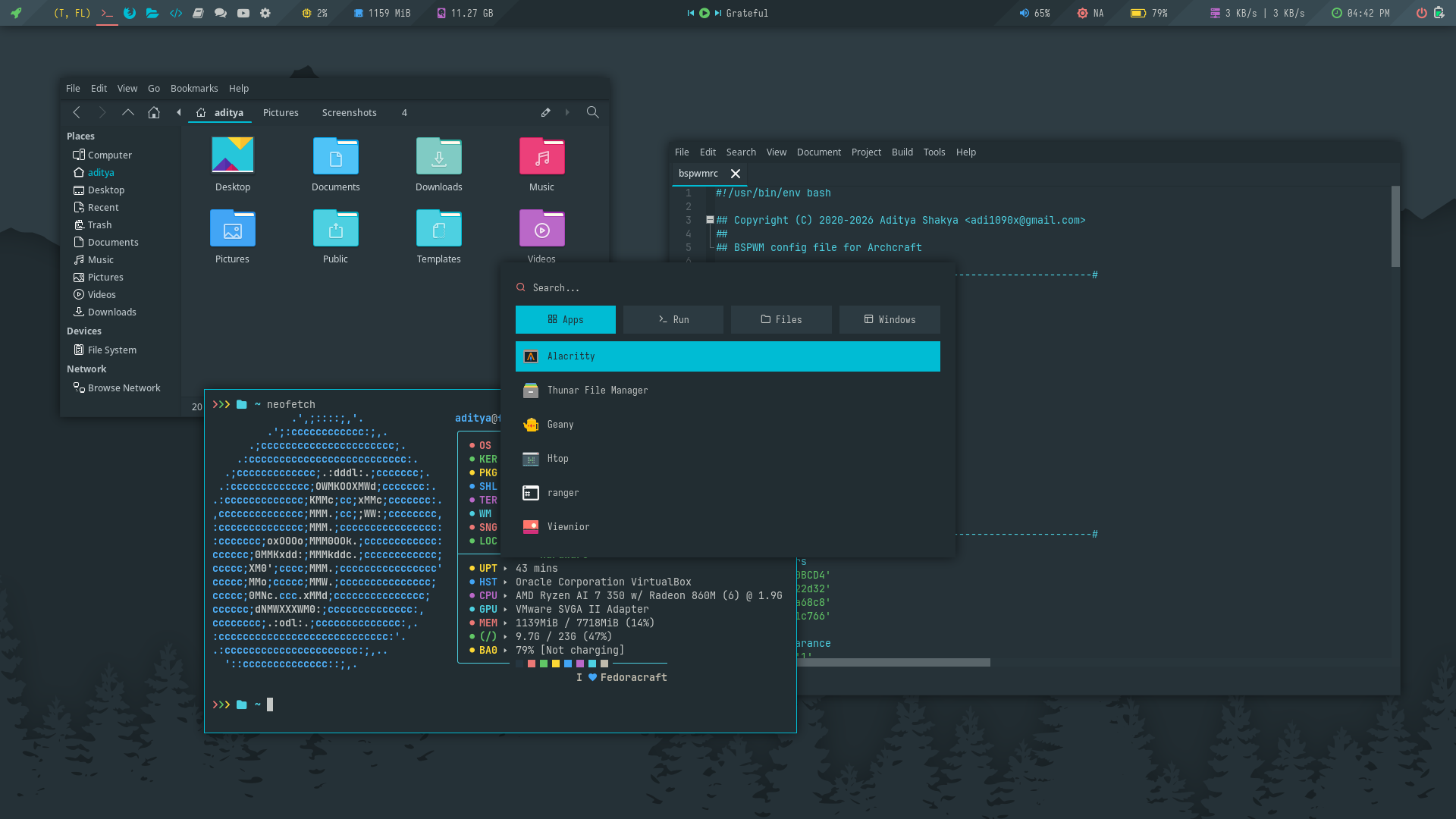 | 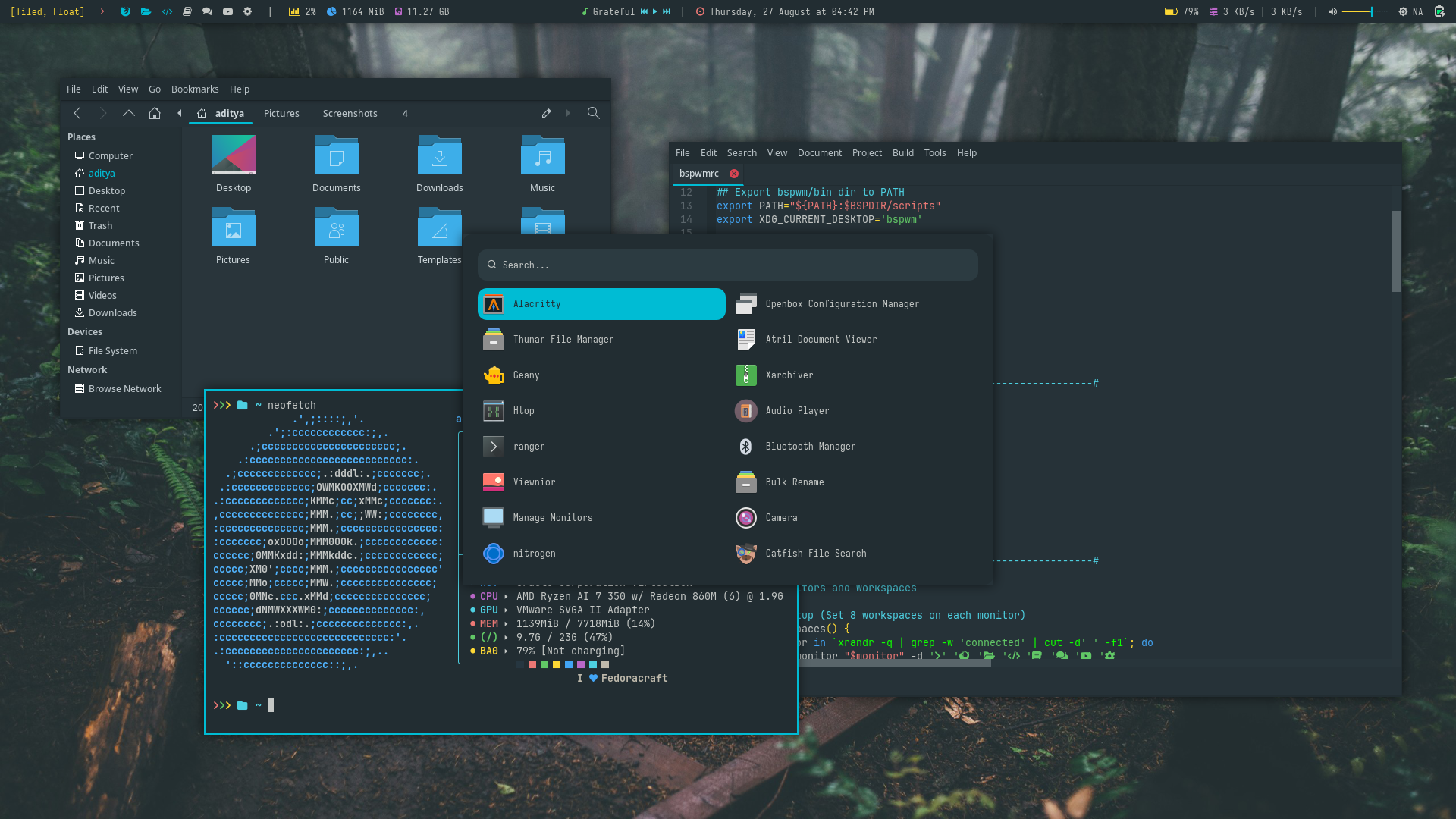 |  |  |
| Theme 6 | Theme 7 | Theme 8 | Theme 9 | Theme 10 |
|---|---|---|---|---|
 |  |  |  |  |
There is only one theme available in i3wm.
FAQs
How to use Fedoracraft?
How to get the Updates?
Follow the steps below to get updates (or re-download files):
- Login to you Ko-fi account
- Go to your
Ko-fi Payments History - Select the purchases you've made
- Click on
View Details - Then, Click on
View Contentto download the updated files.
I need help with Fedoracraft?
The best places to get help quickly are Archcraft Communities. So join them and ask for help there. The links are in footer section of this wiki.
If you face any issue with this, Email me at adi1090x@gmail.com and feel free to ask for help.
Where do i report issues?
Have you found any bug and want to report it, Open an issue on Github