August 2026 Release

Major August 2026 ISO of Archcraft is now available to download. Read the changelogs below to know what's new.
Archcraft • August 2026 Release
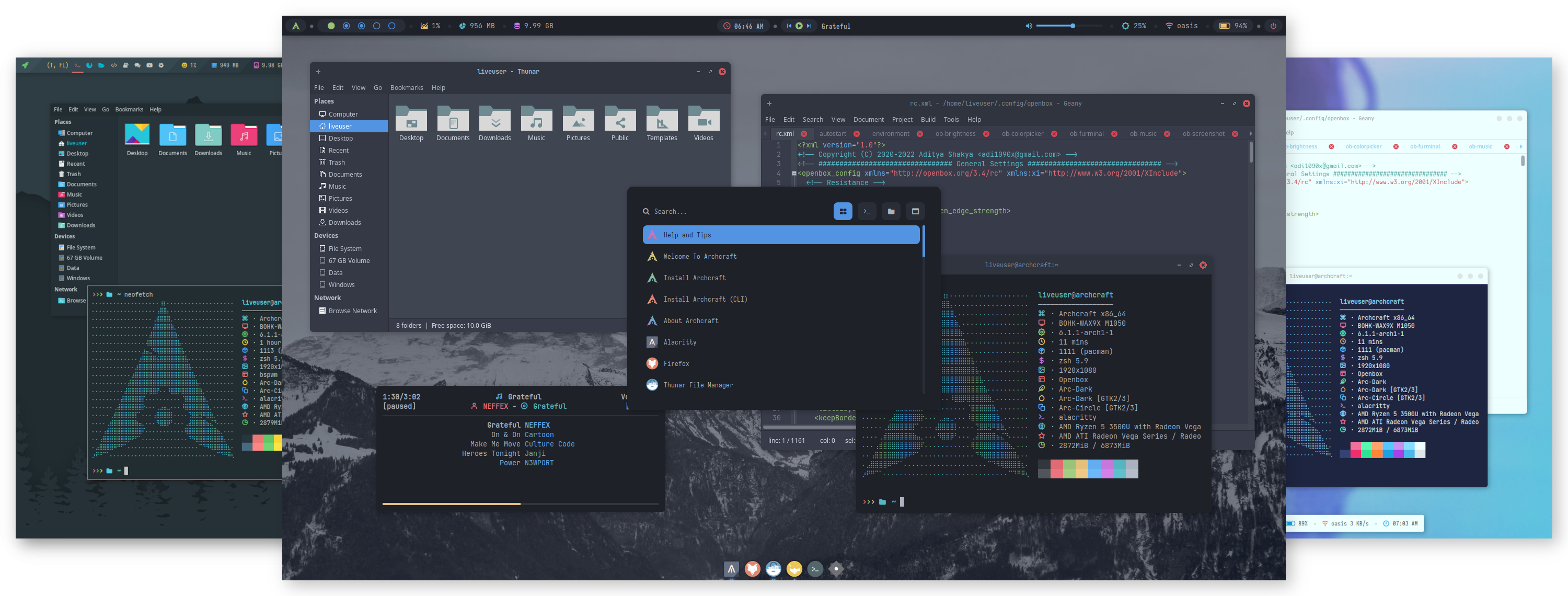
A release focused on stability, compatibility and polish. From a completely revamped installation experience to improved desktop sessions, better VirtualBox support and countless bug fixes, this is one of the biggest Archcraft updates yet.
Highlights
- Brand new Qt6 SDDM theme
- New Sway Wayland session
- Reliable encrypted installations across installers
- Restored Btrfs and XFS installation support (calamares)
- Updated to archiso 88-1
- Improved VirtualBox compatibility
- Better GTK/GNOME application integration
- Hundreds of small fixes and improvements
New Login Experience
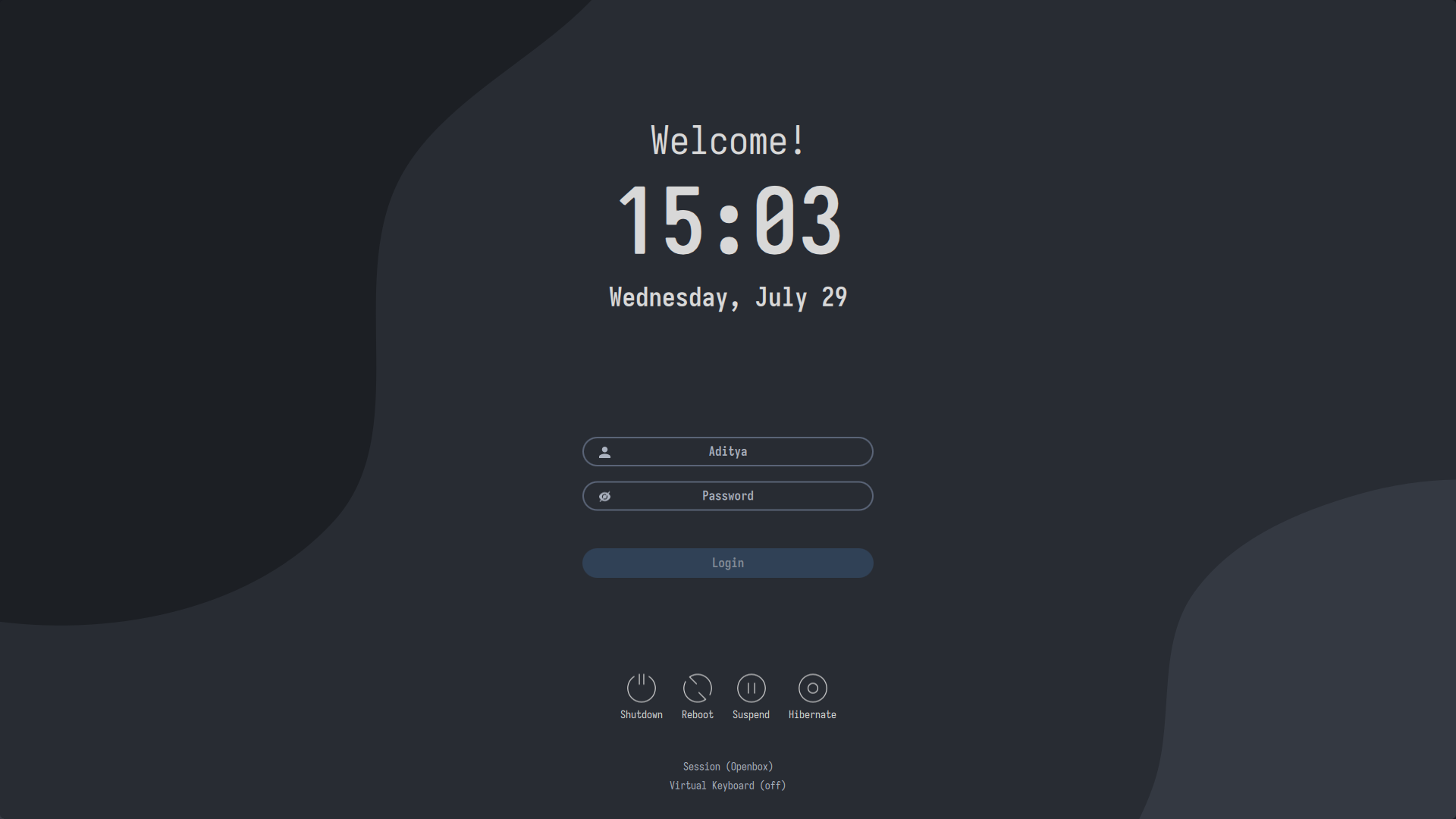
Archcraft now ships with an all-new Qt6-based SDDM theme, bringing a cleaner design, improved HiDPI support and a more polished login experience.
New Wayland Session
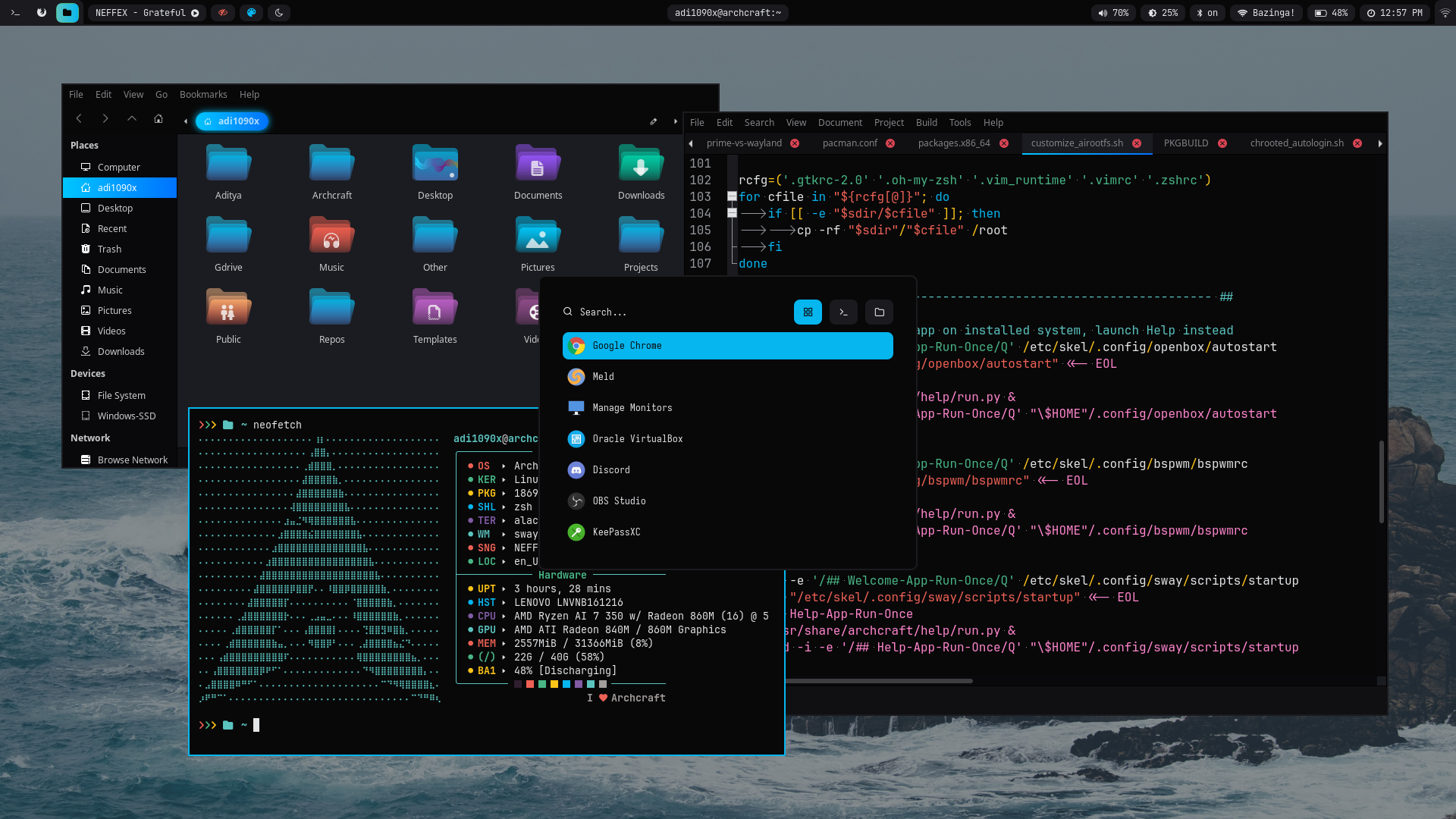
One of the biggest additions in this release is the introduction of Sway, providing another lightweight Wayland session alongside the existing window managers.
Features
- Completely new appearance
- Carefully tuned defaults
- Improved VirtualBox compatibility
- Better GTK/GNOME application support
- Client-side decorations disabled for a more consistent desktop
Added for HiDPI displays, wayland scales better on modern displays.
More Screenshots Here
Openbox Improvements
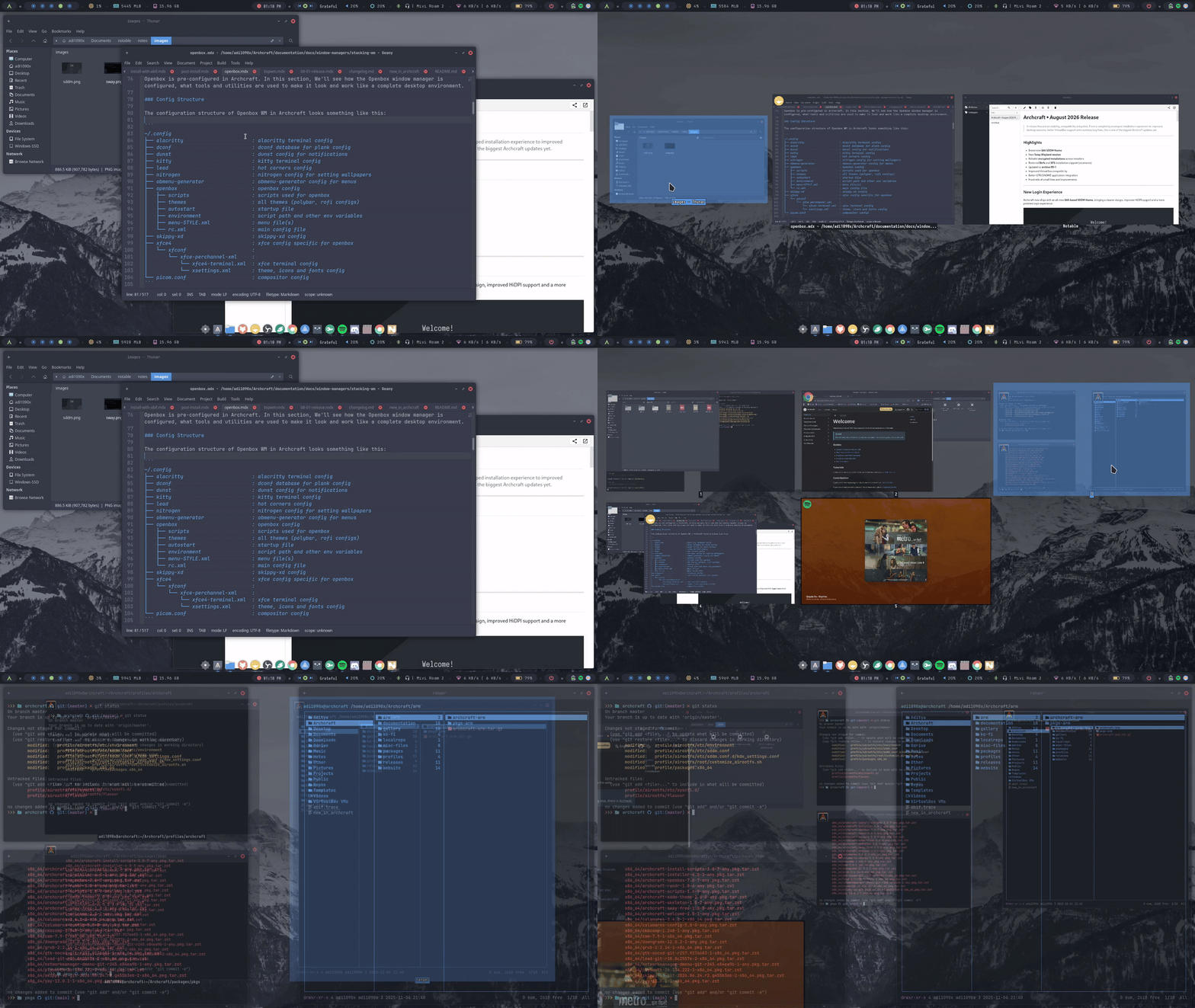
Openbox received numerous quality-of-life improvements.
New
- Reload Theme option added to the menu
- Hot Corners powered by Lead
- Quick Window/Desktop switching using Skippy-XD
- Improved startup sequence
- Better GTK application integration
- Firefox and GNOME applications now follow the system theme correctly
- Improved Picom startup for VirtualBox
BSPWM Improvements
The BSPWM session has also received several refinements.
Improvements
- Replaced feh with hsetroot
- New network management menu
- Improved GTK application theming
- Client-side decorations disabled
- Better VirtualBox compatibility
- Improved Picom startup
Installer Improvements
This release includes major work across both available installers.
Calamares
Filesystem Support
| Supported | Status |
|---|---|
| Ext4 | ✅ |
| Btrfs | ✅ |
| XFS | ✅ |
| F2FS | ✅ |
Removed
- JFS
- ReiserFS
Improvements
- Added Sway installation options
- Btrfs support restored
- XFS support restored
- Encryption now works reliably across all supported filesystems
- Installation logic improved
Tested Configurations
- UEFI
- Legacy BIOS
- Ext4
- Btrfs
- XFS
- F2FS
- Encrypted
- Non-encrypted
ABIF Installer
ABIF has become significantly more reliable.
Fixed
- Encryption installation issues
- LVM installation crash
- Missing kernel parameters for systemd-boot
- systemd-boot installation
- GRUB EFI mounting
Improvements
- Uses sd-encrypt hook
- Works correctly with encrypted and non-encrypted installations
- Better bootloader detection
Tested Configurations
- UEFI
- Legacy BIOS
- Ext4
- Encryption
- Non-encryption
- LVM
- Non-LVM
- GRUB
- systemd-boot
Updated Core Components
| Package | Update |
|---|---|
| GRUB | New patched package based on Arch Linux |
| Plymouth | New patched package based on Arch Linux |
| archiso | Updated to 88-1 |
| SDDM | Updated configuration and new Qt6 theme |
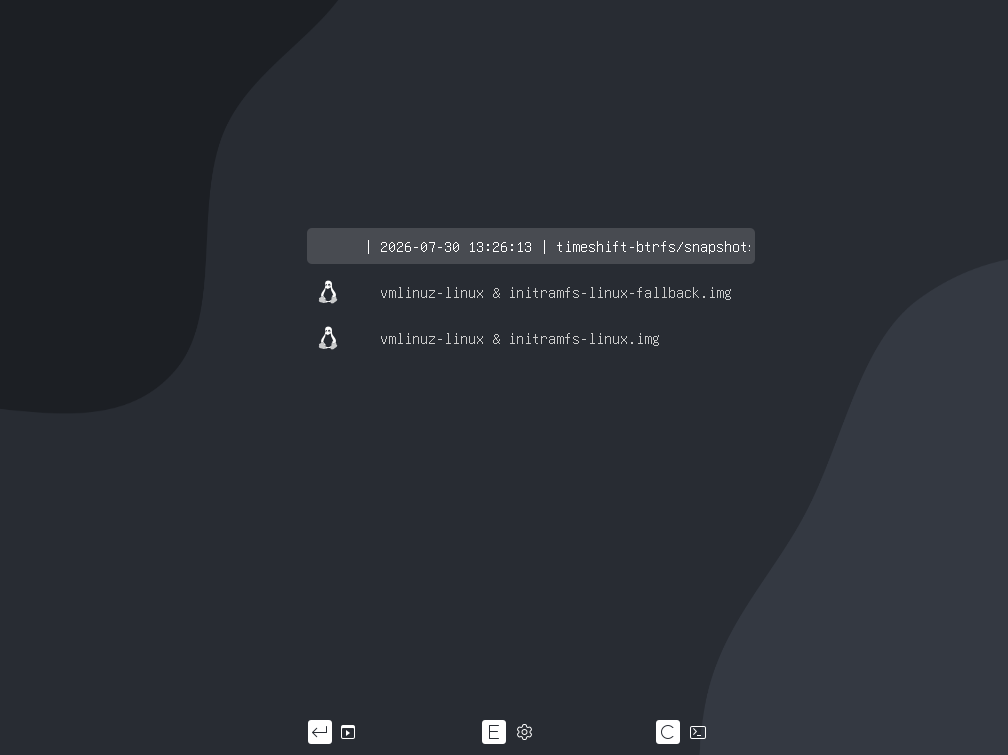
Boot Btrfs snapshots
GRUB now support booting btrfs snapshots. Once a snapshot is created (eg: timeshift), It'll be automatically added to grub bootmenu.
New Applications
This release introduces several new and improved utilities.
New
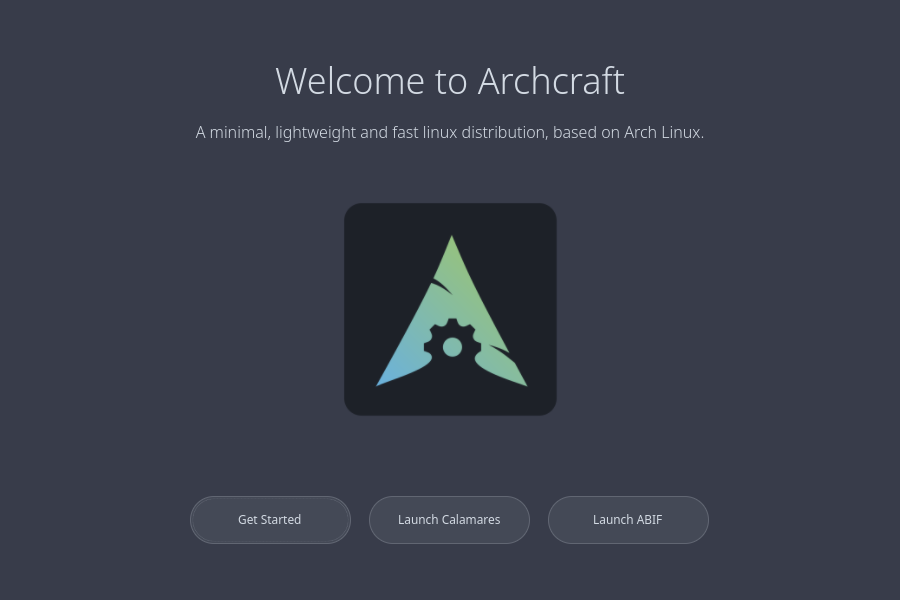
- GTK4 Welcome application
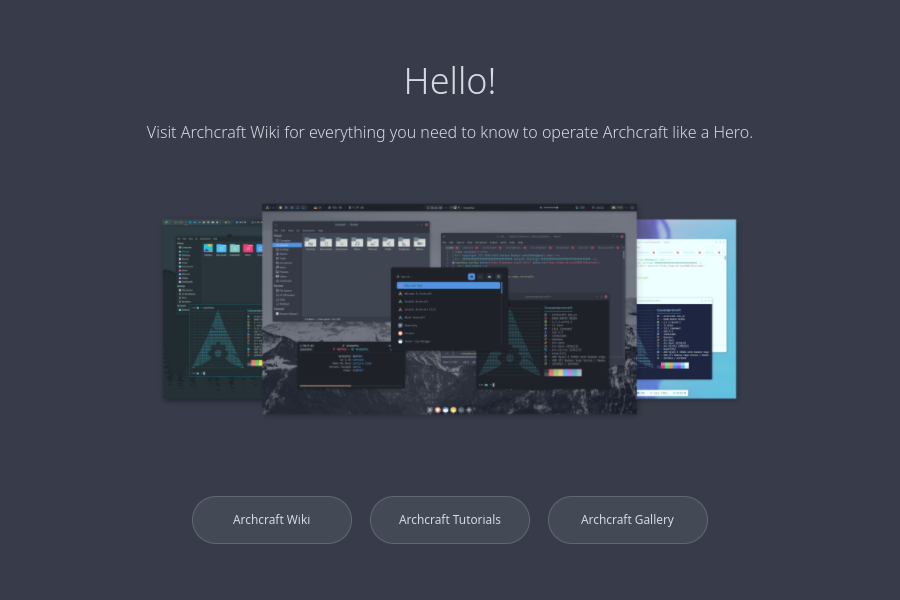
- GTK4 Help application
- Thunar Search integration
Updated
- Picom configurations for every X11 session
- New Archcraft packages
- Updated AUR packages
| Welcome | Help |
|---|---|
 |  |
System Improvements
Desktop
- Better GTK/GNOME application theming
- Firefox now follows the desktop theme correctly
- Client-side decorations disabled where appropriate
- Improved environment configuration
ISO
- Updated to archiso 88-1
- Updated SDDM configuration
- Removed problematic environment variables
VirtualBox
Running Archcraft inside VirtualBox is now considerably smoother.
Improvements include:
- Better Picom startup
- Stable compositor behavior
- Improved Sway startup
- Better overall graphics compatibility
Bug Fixes
Resolved numerous long-standing issues across the distribution.
Fixed
- Thunar thumbnails not generating
- xdg-desktop-portal issues preventing:
- File chooser dialogs
- Screen sharing
- OBS capture
- Browser integration
- Theme not reloading from the Monitor Manager
- Removed unnecessary pacman hooks
- Numerous small desktop bugs
Thank You
Thank you to everyone using Archcraft, reporting issues, suggesting improvements, and supporting the project.
Every release is built with the goal of keeping Archcraft lightweight, elegant and enjoyable while staying true to the Arch philosophy.
This release has been a true labor of love. Over the past month, I've spent countless hours—often 8–10 hours a day—building, testing, fixing, and refining every part of Archcraft. In my opinion, this is the best version of Archcraft released so far, and I hope you enjoy using it as much as I enjoyed creating it.
Archcraft is an independent project maintained by a single developer. If you appreciate the work that goes into keeping it alive and continuously improving it, please consider supporting the project. Your support helps cover development time, testing, infrastructure, and ensures Archcraft can continue to grow.
❤️ Support Archcraft ❤️
Enjoy the update!